Teams
Start a workspace
Get a team workspace running. One person runs the workspace hub, the first admin makes the workspace, and every engineer joins from their own Mac.
One person runs the workspace hub, once. The first admin makes the workspace and invites everyone. Each engineer joins from their own Mac. How teams work is what it’s like once you’re in.
What you need
Section titled “What you need”- Everyone: a Mac with Wheelhouse installed, Rex or Herdr, and Tailscale signed in on that Mac. Use a personal device, not a tagged one: Tailscale gives a tagged device no login.
- Whoever runs the workspace hub: a Linux box or VM on the tailnet with Docker (or systemd and a Rust toolchain), or an always-on Mac. It needs Tailscale with HTTPS turned on for the tailnet.
- The network: either everyone is on one tailnet, or the workspace’s
machine is shared into each teammate’s own tailnet (in Tailscale’s admin
console, the machine’s Share…). Either way, each person must be able to
open the workspace’s
https://….ts.netaddress.
Set it up
Section titled “Set it up”-
Run the workspace hub (one person, once).
From a checkout of the repo:
Terminal window docker build -f examples/workspace/Dockerfile -t wheelhouse-workspace .docker run -d --name wheelhouse-workspace --restart unless-stopped \--read-only --tmpfs /tmp:rw,noexec,nosuid,nodev,size=16m \--cap-drop ALL --security-opt no-new-privileges:true \-p 127.0.0.1:7700:7700 -v wheelhouse-workspace:/var/lib/wheelhouse-workspace \wheelhouse-workspacesudo tailscale serve --bg 7700docker logs wheelhouse-workspace # the setup code: whs1.…The image runs as uid 65532. Without Docker, use
examples/workspace/wheelhouse-workspace.service; its head has the steps.Terminal window wh up --workspacetailscale serve --bg 7700The setup code is in
~/Library/Logs/wheelhouse-workspace.log.The Terraform module runs the hub in a GCP project of its own, with no public address: A workspace hub on GCP.
tailscale serve statusshows the address, likehttps://ws.tail1234.ts.net. The workspace hub answers no request without a tailnet login, so opening that address in a browser shows a short JSON answer and nothing else. -
Make the workspace (the first admin, on their Mac).
Terminal window wh team create Acme --prefix ACME --url https://ws.tail1234.ts.net --setup whs1.…--prefixnumbers the shared dockets:ACME-1,ACME-2, and so on.- Your handle defaults to your user name, lowercased (
--handleto pick one). Teammates see it on everything you write. - Your Tailscale login comes from your Mac’s Tailscale. If Wheelhouse
can’t read it, pass
--login you@example.com. It must be the login the workspace sees, or the create is refused.
Make it right after the hub first starts: until then, anyone who can read the setup code can make it.
-
Invite each engineer.
Terminal window wh team invite sam # --admin to make them an admin; --hours 48 for longerIt prints a code (
whi1.…). Send it to Sam however you like. It works once, for 24 hours, and only assam. The code’s secret never reaches the workspace hub: it proves to every hub that Sam’s key is the one this invite admitted. -
Join (each engineer, on their own Mac).
With Wheelhouse running (
wh status):Terminal window wh team join whi1.…wh team # the workspace, connected, its membersIf the join says the login isn’t the one Tailscale sees, pass
--loginwith the login shown in Tailscale’s menu.Then run
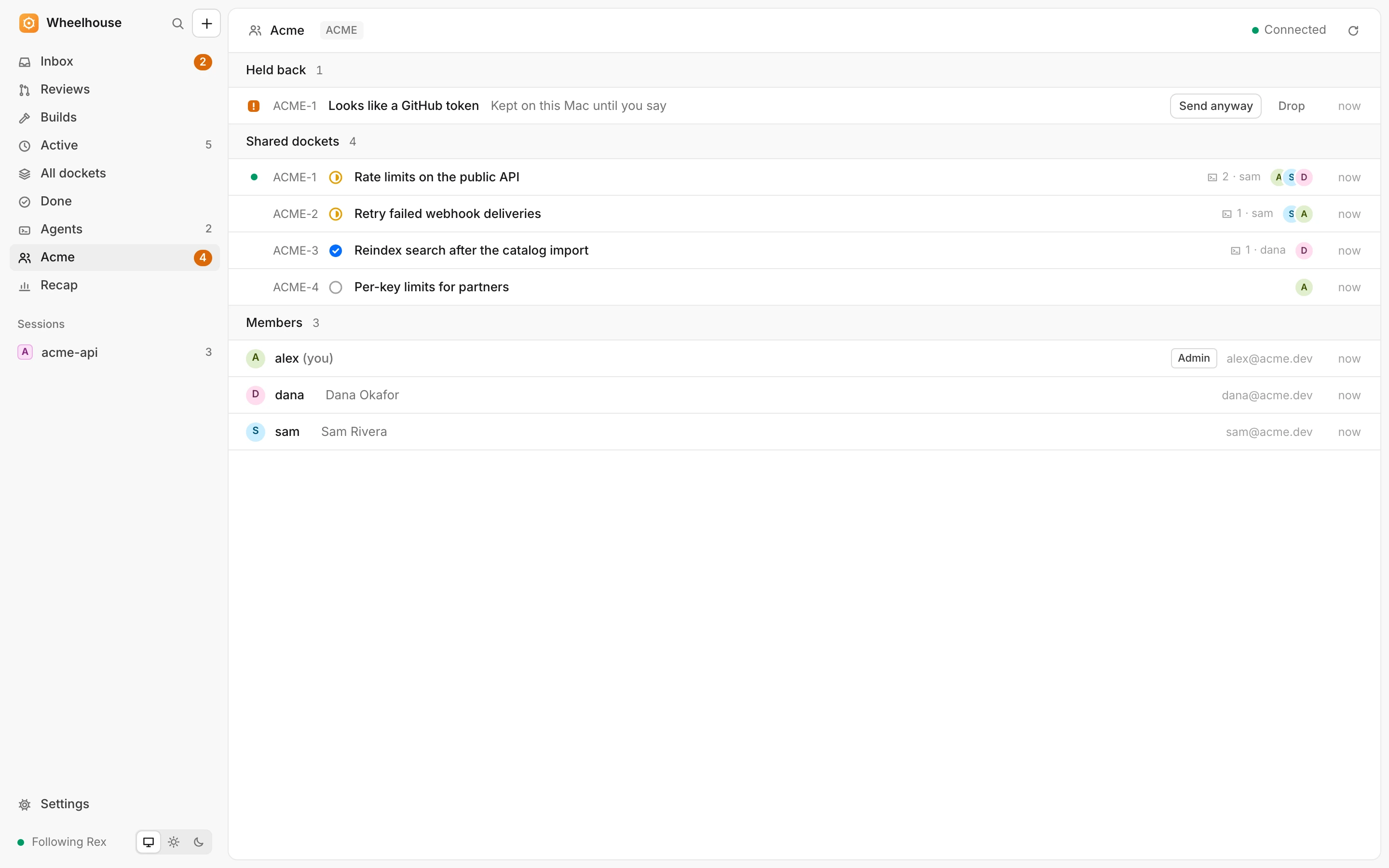
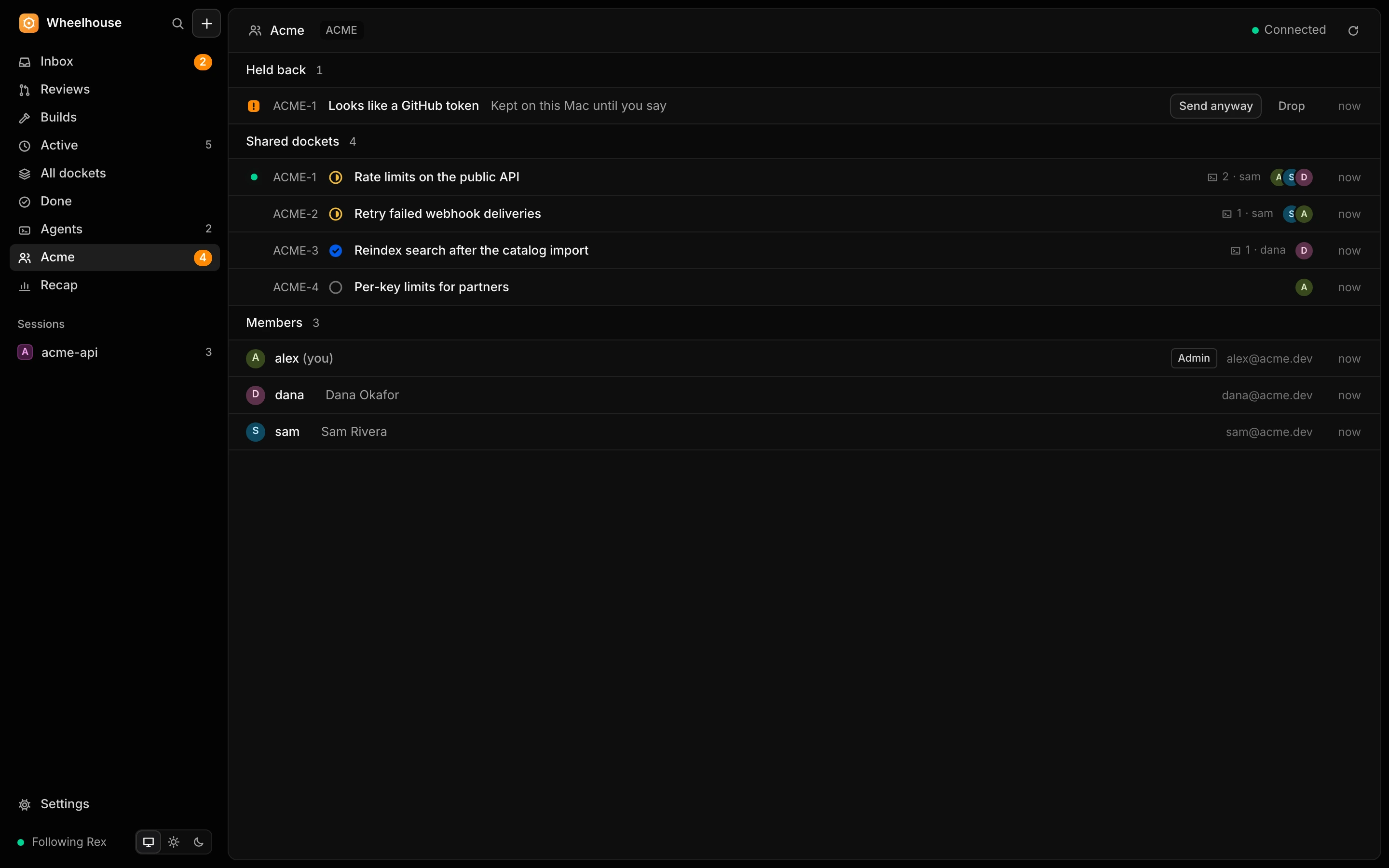
wh skill installagain, so your agents know about shared dockets and teammates’ messages. In the app, the workspace shows in the sidebar under its name, with its shared dockets and members. -
Work on something together.
Terminal window wh team share D-12 # one of yours → ACME-n (its history stays on your Mac)wh new --team "Rate limits" # or a new one, straight on the workspacewh team people ACME-1 sam --owner # add Sam as an owner (or leave off --owner)Start an agent on it from your Mac (
wh start --docket ACME-1, or Add an agent on its page), and so does your teammate from theirs. Each agent’swh brieflists the other’s.
Once you’re working
Section titled “Once you’re working”wh send --to @ACME-1 "…"from an agent reaches the teammate’s agents. The messages from a teammate’s agents wait in your Inbox until you choose: Deliver, Drop, or Let Sam’s agents through on that docket.- An agent’s question (
wh send --to me) reaches its own person and every owner. Whoever answers first, it stands. - Only owners change a shared docket’s intent and status.
When something’s off
Section titled “When something’s off”wh teamsays not connected: the workspace hub is down or unreachable. Your writes wait in the outbox and go when it’s back.wh team synctries now and says why not.- “the Tailscale login … isn’t yours”: you’re reaching the workspace as another tailnet user, or from a tagged device.
- “Not followed” on a shared docket: your hub refused something the
workspace hub served (a changed entry, a fork, a key no member issued).
Nothing was taken in. Tell the workspace’s admin, and keep the hub’s log
(
wh logs). wh verify ACME-1checks your copy against every member’s keys.