Concepts
Agents on a docket
How agents learn about Wheelhouse, what they do with wh from their panes, and how several agents share one docket.
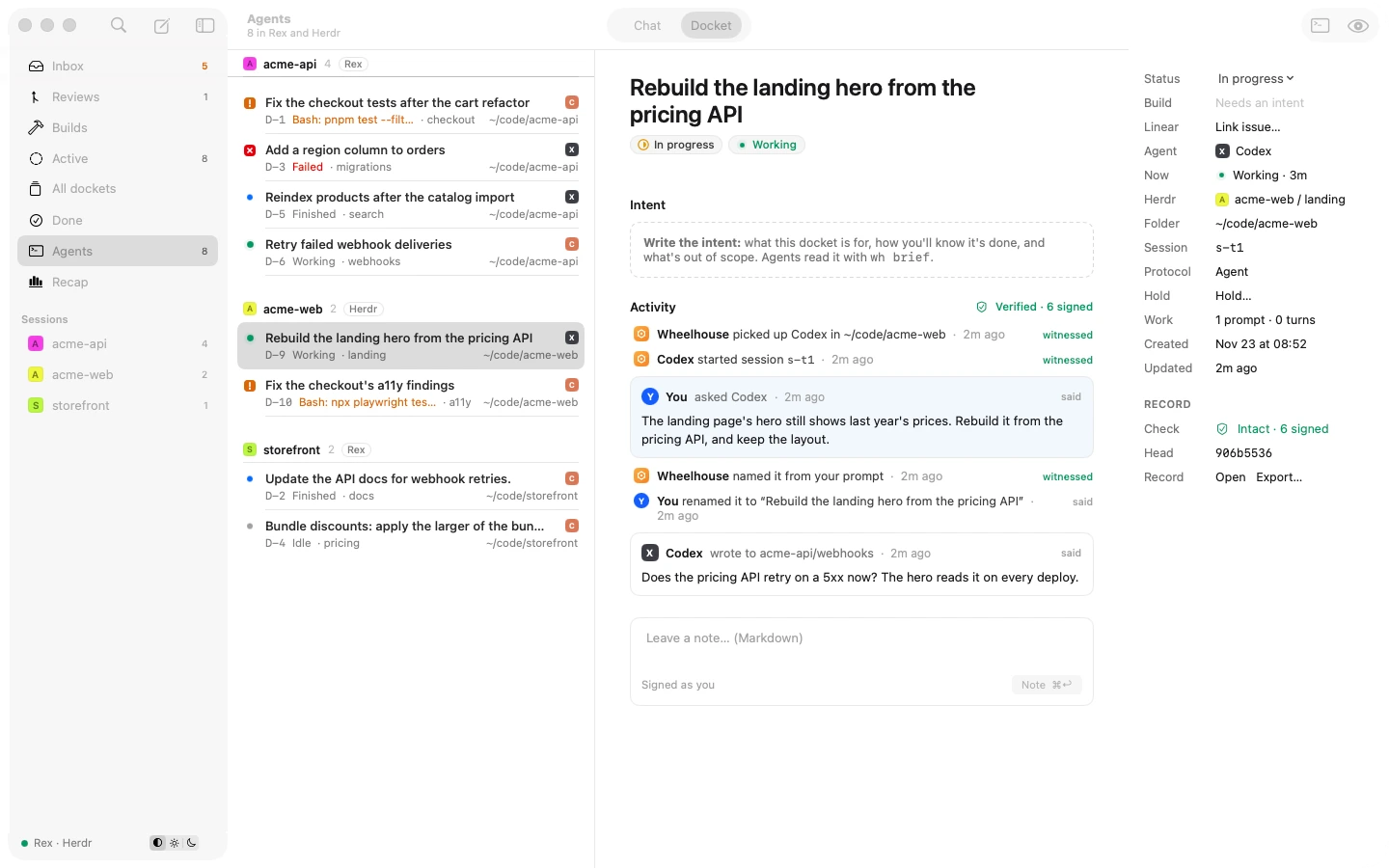
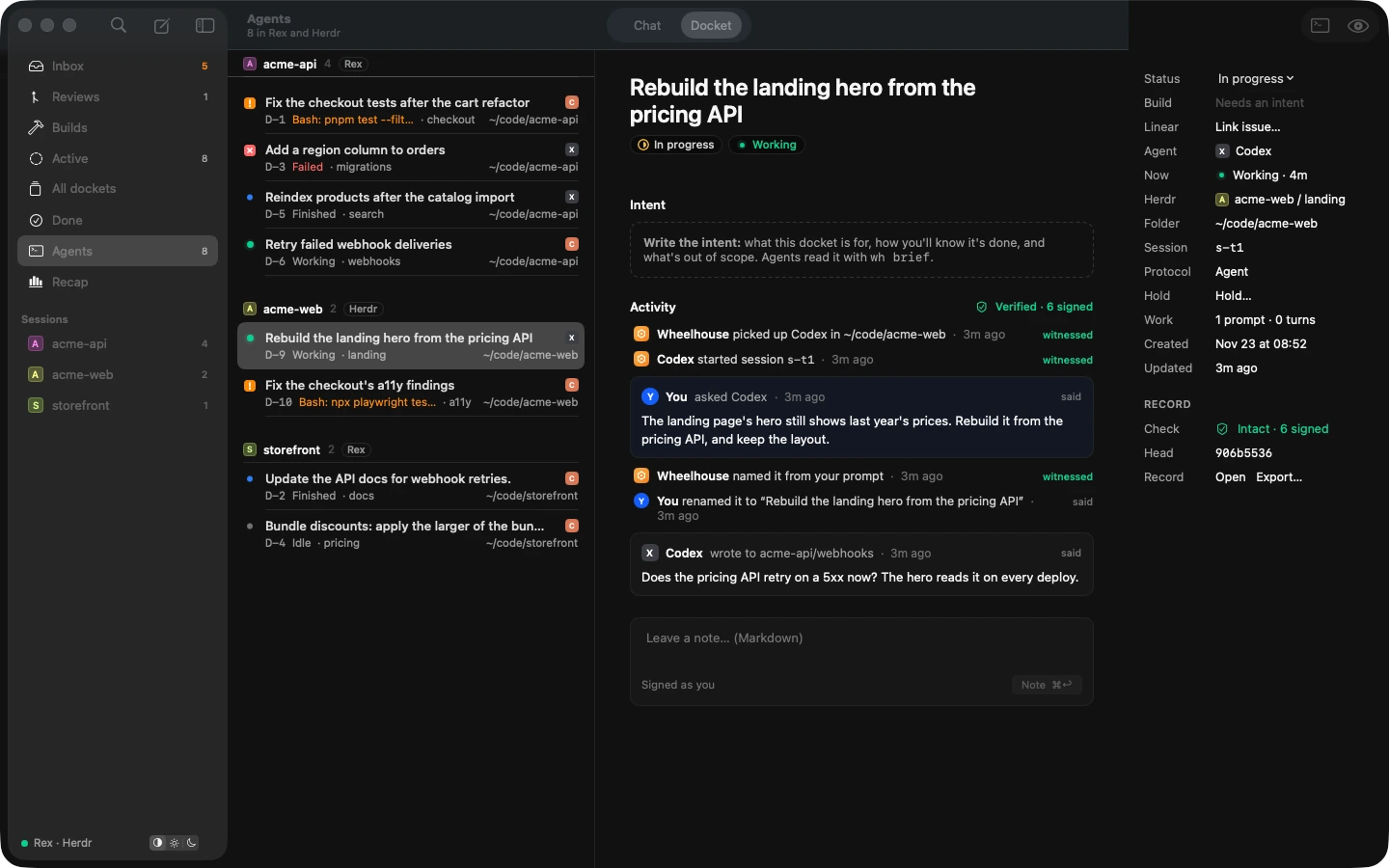
Every Claude Code, Codex, Antigravity or Pi agent in a Rex pane or a Herdr terminal is on a docket. You don’t have to tell it: the hub sees the agent start and opens one. Telling your agents about Wheelhouse lets them do more with it: read their brief, ask you things with buttons, keep files, and talk to each other.
Tell your agents
Section titled “Tell your agents”Two parts: a few lines in each agent’s global instructions, and the wheelhouse
skill they load when they need the details.
- Paste the block below into each of these files (create any that’s missing):
~/.claude/CLAUDE.md, for Claude Code~/.codex/AGENTS.md, for Codex~/.gemini/config/GEMINI.md, for Antigravity~/.pi/agent/AGENTS.md, for Pi
- Install the skill (
just setupalready did):wh skill install.wh skill showprints it, andwh skill removetakes it out.
## Wheelhouse
In a Rex pane or a Herdr terminal (REX_SESSION or HC_TERMINAL_ID is set),you're on a Wheelhouse docket, and `wh` reaches the user and other agents.Load the wheelhouse skill for how.
- Start with `wh brief`: your docket's intent, its Linear issue, and what  was said lately. Follow the intent; when the goal or scope really  changes, update it (`wh intent D-N - < intent.md`).- You need a decision and the user may be away, or they should know  something later: `wh send --to me`, with your recommendation first as an  `--option`, and what you'll do meanwhile.- You've built something running locally for the user to see or approve:  `wh share PORT`, never a localhost link (they may be on their phone).- You made something the user should be able to open later (a report, a  page, a design, a screenshot): `wh attach FILE|URL --title "…"`, so it  stays with the docket after `.tmp/` or a scratch folder is gone.- Your brief lists other agents on the docket: you share the work. Split  it with them; `wh send --to @D-N` reaches all of them.- A "[wheelhouse] Message #N" arrives: answer it with `wh reply N`, only  with substance.- You finish a task: end with a short summary of what changed, how it was  checked, and what's left. It goes on the docket's record as the turn.
The lines apply only inside a Rex pane or a Herdr terminal, so an agent started
anywhere else ignores them. With a shared ~/.agents/skills folder, the skill
goes there and is linked into each agent’s own skills folder. Without one, it
goes in ~/.claude/skills/wheelhouse; make ~/.agents/skills first to give
Codex and Antigravity the skill too.
What agents do with wh
Section titled “What agents do with wh”From its pane, wh knows which docket an agent is on.
| Command | What it does |
|---|---|
wh brief |
The docket’s intent, its Linear issue, the other agents on it, and what was said lately |
wh intent D-12 - < intent.md |
Update the intent when the goal or scope really changes |
wh note D-12 "…" |
Leave a note on the record, signed as the agent’s |
wh attach FILE|URL --title "…" |
Keep a file or a link with the docket, pinned by its hash |
wh send --to me "…" --option A --option B |
Ask you something, with the answers as buttons |
wh send --to reviewer "…" |
Message another agent, by its pane’s name or address |
wh reply N "…", wh reply N --choice "…" |
Answer message N, in words or with one of its options |
wh inbox, wh read N, wh wait --thread N |
Messages not read yet; one message; wait for a reply |
wh name planner, wh whoami |
Name the pane so others can reach it; where it is |
wh share 5173 --ask "…" |
Show you an app it serves, on your tailnet, with a question |
wh join D-12, wh leave |
Join a docket beside the agents there; leave it |
Asking you
Section titled “Asking you”An agent that needs a decision sends it to you with its recommendation first, and says what it’ll do meanwhile:
wh send --to me --subject "Migration order" \ --option "Users first" --option "Together" \ "Users first keeps the API up; together needs a short freeze. I'd do users first; building that meanwhile."It lands in your Inbox and as a notification, with the options as buttons. Your
answer goes into the agent’s pane between its turns, as
[wheelhouse] Message #N, with Chose: and the option you picked. The agent
keeps working on its recommendation while it waits.
Showing you an app
Section titled “Showing you an app”An agent that runs something for you to look at (a dev server, a local stack) shares it instead of sending a localhost link you can’t open from your phone:
wh share 5173 --title "Checkout form" --ask "Does the new error state read right?" \ --option "Looks right" --option "Needs work"It gets its own address on your tailnet that answers only you. It comes down when you answer, the agent’s pane closes, or the app stops answering. Live reload over websockets doesn’t pass through yet: reload by hand.
Agents talking to each other
Section titled “Agents talking to each other”wh send --to ADDR messages another agent, in Rex or Herdr. A message waits
until the receiving agent is between turns, then goes into its pane. Addresses
are a pane’s name (reviewer), session/pane (api/builder), a pane id, or
@D-12 for every agent on a docket but the sender. See
Rex and Herdr for the full form.
Several agents on one docket
Section titled “Several agents on one docket”A docket can have any number of agents, in Rex and Herdr at once. Each has its own place on the record, and the apps say which one did what and which one is asking.
- Add one:
wh start --docket D-12 "Write the tests", Add an agent… on the docket’s page,/task write the testsin its composer, orwh join D-12 --role testsfrom an agent’s own pane. - Instruct them:
@tests check the retry jitterin the docket’s composer goes to that agent as a prompt, by its pane’s name, its role or its app.@allgoes to every agent on it. What you send while one works waits for its turn to end. - Ask them, or decide for them:
/ask Which store? | Postgres | SQLiteputs a question to all of them, with the options as buttons./decide Store: Postgresrecords your decision and tells them; it stands in each of their briefs. - Share the work: each agent’s brief lists the others.
wh send --to @D-12reaches all of them. - Leave:
wh leave, or close the pane. The others keep the docket. It’s released when its last agent leaves.
Approving a prompt, Open, the screen and sending all act on one agent’s
pane. Without one picked, they act on the docket’s lead: the agent that needs
you most. Every join and leave is on the record. Review’s and Build’s dockets
refuse wh join: their panes are the protocol’s.