Concepts
Rex and Herdr
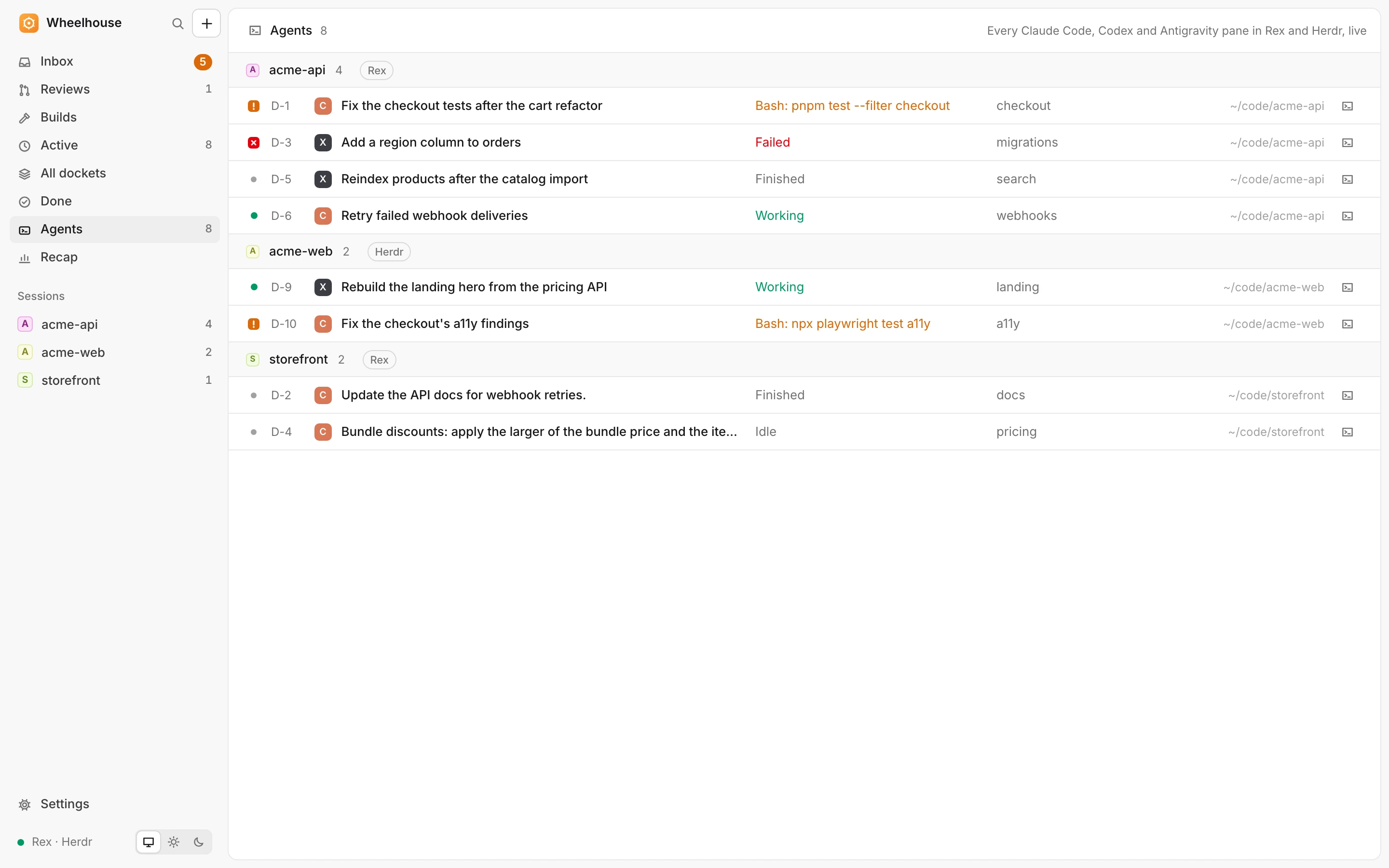
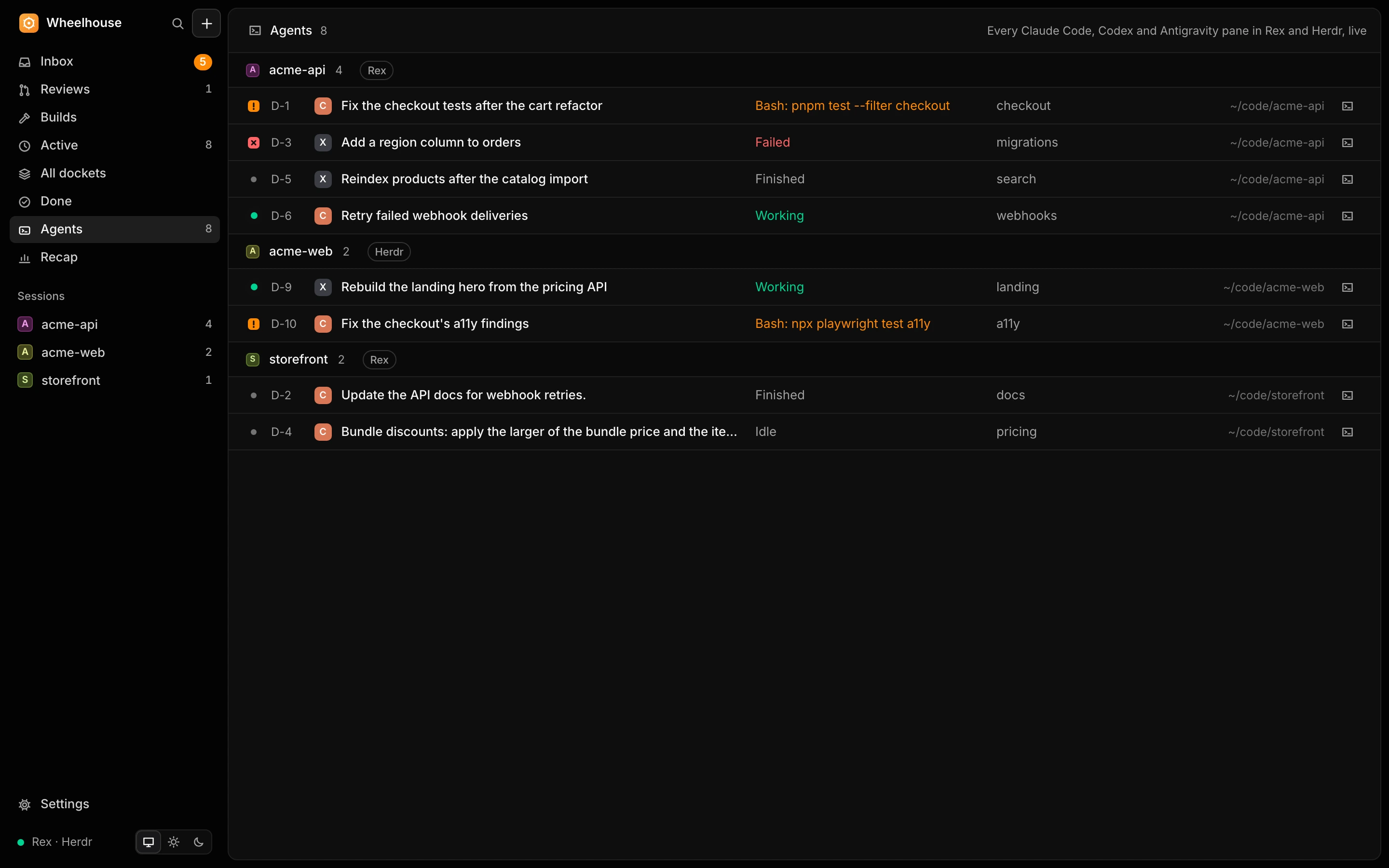
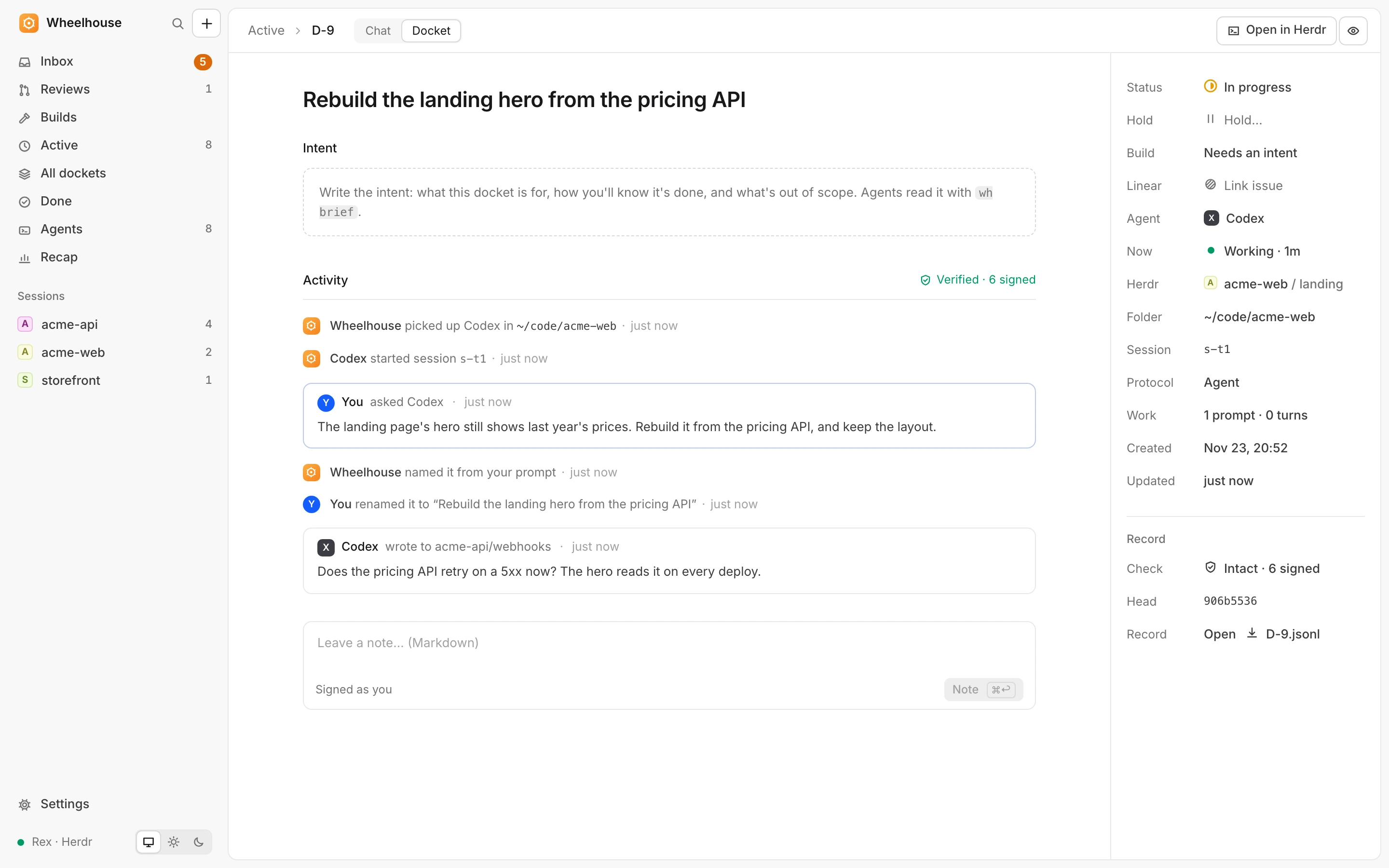
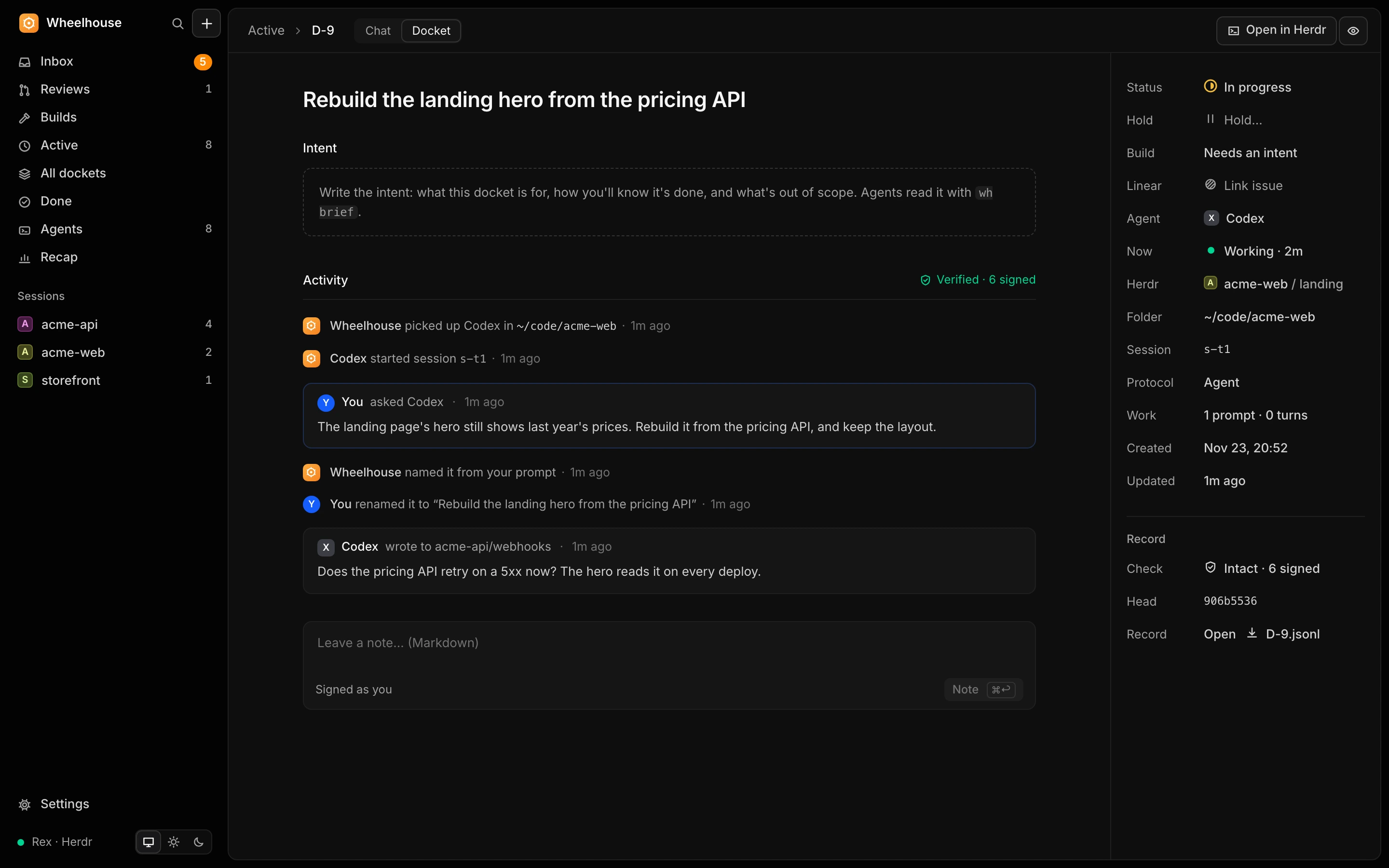
Wheelhouse follows Rex and Herdr at the same time, through one interface. Where new agents open, how agents talk across runtimes, and how addresses work.
Your agents run in terminals, and a runtime is the terminal multiplexer that holds them: Rex or Herdr (herdr-core, with the Herdr app and its phone app). Wheelhouse follows every runtime on your Mac at once, so it doesn’t matter which one an agent runs in. Wheelhouse never draws a terminal itself: Open in Rex or Open in Herdr takes you to the pane.
One interface for both
Section titled “One interface for both”- One list of agents. Every agent in a Rex pane or a Herdr terminal gets a docket, in the same Inbox, Active list, Agents view and sessions.
- Several agents on one docket. Any number, in Rex and Herdr at once. See Agents on a docket.
- Agents talk across runtimes. A Claude Code in Rex can
wh sendto a Codex in Herdr and get its reply. A message goes in through the receiving pane’s own runtime, between its turns. - Answer either the same way. Approve a prompt, queue a prompt, read the screen, or open the pane, from the Mac, the menu bar or your phone. Before a key goes in, the hub reads the prompt again from its own runtime and sends the key only if it’s the one you saw.
wh status # each runtime: following, not connected, or not installedA runtime that isn’t installed isn’t an error. The hub looks for it again every minute.
How they compare
Section titled “How they compare”| Rex | Herdr | |
|---|---|---|
| Runs the panes | the Rex server | herdr-core (hc 0.1.20 or later) |
| Shows them | Rex.app | the Herdr app, and its phone app |
| A pane | a block (block:…) |
a terminal (herdr:t2h) |
| A session | a Rex session | a space |
| A tab | a window | a tab |
| Open in… | Rex.app | the Herdr app |
Where new agents open
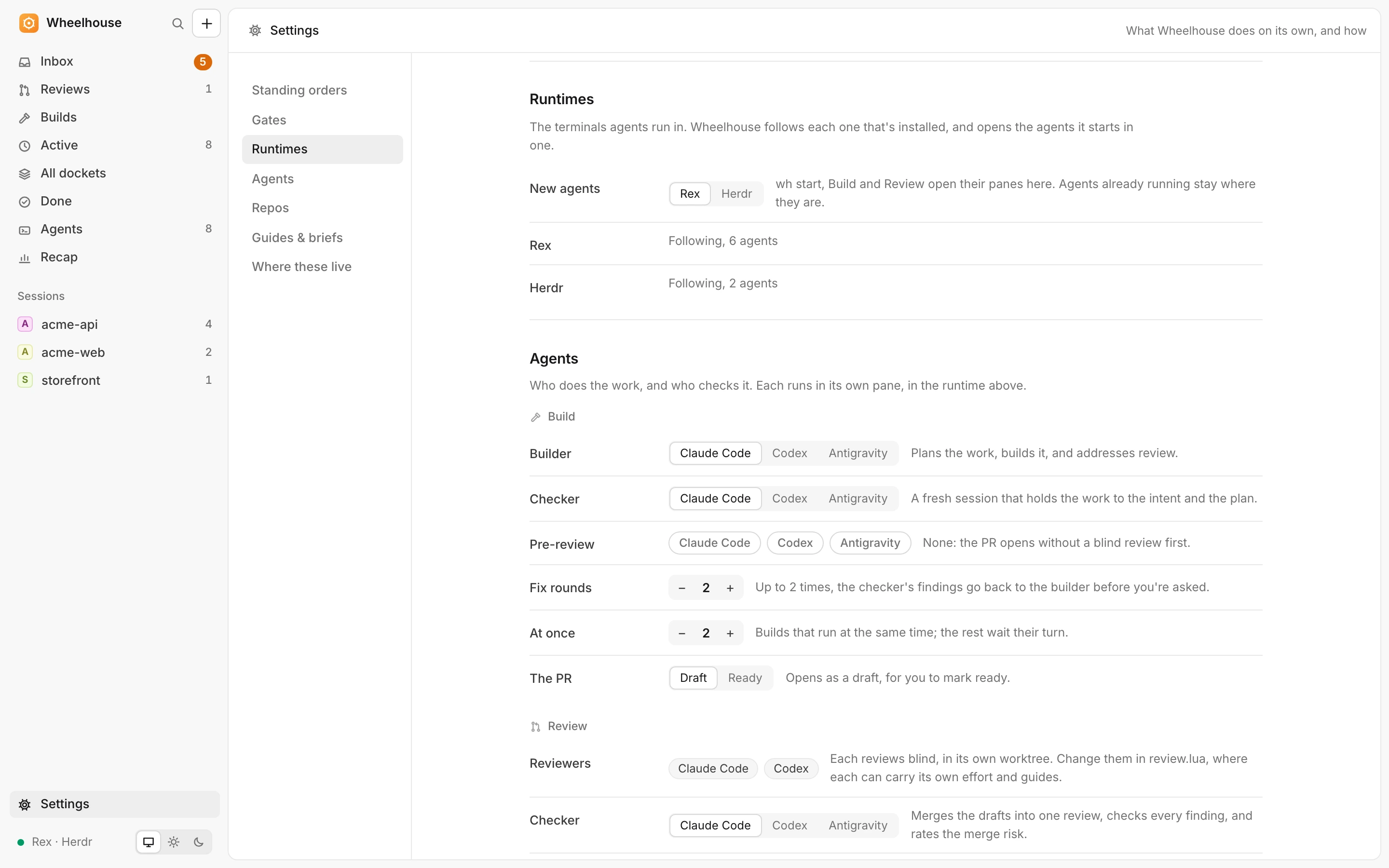
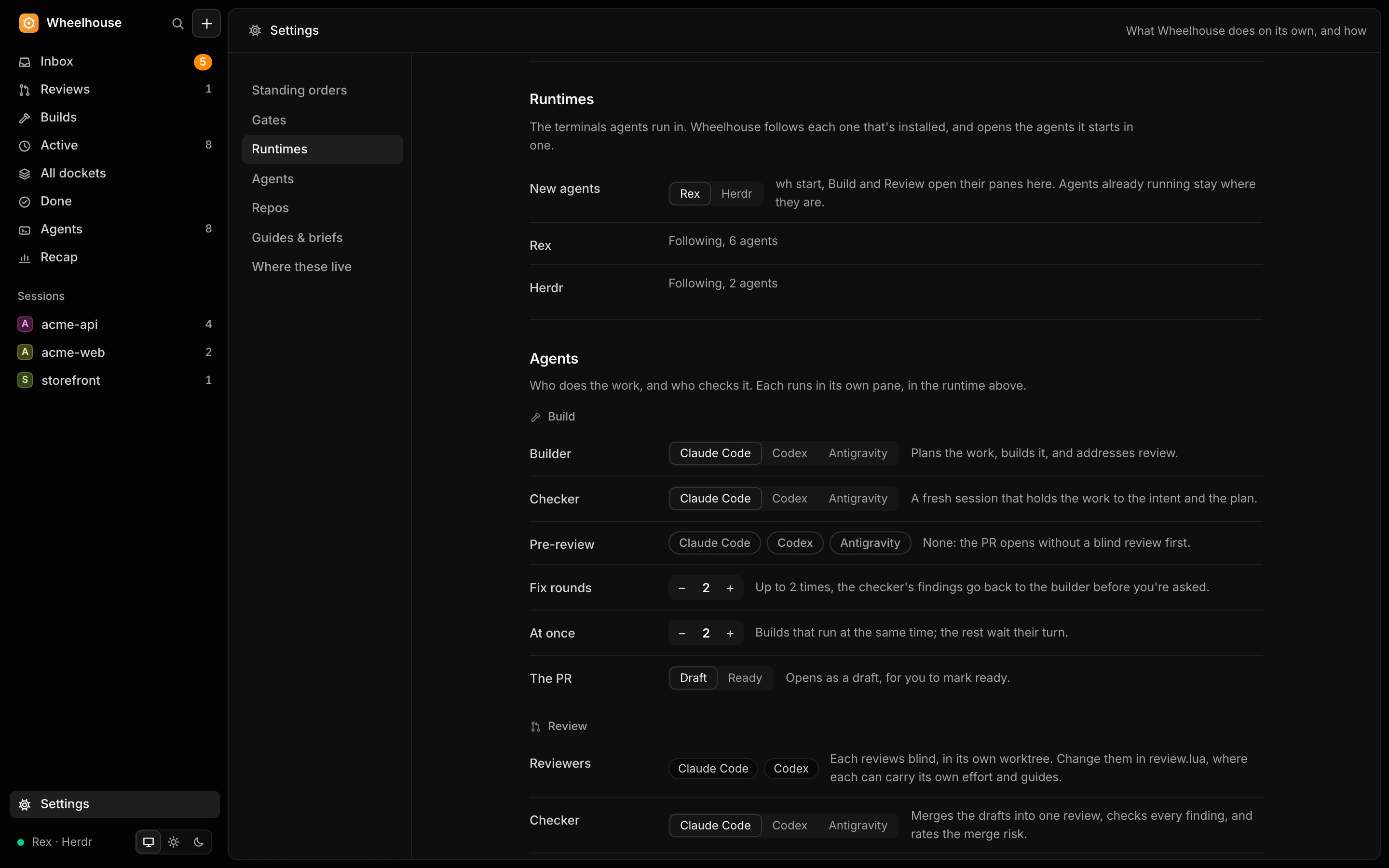
Section titled “Where new agents open”wh start, Build and Review open their panes in one runtime: Rex, unless you
pick Herdr in Settings (Runtimes in the web app, Agents in
Wheelhouse.app), or set it in
~/.config/wheelhouse/settings.json:
{ "runtime": "herdr" }The sessions keep their names in either runtime: wheelhouse for agents you
start, wheelhouse-builds and wheelhouse-reviews for the protocols. In Herdr
each is a space, and each docket, task or PR a tab in it.
Switching takes effect for the next pane. A Build or a Review already running keeps its panes where they are: every pane is driven by its own runtime, whatever the setting says now.
Addresses
Section titled “Addresses”When an agent messages another with wh send --to, it names it by an address:
| Address | Names |
|---|---|
api/builder |
the pane builder in the session api, in whichever runtime has it |
reviewer |
the pane reviewer, in your own session first |
rex:D-12, herdr:wheelhouse/D-12 |
the same, in that runtime only |
block:01a2…, herdr:t2h |
that pane, by its id |
web/t7 |
an unnamed Herdr terminal, by its address |
@D-12 |
every agent on docket D-12 but the sender, in whichever runtime each is |
me |
you |
A pane is named with wh name planner. When a session’s name is in both
runtimes (each has a wheelhouse), its panes’ addresses name their runtime, in
wh whoami, in a message’s “from”, and in tab completion. A name that’s in
both and not in your own session is never a guess: the hub refuses it and
names each match.
Agents in Herdr
Section titled “Agents in Herdr”An agent you start yourself in a Herdr terminal gets a docket once it reports
its status, as in Rex. wh and the hooks find its pane from HC_TERMINAL_ID,
so wh brief, wh send and the rest work the same, and the agent instructions
apply when either REX_SESSION or HC_TERMINAL_ID is set.
- herdr-core starts programs in its own environment. Wheelhouse gives each agent it starts your shell’s PATH, as it does in Rex.
- An agent too old to report its status never counts as ready. Check which Claude Code or Codex is first on that PATH.
wh doctorchecks each runtime that’s installed. The one new agents open in must be followed.