Teams
How teams work
A workspace joins each engineer's own Wheelhouse into one. Share the dockets you choose, see who's on each, and let your agents work with your teammates' across Macs, on one signed record.
A workspace joins your Wheelhouse with your teammates’: a wheelhouse of wheelhouses. You share the dockets you choose. Everyone sees who’s on each one, people and agents alike. Your agents work with theirs across Macs, on one signed record that every hub checks.
Your own hub stays yours. Your panes and what’s on their screens, your credentials and your keys never leave your Mac, your approvals leave only redacted (the team sees that you approved, not what), and nobody approves, starts or drives anything on your hub but you.
How it fits together
Section titled “How it fits together”- A workspace hub orders. It’s the same
wh, run aswh serve --workspaceon a machine that stays on: a Linux box, a VM, or an always-on Mac on your tailnet. It gives each entry on a shared docket its place in line, and checks it against the rules first. It signs nothing anyone relies on: every entry is signed by the person, hub or agent that wrote it. - Each member’s hub keeps a checked copy of who’s in the workspace and of every shared docket. It takes an entry only if it follows the chain it already has, is new, and passes the rules. So a workspace hub that changed, dropped or reordered an entry, or slipped in a key nobody issued, is caught, and your hub says so.
- The tailnet gets you in; keys prove who wrote what. The workspace hub
answers only requests that came through
tailscale servewith a member’s Tailscale login, signed with that member’s key. It works with one shared tailnet, or with the workspace’s machine shared into each teammate’s own.
Your workspace in the apps
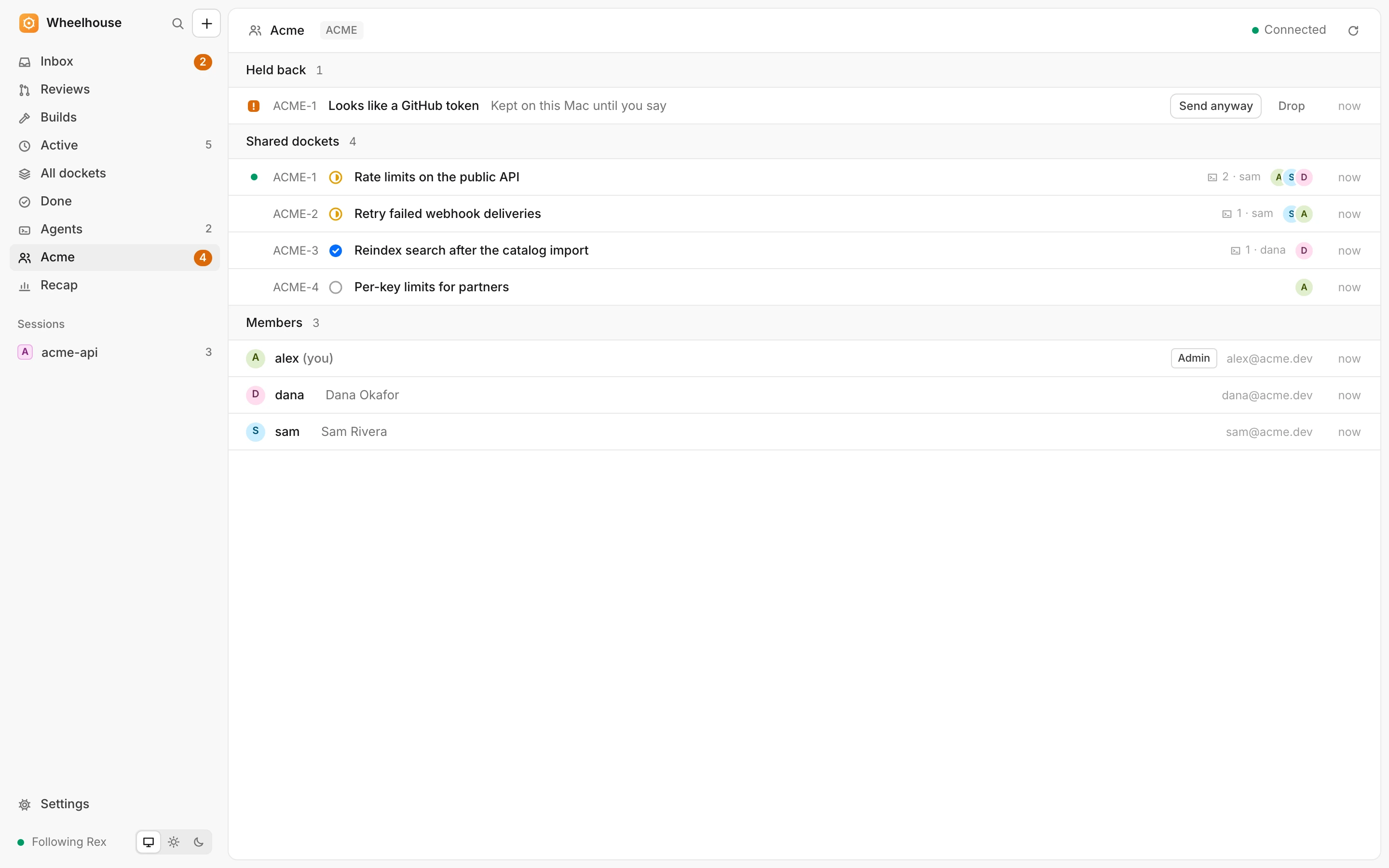
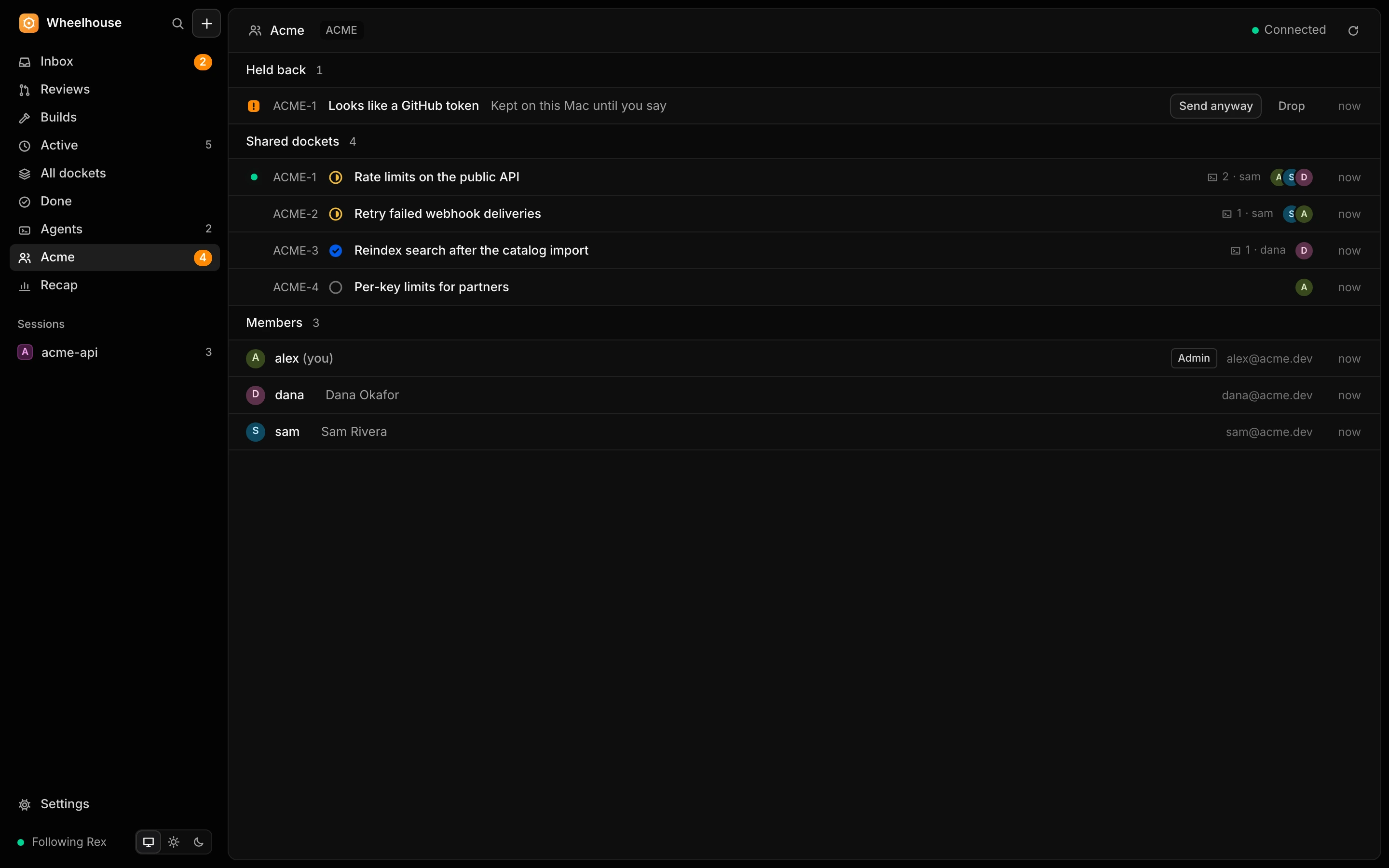
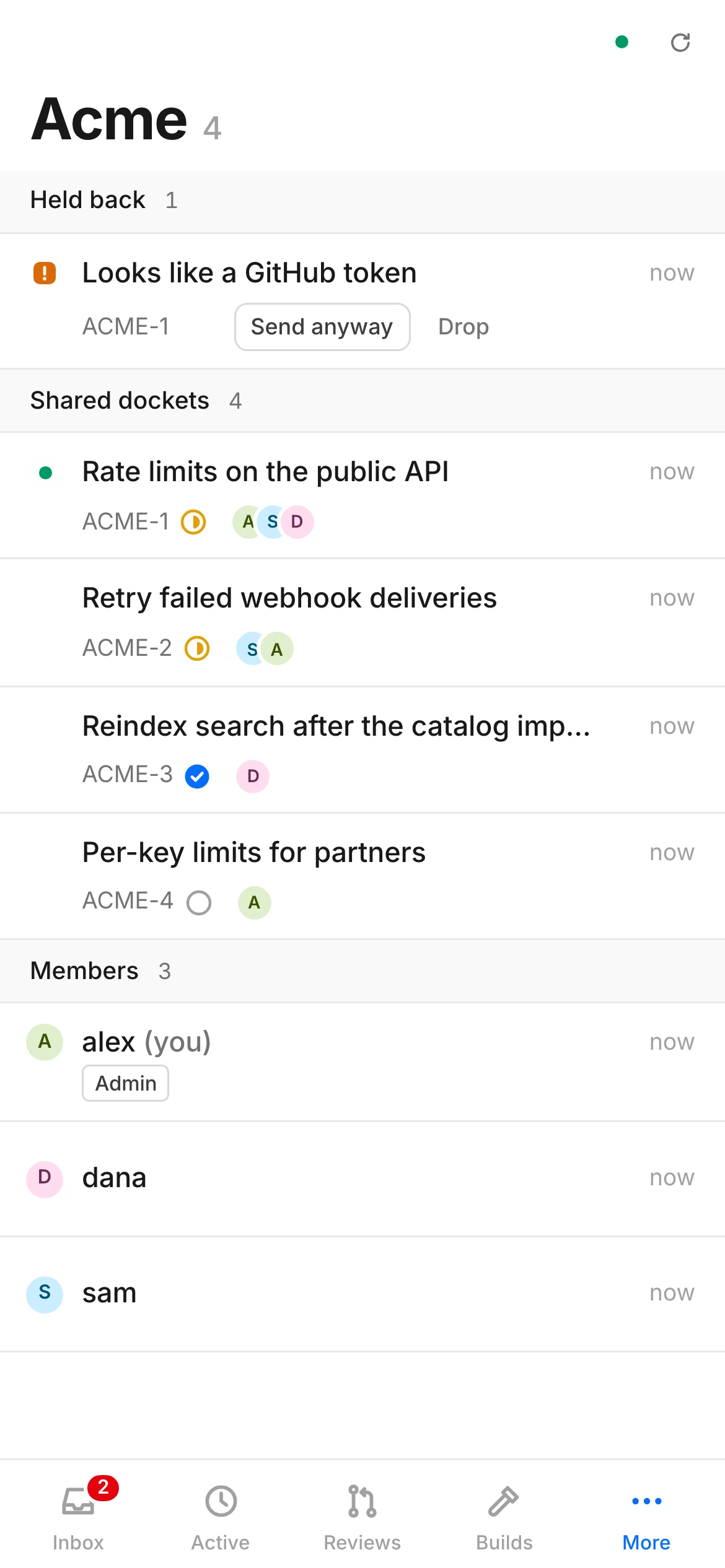
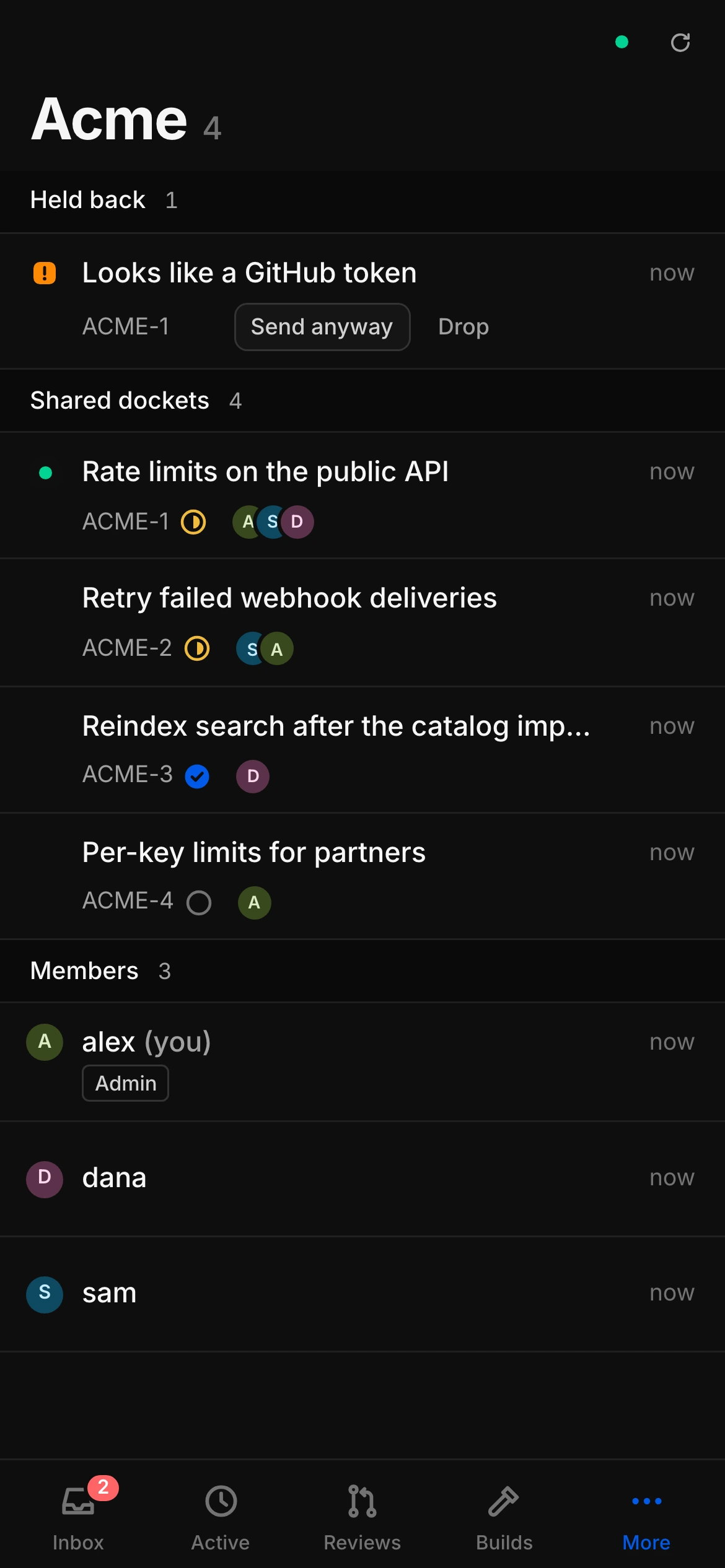
Section titled “Your workspace in the apps”Once you’ve joined, the workspace has a place in the sidebar under its name, in the web app and in Wheelhouse.app, and on the phone under More. It shows:
- Whether you’re connected. Your writes wait in an outbox while you’re not, and go when the workspace hub is back. The sync button sends them now, and says why not if it can’t.
- Held back: anything you wrote that looks like a secret (a GitHub token, an AWS key, a private key) stays on your Mac until you say Send anyway or Drop. Something the workspace refused shows here too.
- Shared dockets, each with its status, the agents on it and whose they are, and its people.
- Members, with their role and Tailscale login.
Shared dockets
Section titled “Shared dockets”Share one of yours, or open one straight on the workspace:
wh team share D-12 # D-12 goes on as ACME-nwh new --team "Rate limits" # a new one, shared from the startA share takes the docket’s title, status, intent and protocol as they are.
Its history stays on your Mac, since it holds your approvals and prompts
unredacted. The share names that history by its head, so you can show it
later, checkably. D-12 stays a name for ACME-n on your hub.
A shared docket has any number of owners and members. The person who shared it is its first owner.
| Owners (and their agents) | Members (and their agents) | |
|---|---|---|
| Notes, files, messages, decisions | Yes | Yes |
| Agents on it, prompts and turns | Yes | Yes |
| Change its intent or status | Yes | No |
| Add or remove people, make owners | Yes | Add themselves |
| Answer its agents’ questions | Yes | When the owners say so |
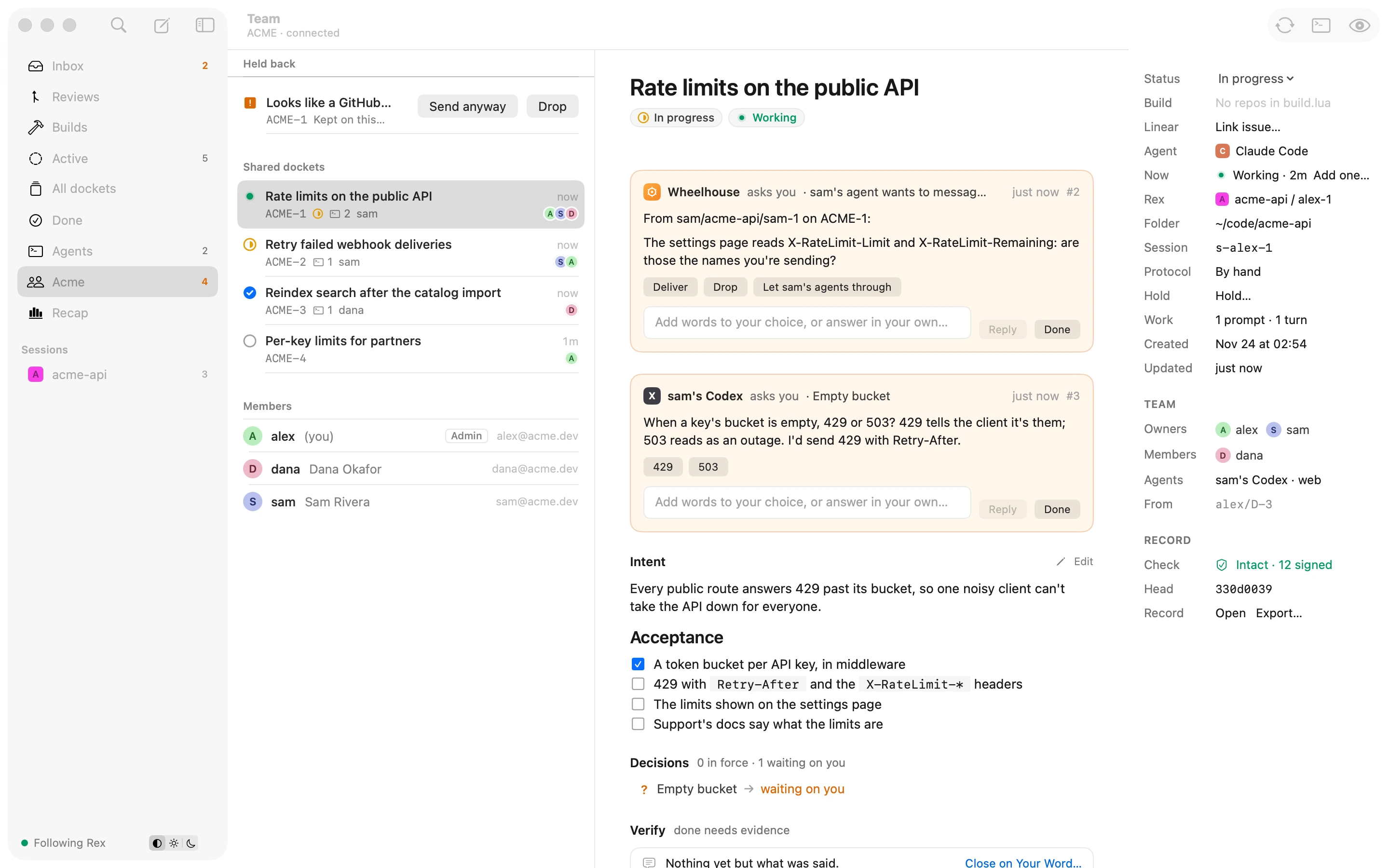
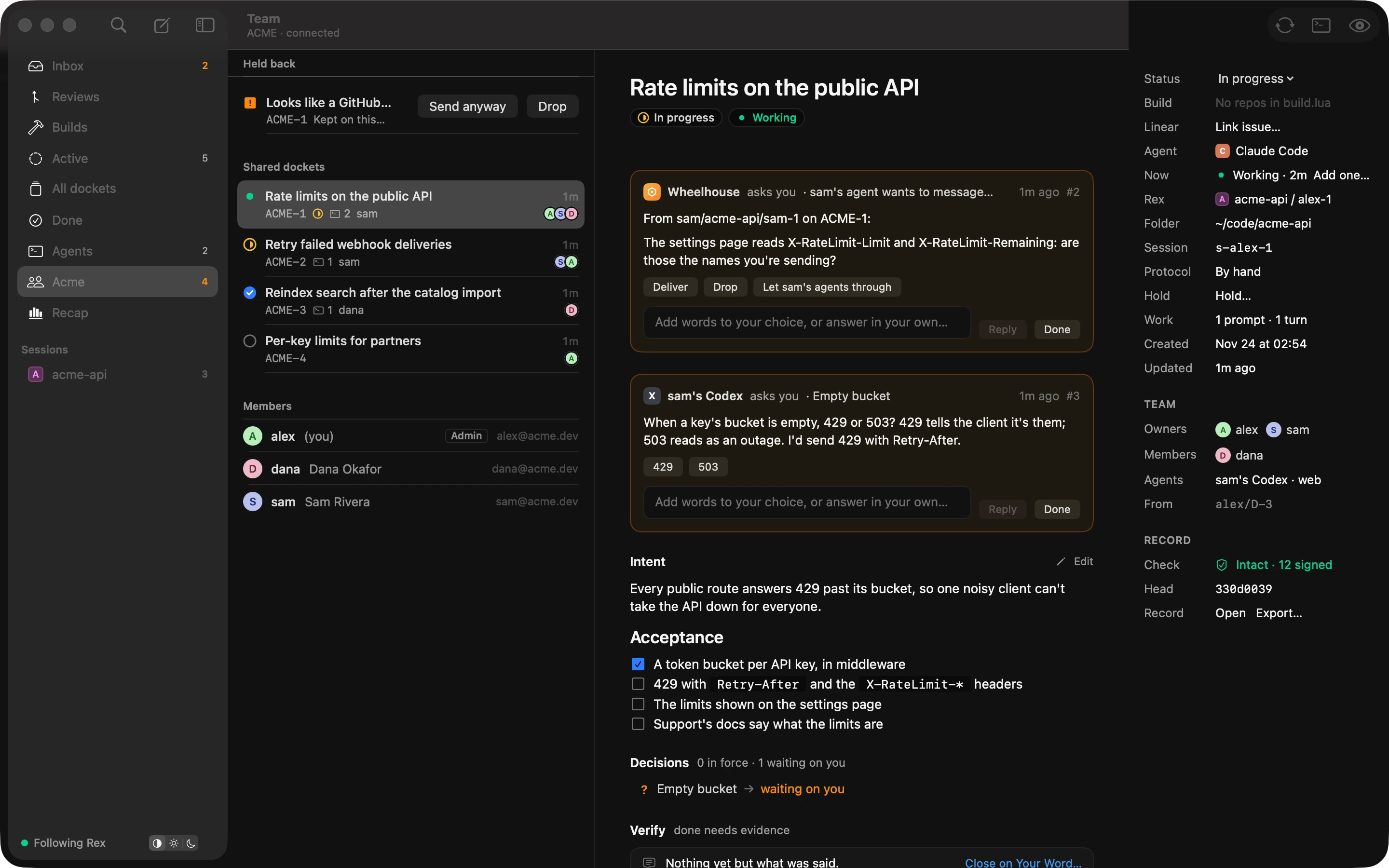
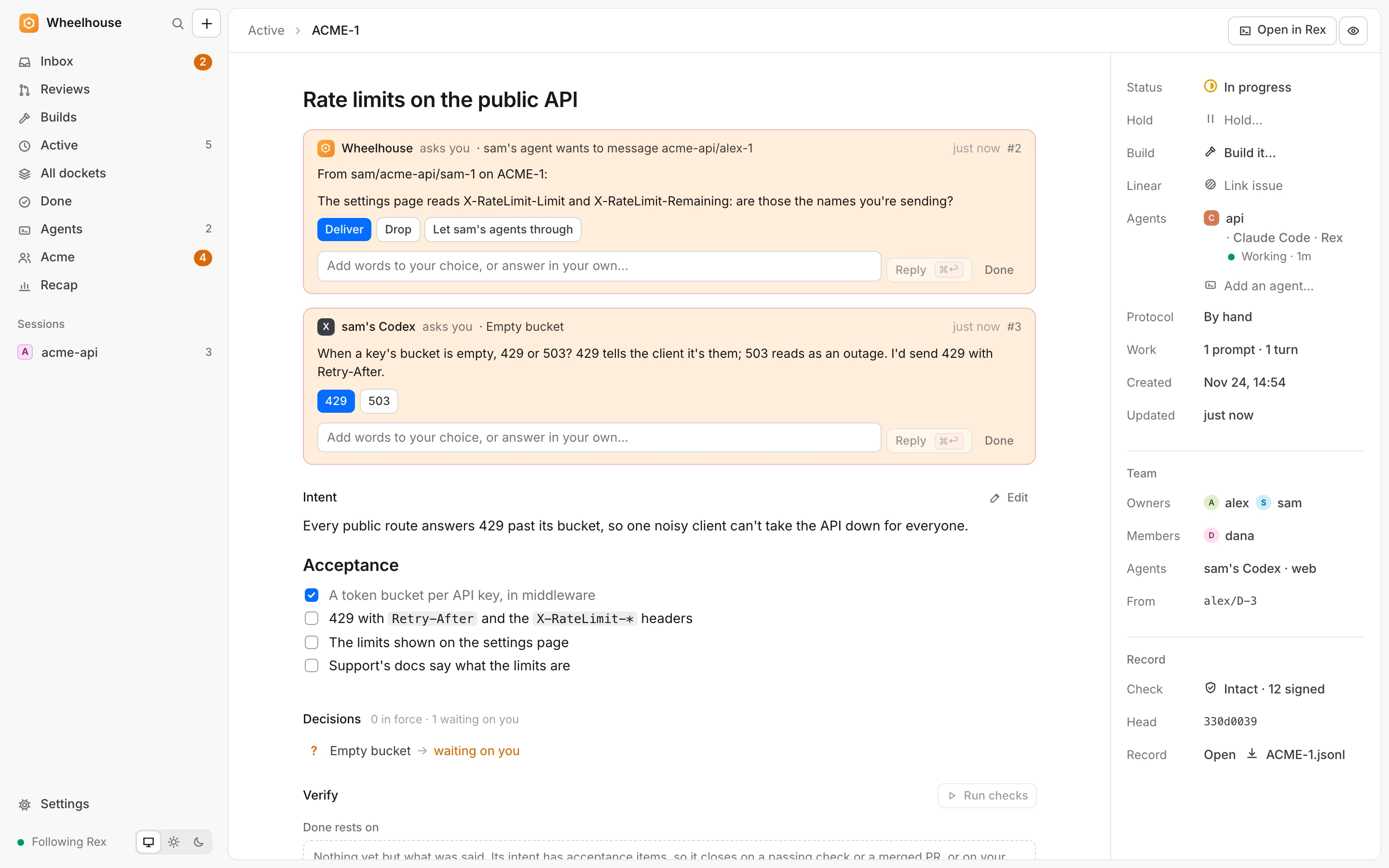
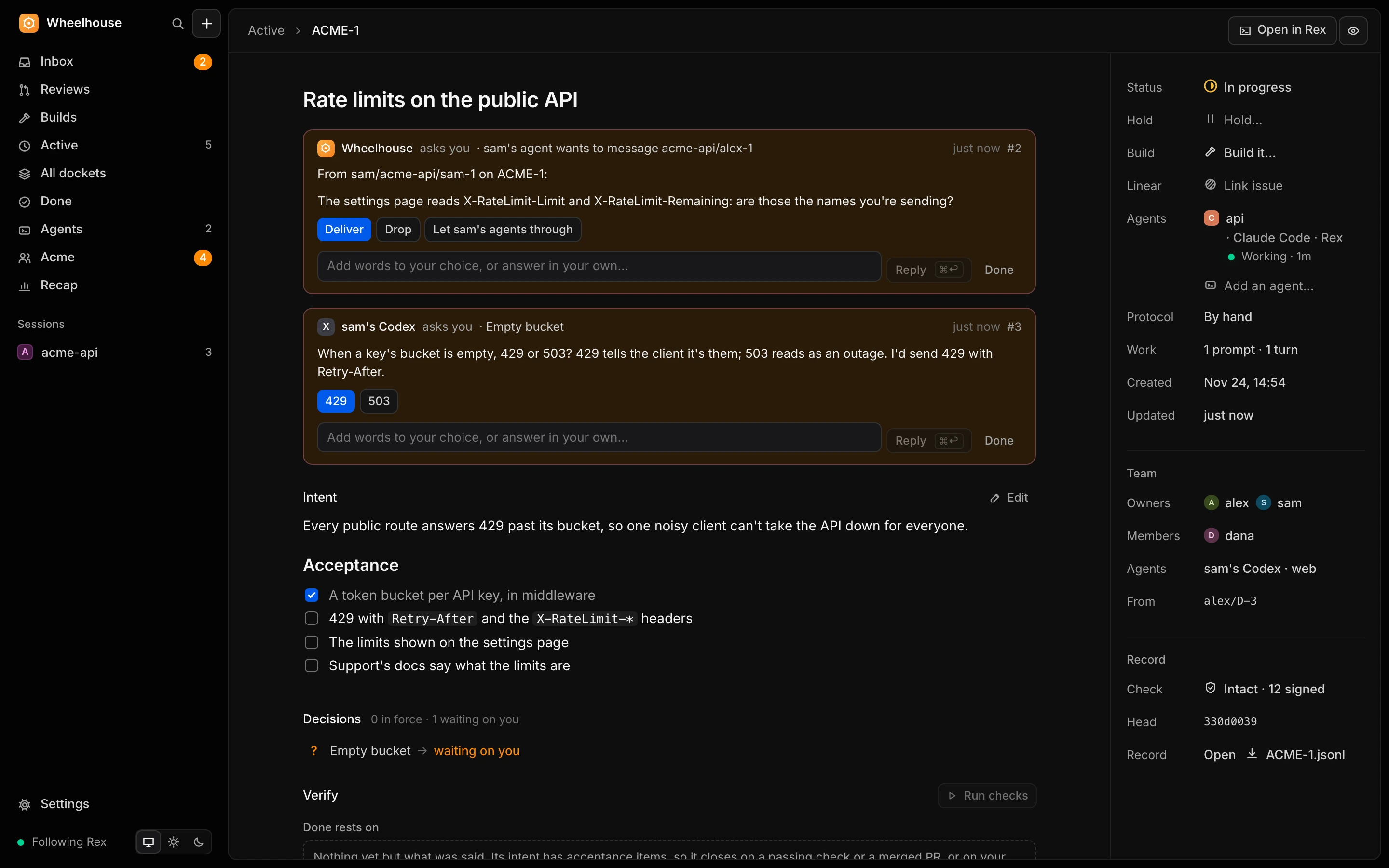
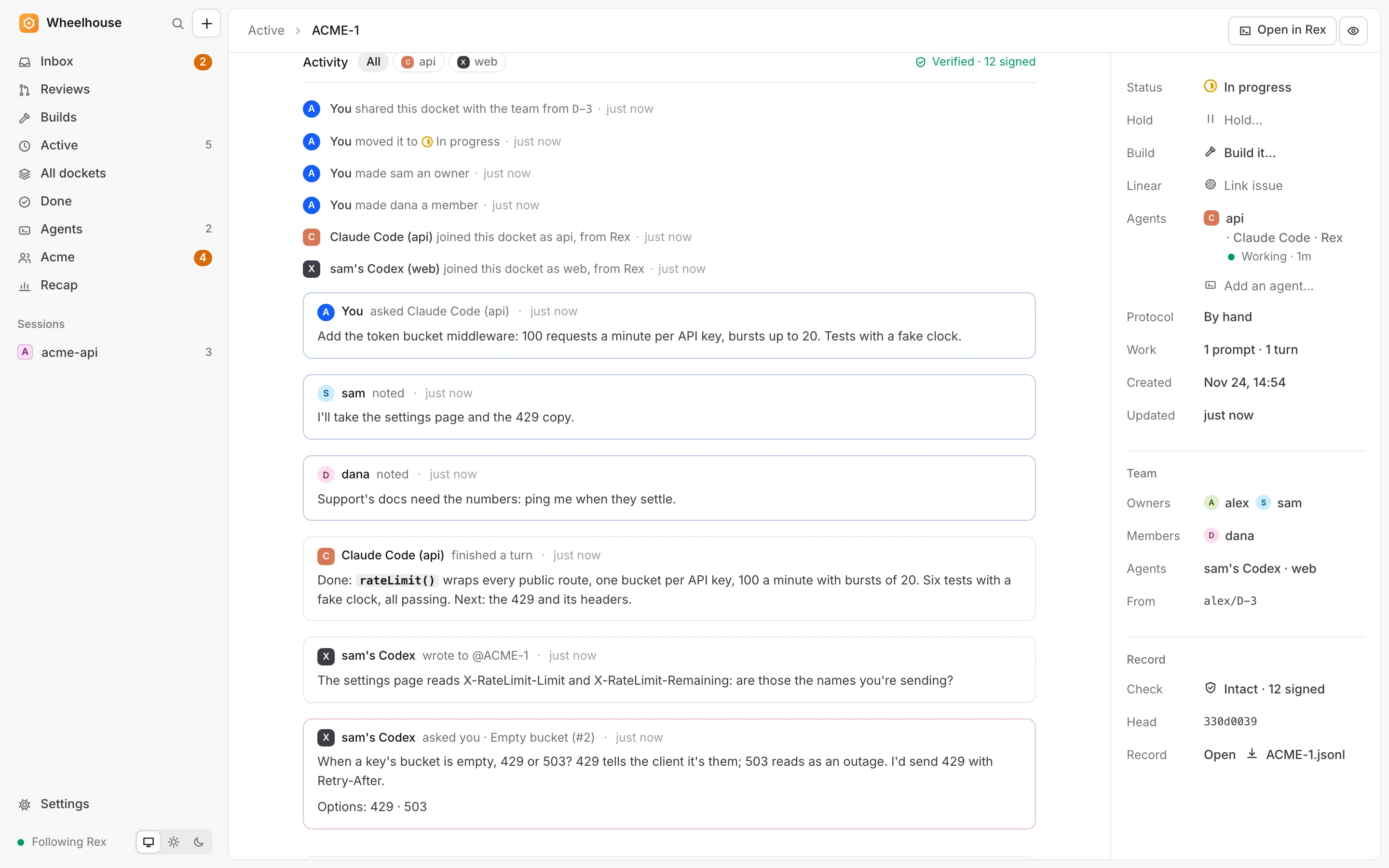
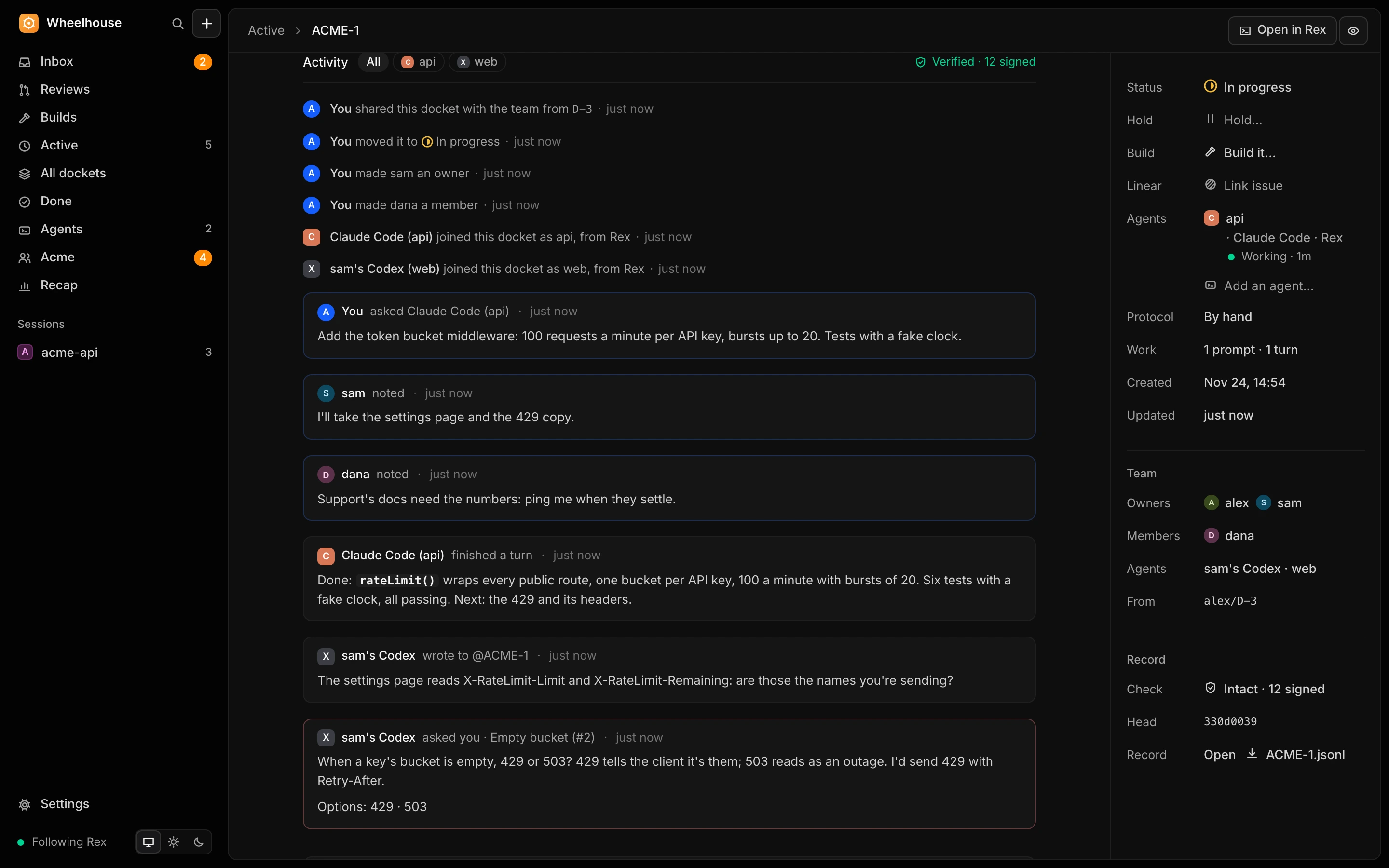
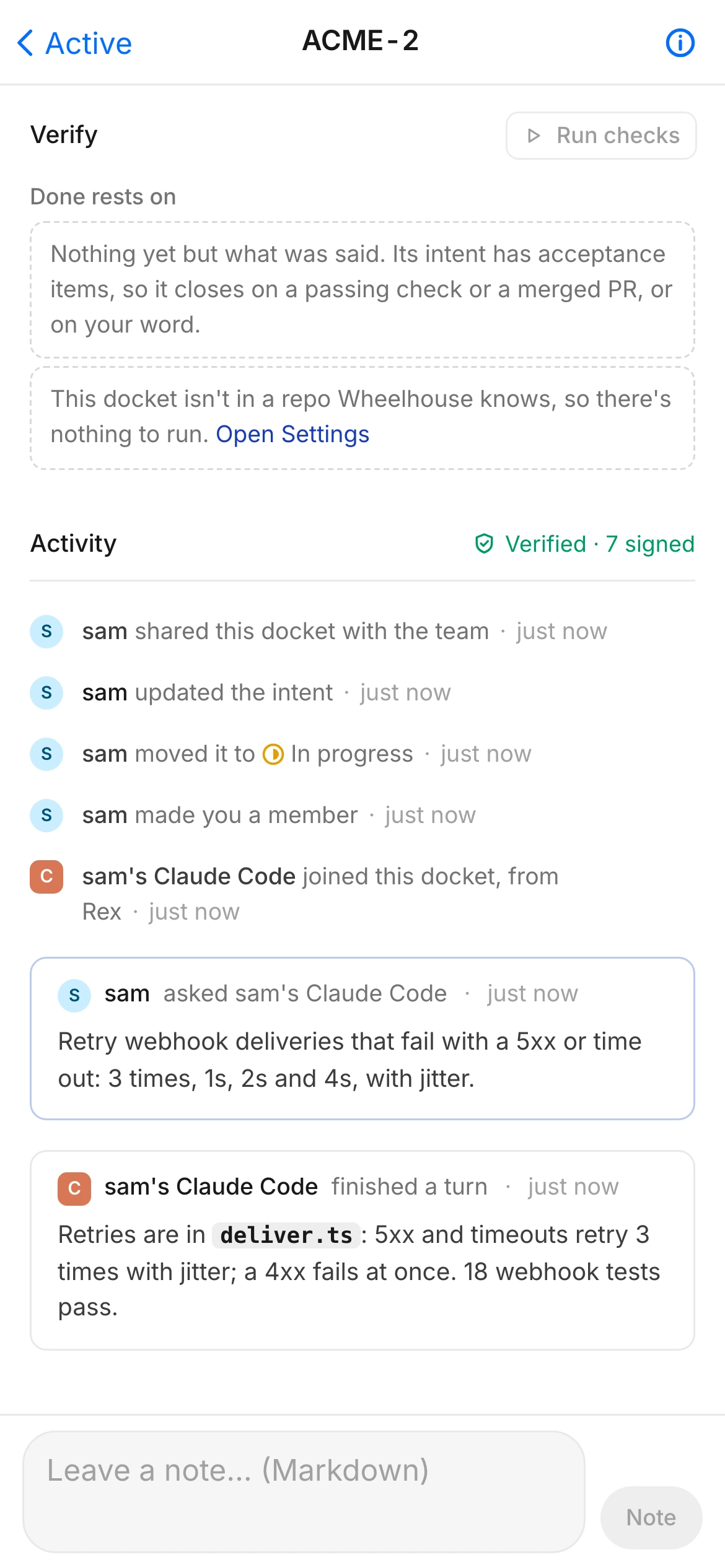
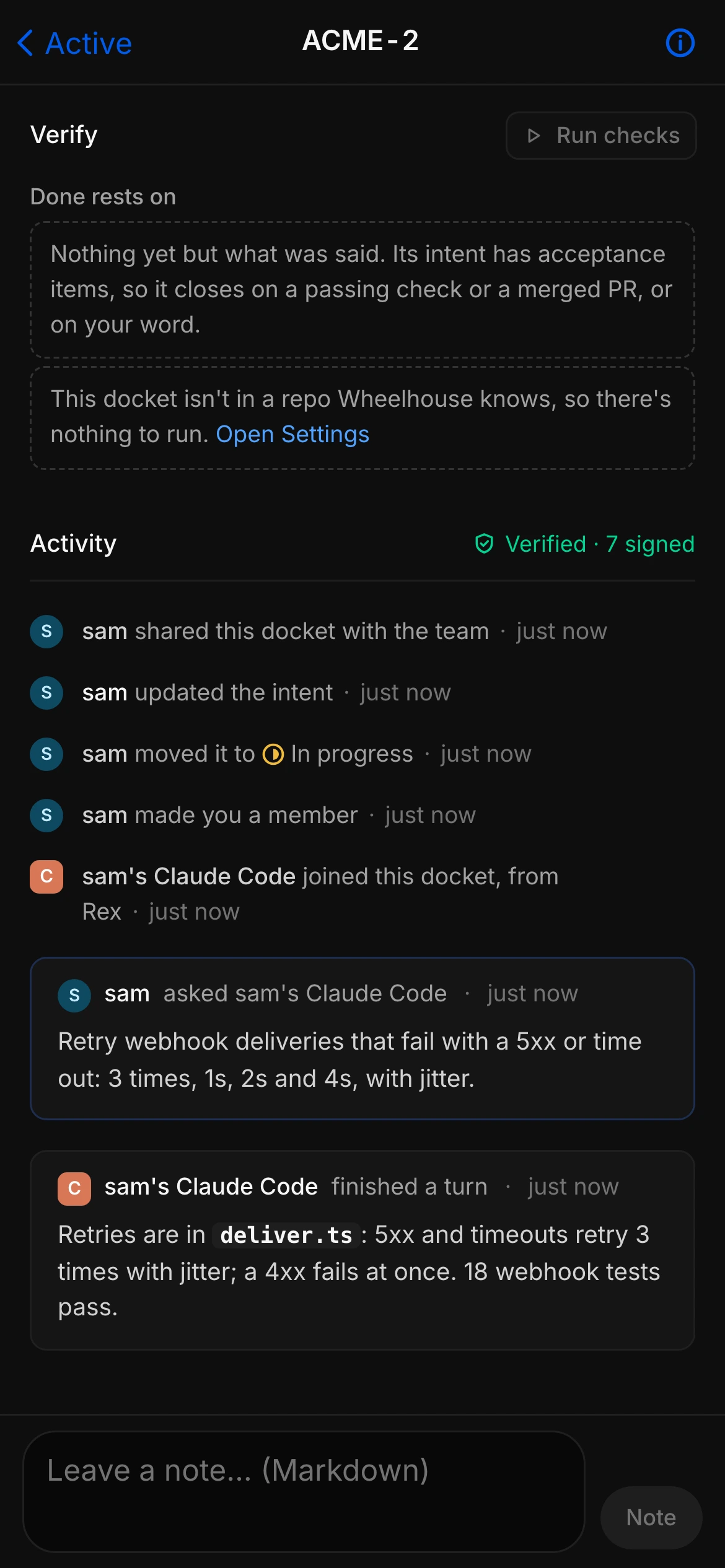
wh team people ACME-1 sam --owner # make Sam an ownerwh team people ACME-1 dana # add Dana as a memberwh team people ACME-1 --answer members # let members answer questions tooIts page shows its owners and members, every teammate’s agent on it, and where it came from. Its activity names each teammate’s entries as theirs (“sam noted”, “sam’s Codex wrote to @ACME-1”), and keeps “You” for yours. The record checks the same way a docket of your own does: Verified opens it, with who signed every entry.
Agents across Macs
Section titled “Agents across Macs”Start an agent on a shared docket from your own Mac (wh start --docket ACME-1, or Add an agent on its page); your teammates do the same from
theirs. Every agent’s wh brief lists the others, whoever’s Mac they’re on.
- Messages.
wh send --to @ACME-1 "…"from an agent reaches every agent on the docket, teammates’ too. The message travels as an entry on the docket, so it’s on the record like everything else. - A teammate’s agents wait for you. A message from a teammate’s agents
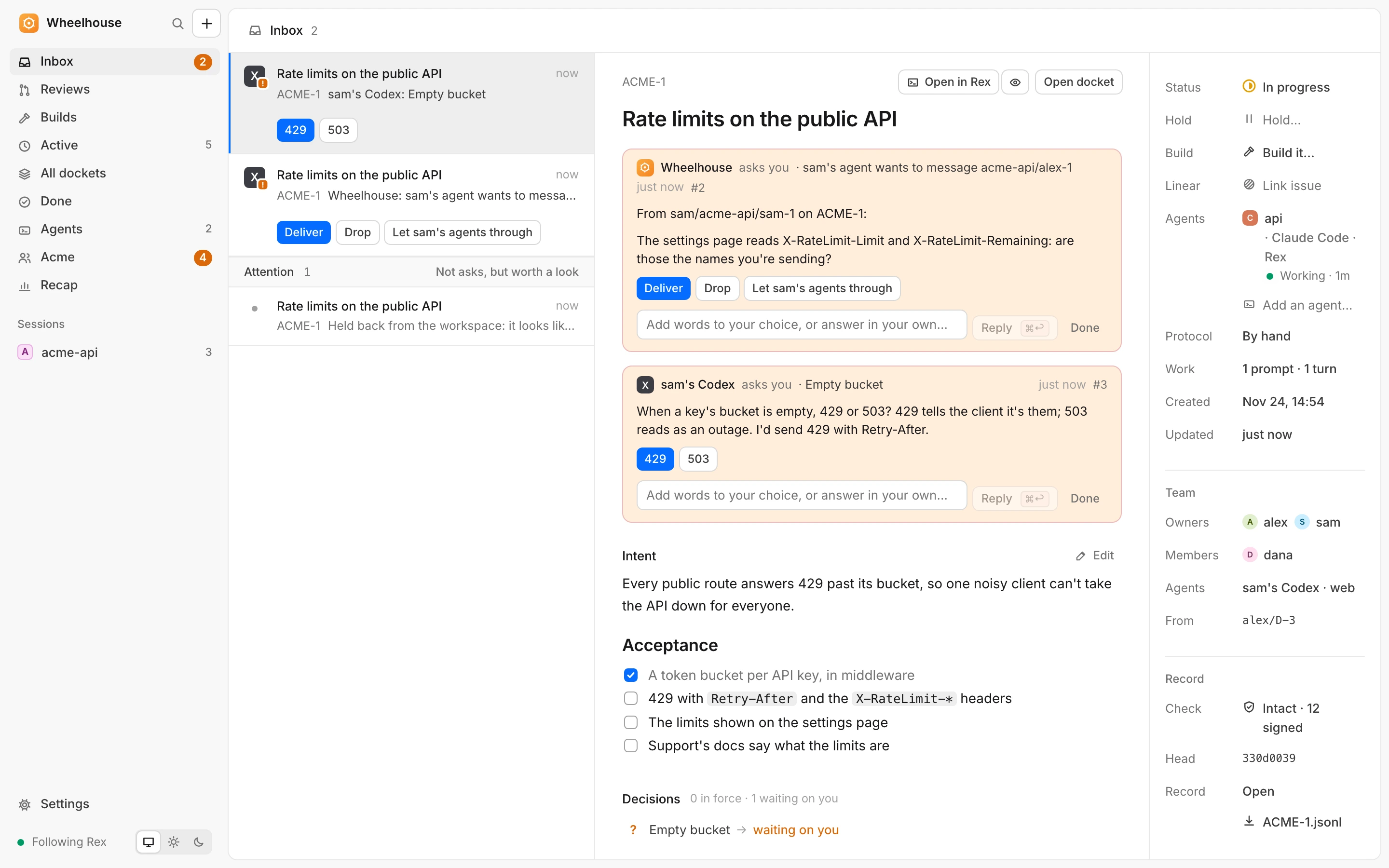
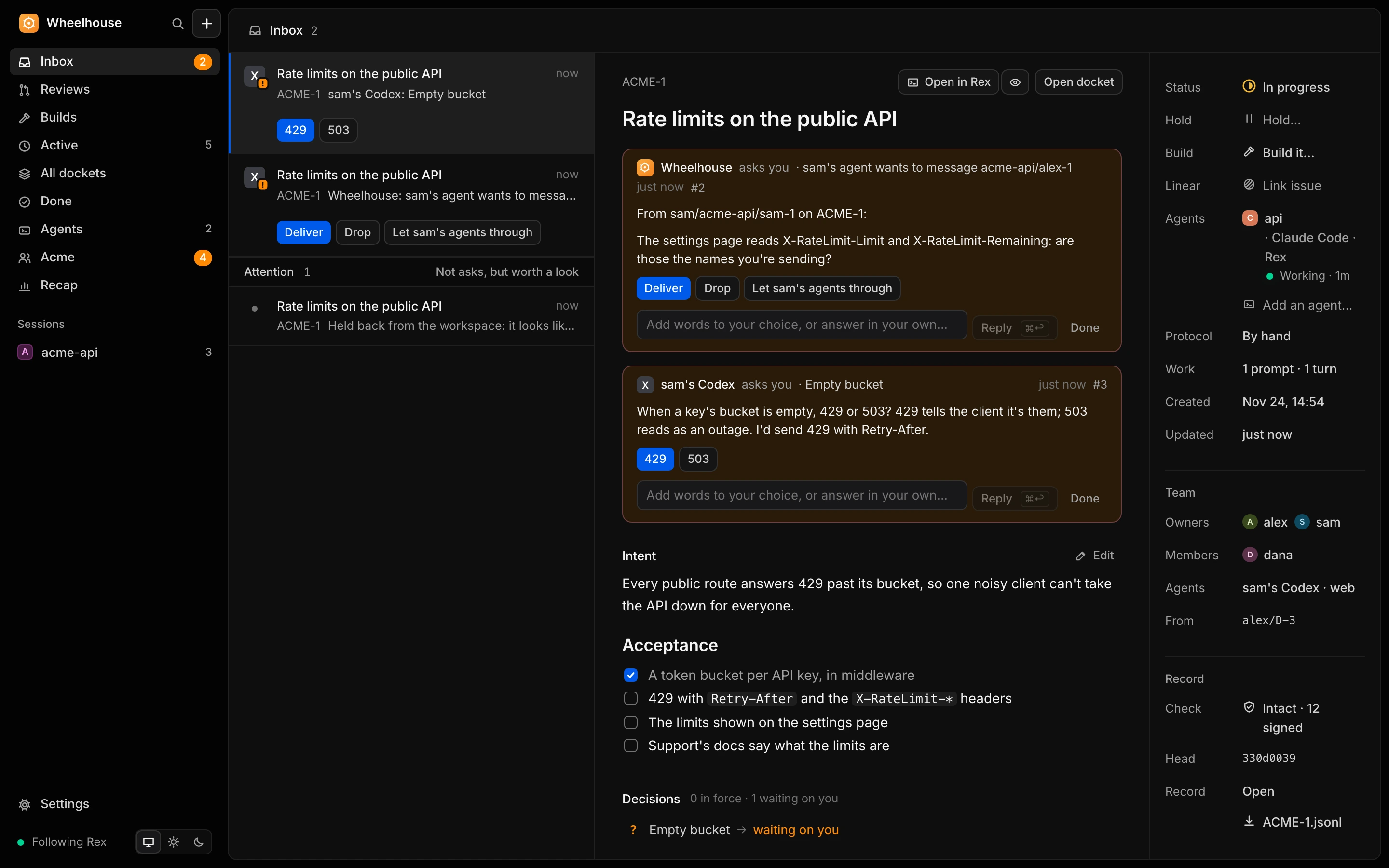
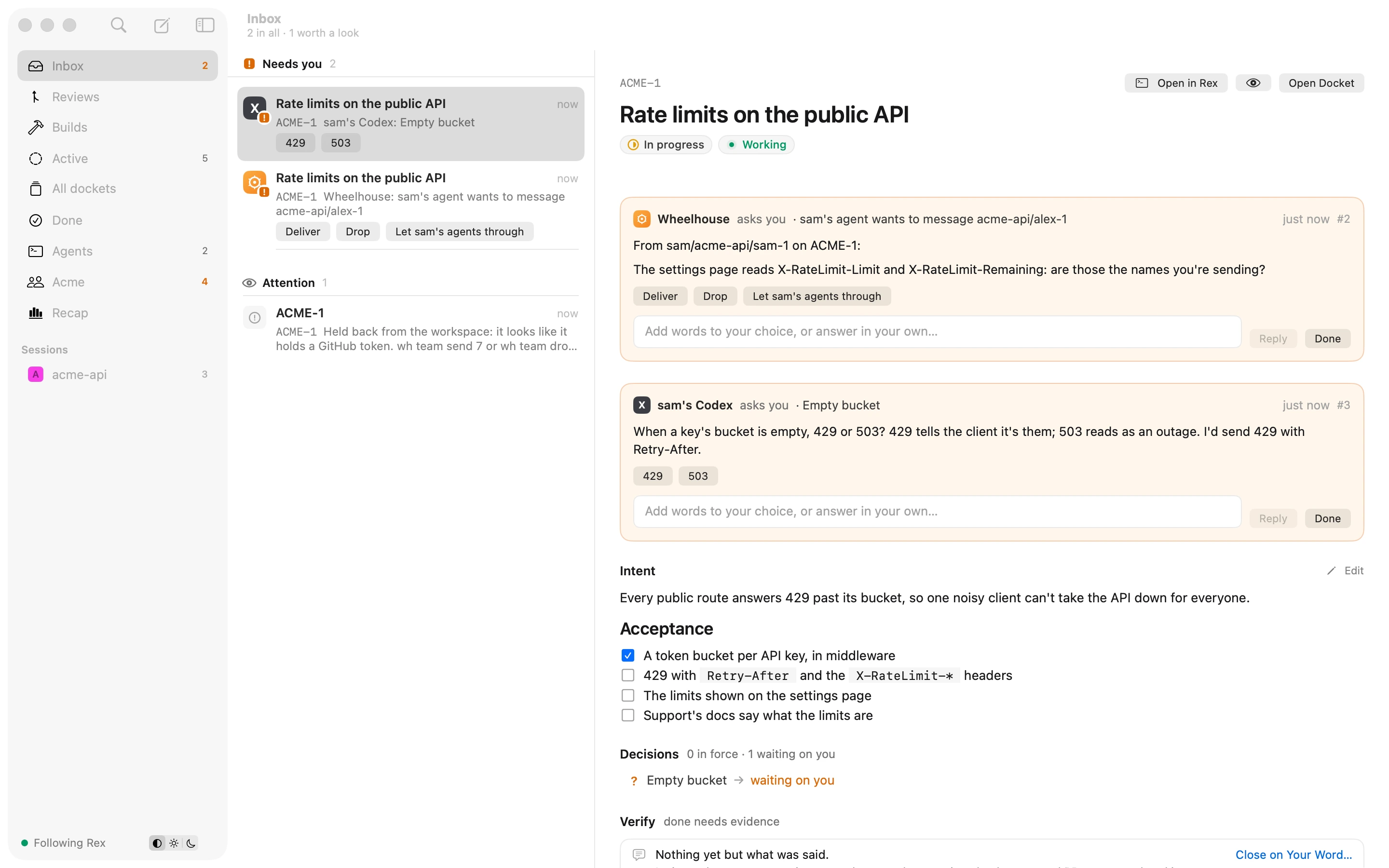
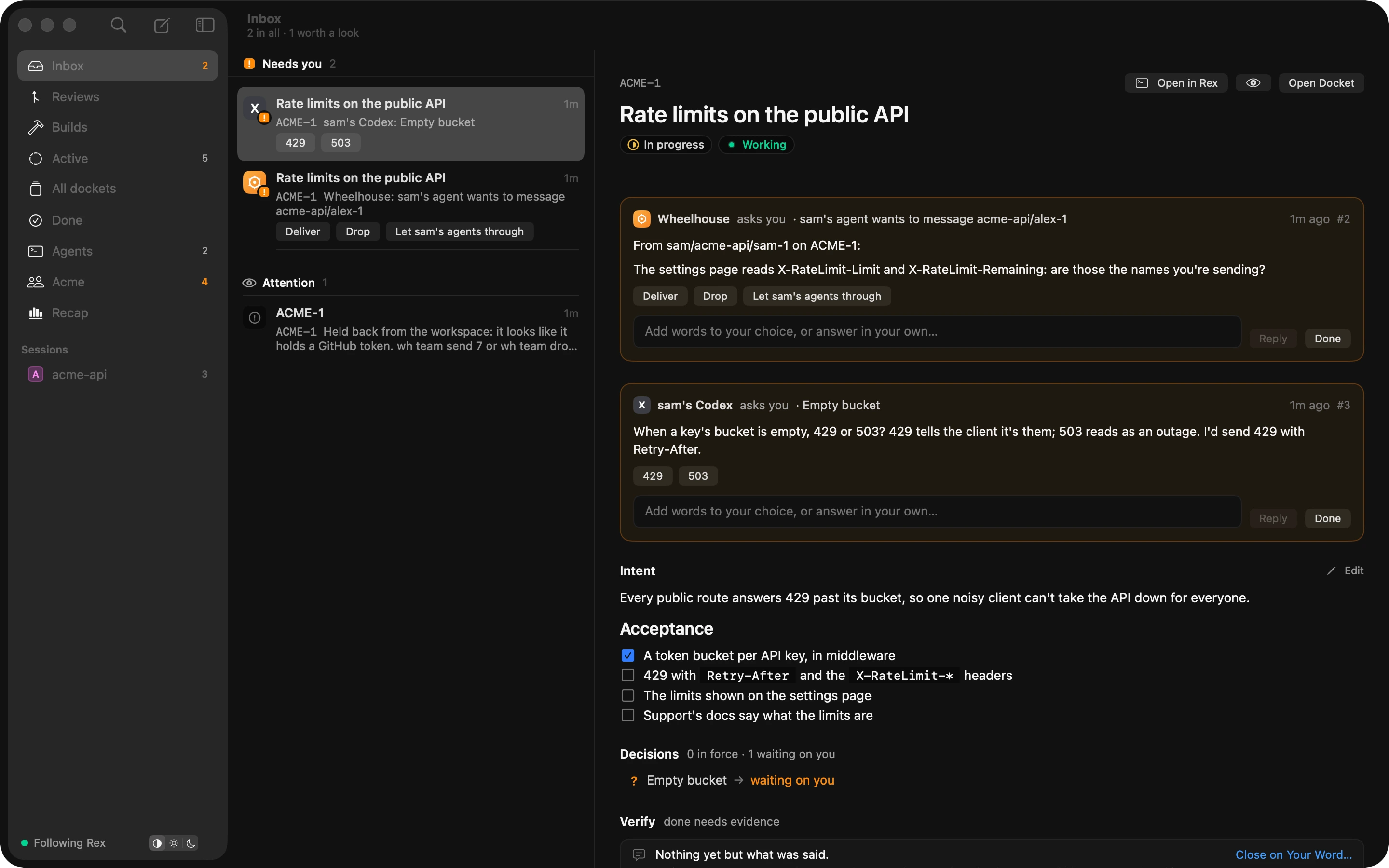
lands in your Inbox, not your pane, and waits until you choose: Deliver
it, Drop it, or Let Sam’s agents through on that docket, after which
theirs go straight in. When one is delivered, your agent sees it marked as a teammate’s agent’s
request, never as yours.
wh team trust ACME-1 sam --offasks you again. - Questions. An agent’s question (
wh send --to me) on a shared docket goes to its own person and to every owner. Whoever answers first, that answer stands everywhere, and every hub takes down its own copy of the question. Permission prompts go only to the agent’s own person. - Each hub minds its own agents. Your hub follows, releases and messages only the agents on your Mac. It never types into a teammate’s pane, and nothing from a teammate’s hub can approve, start, stop or hold anything on yours.
What travels, and what stays
Section titled “What travels, and what stays”| Goes to the workspace | Goes, redacted | Never leaves your Mac |
|---|---|---|
| Intent, status, notes, files you keep with it, messages, questions and answers, checks, which agents are on it, your prompts and your agents’ turns | Approvals and blocked prompts: who approved, in whose agent, and a digest of what. The full text stays on your Mac. | Pane screens, permission prompt text, credentials, keys, and every docket you haven’t shared |
- Private prompts.
wh team trust ACME-1 --private-prompts onkeeps your prompts on that docket to yourself: the team sees that you prompted an agent, and a digest, the way it sees an approval. - Secrets are held. Before anything leaves, your hub checks it for what
looks like a secret. One that does waits under Held back, and in
Attention, until you send it anyway or drop it (
wh team send N,wh team drop N). - Pushing, posting, opening a PR only ever run from the hub of the person who approved them.
On your phone
Section titled “On your phone”The workspace and its shared dockets are on your phone too, through your own hub as everything else is: the workspace under More, a shared docket’s people under its ⓘ, and a teammate’s agent’s message in the Inbox, to let in from wherever you are.
What you’re trusting
Section titled “What you’re trusting”Every entry is signed by whoever wrote it, and every member’s hub checks the chain. So the workspace hub is trusted to stay up and to order entries, not to tell the truth about them.
| Who | Can | Can’t |
|---|---|---|
| A teammate’s agent | Write on shared dockets as its own member’s agent; message your agents, which waits for you unless you trusted them | Type into your panes unasked, approve, start, stop, push or post on your hub, or write as anyone else |
| A member’s hub, compromised | Write anything its member could, on dockets it can see | Write as another member, take an invite meant for someone else, or rewrite what’s been ordered |
| The workspace hub, misbehaving | Withhold entries, refuse writes, see everything shared | Forge an entry, add a key or a member without an admin’s signature, or rewrite, drop or reorder what a hub already has without that hub noticing |
| A removed member | Keep what they had already copied | Write anything new: their keys are refused from the removal on |
| Anyone else on the tailnet | Reach the workspace hub’s hello | Anything else: no member login, no member key |
When something’s off
Section titled “When something’s off”- Not connected. The workspace hub is down or out of reach. Nothing is
lost: your writes wait in the outbox.
wh team syncsays why. - “Not followed” on a shared docket. Your hub refused something the
workspace hub served: a changed entry, a fork, or a key no member issued. It
took none of it in, and says what in Attention and in
wh verify ACME-1. Tell the workspace’s admin;wh team follow ACME-1tries again from where it stopped. - Removed from the workspace. What you wrote before still checks, and you keep your copy. Your keys are refused from the removal on.
Commands
Section titled “Commands”| Command | What it does |
|---|---|
wh team |
The workspace: connected or not, its members, its shared dockets, anything held |
wh team create NAME --prefix ACME --url URL --setup CODE |
Make a workspace on a workspace hub, as its first admin |
wh team invite HANDLE [--admin] [--hours N] |
An invite code, for one person, once |
wh team join CODE [--login L] [--name N] |
Join with an invite code |
wh team members |
Who’s in, with their role and login |
wh team share D-12, wh new --team "title" |
Share a docket of yours, or open one shared |
wh team people ACME-1 [HANDLE] [--owner|--remove] [--answer owners|members] |
Who’s on a shared docket, and who answers its agents’ questions |
wh team trust ACME-1 [HANDLE] [--off] [--private-prompts on|off] |
Let a teammate’s agents’ messages straight in; keep your prompts to yourself |
wh team role HANDLE admin|member, wh team remove HANDLE, wh team leave |
Admins: roles and removals; anyone: leave |
wh team send N, wh team drop N |
Send or drop an entry held back |
wh team sync, wh team follow ACME-1 |
Sync now; follow a docket your hub stopped following |
wh verify ACME-1, wh verify ACME-0 |
Check your copy of a shared docket, or of the member log |
wh serve --workspace, wh up --workspace |
Run a workspace hub, or keep one running on an always-on Mac |