Concepts
Dockets
One piece of agent work, from the first ask to the last merge. How dockets open, what they hold, and how they close.
A docket is one piece of work, from the first ask to the last merge. It’s
numbered D-41, and a docket shared with your team is numbered by its
workspace, like ACME-12. Every agent is on a docket, and everything that
happens to a docket is an entry on its record.
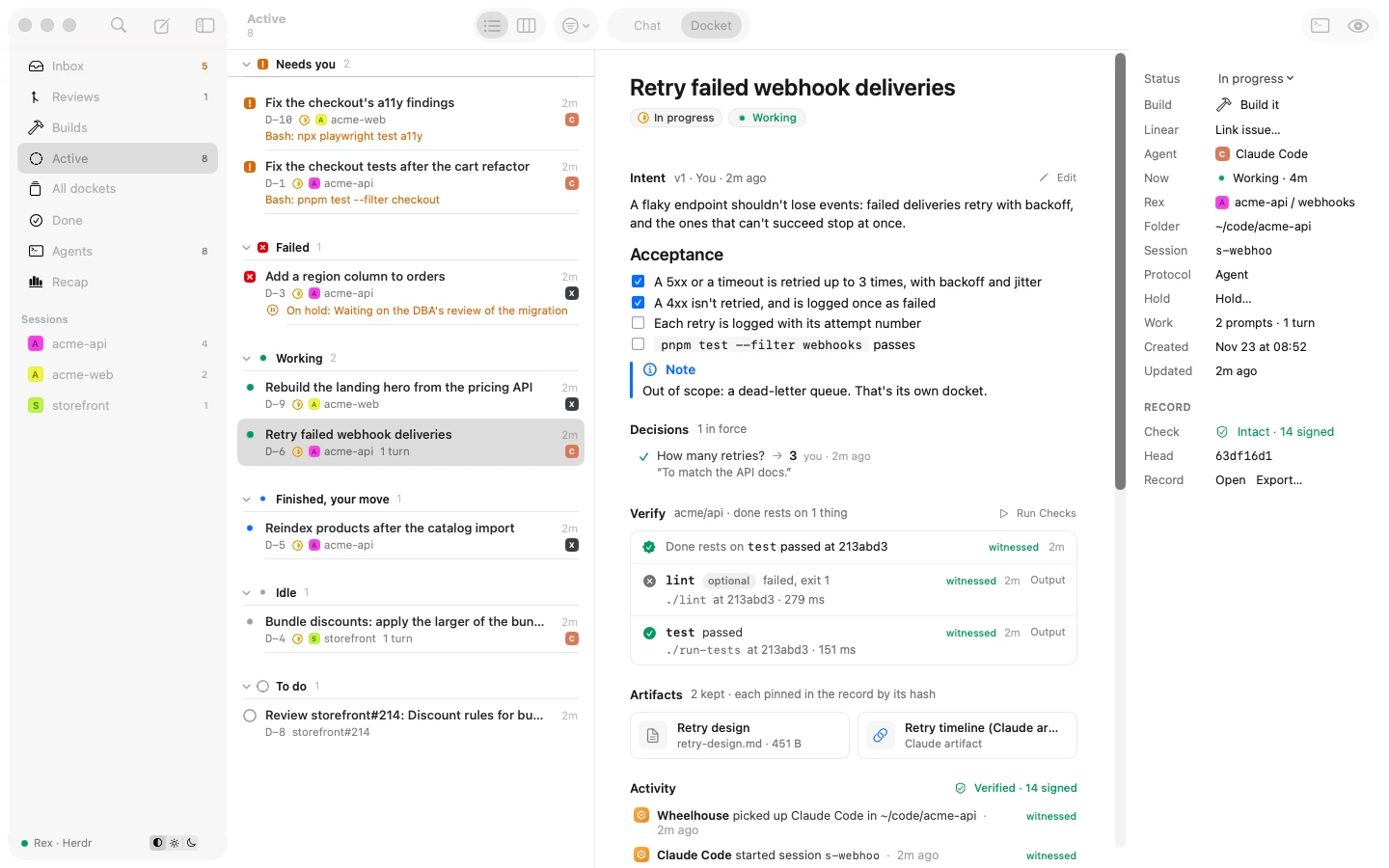
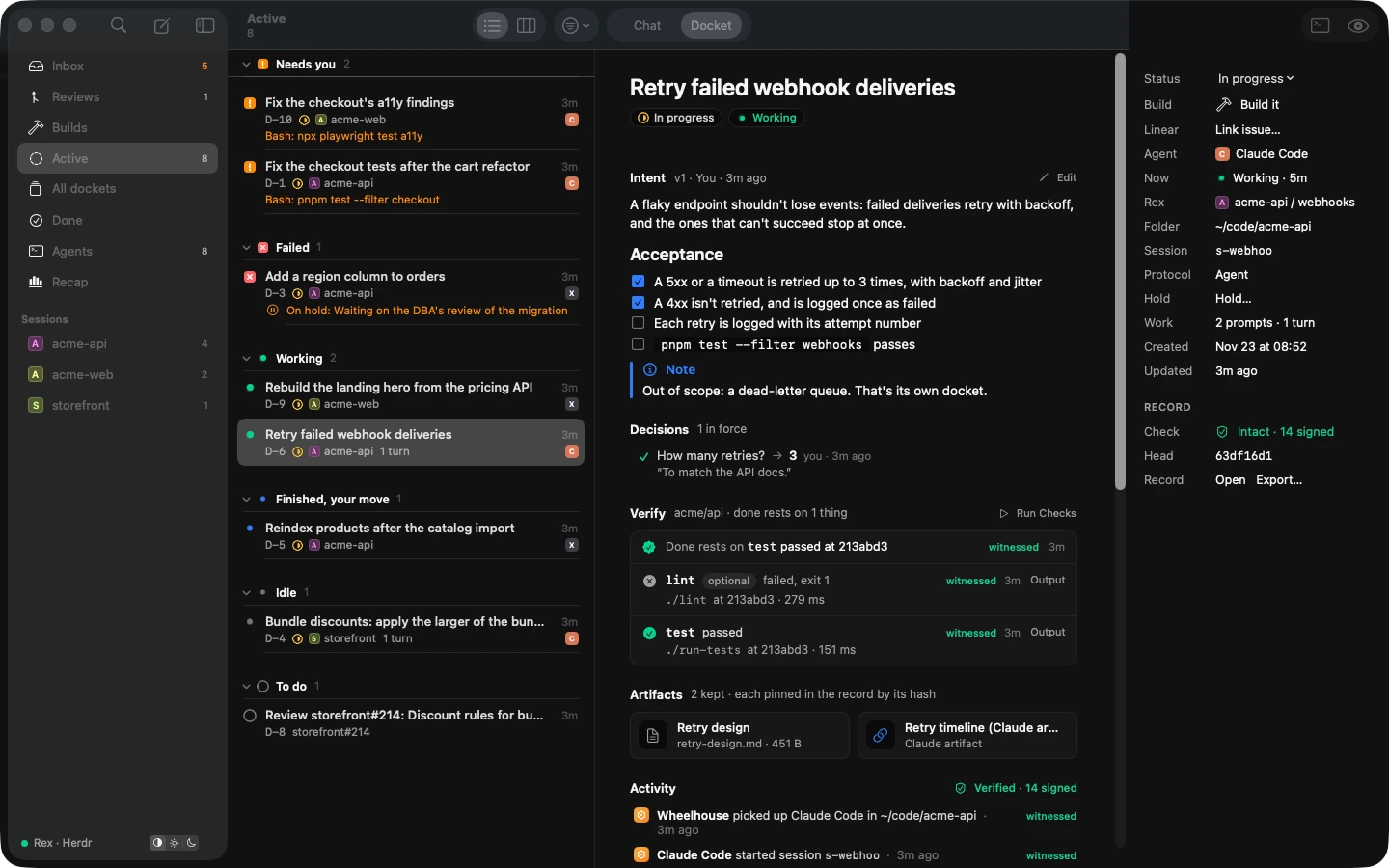
How a docket opens
Section titled “How a docket opens”- You start an agent. Type
claude,codex,agyorpiin a Rex pane or a Herdr terminal, and a docket appears. Claude Code’s and Antigravity’s hooks and Pi’s extension name it from your first prompt and add your prompts and their turns; a Codex is followed by its pane only, so its docket keeps the pane’s title (unlesswh start --codexstarted it, with its prompt)./clearin Claude Code (or/newin Pi) starts a new docket for the same pane. - Wheelhouse starts one.
wh start "Fix the flaky retry test"opens a pane with Claude Code (or--codex,--agy,--pi) in a folder (-C DIR), on a new docket, with your prompt. - By hand.
wh new "Paginate exports", or New docket (C) in the app.wh new --linear ENG-142opens one from a Linear issue. - A protocol opens it. A PR that requests your review becomes a Review docket. A Linear issue with a label you chose can start a Build.
What a docket holds
Section titled “What a docket holds”| Title and status | Status is To do, In progress, Done or Dropped. An agent’s docket starts In progress. |
| Intent | The docket’s living spec: what must be true when it’s done, acceptance boxes, and what’s out of scope. Agents read it in their brief and keep it current. |
| Activity | Every entry, in order: your prompts, each turn’s last message, notes, questions and answers, approvals, checks, and files. Each says how it’s known. The composer is at its foot. |
| Decisions | What’s been decided on it, yours and the agents’ answered questions. The newest for a subject stands, and every agent’s brief carries it. |
| Agents | Every agent on it, in Rex or Herdr, each by its pane, with Open, its screen, and a way to message it. |
| Files | What the work made and you’ll want later: a plan, a report, a screenshot, a link to a Claude artifact. Each is pinned by its hash. |
| Links | The Linear issue or GitHub PR it came from, read again from the source. |
| Changes | For a docket with code on this Mac: the files its agent touched and their diff, from the base or any point on its record, with your comments on its lines. |
| Verify | Its checks, their results at each commit, and whether its record is intact. |
The intent
Section titled “The intent”The intent says what done means. Write it in the app, or with wh intent:
wh intent D-12 # print itwh intent D-12 - < intent.md # set it from a fileA task list in the intent becomes the docket’s acceptance boxes. Tick them in the app as the work lands. Agents follow the intent, and update it when the goal or scope really changes, so it stays true. A docket with an intent can become a Build: Build it turns it into a plan, then a PR.
The composer
Section titled “The composer”At the foot of a docket’s Activity, in Wheelhouse.app and the web app, is one box. What you type there is a note, unless it starts with a command:
| Type | What happens |
|---|---|
Retries look right to me |
A note on the record, signed as you. Markdown works. |
@tests fix the flaky retry test |
Instructs that agent on the docket, by its pane’s name, its role or its app, as a prompt. @all instructs every agent on it. While an agent works, it waits and goes in when the turn ends. |
/ask Which store? | Postgres | SQLite |
Asks the docket’s agents, with the options after each | as buttons. The answer stands under Decisions. |
/decide Retries: 5xx and timeouts only |
Records a decision of yours, as Subject: answer, and tells the agents on the docket. It stands under Decisions in every wh brief. A later one for the same subject replaces it. |
/decide #12 Postgres |
Answers a question that waits on you, by its key (#12, or a Build’s D1, D2), or by the question’s own words before the colon. When you asked several agents, the others hear the answer too. |
/task write the migration's tests |
Starts another agent on the docket: Add an agent… opens with its prompt filled in (Read wh brief D-12, then: write the migration's tests), for you to pick the agent and where it runs. |
/note /tmp is full again |
A note that starts with / or @. |
/ and @ complete as you type: the commands, and the agents on the docket by
name. The button says what will happen (Note, Send, Ask, Decide,
Add an agent…) before you press it. A path like /tmp/x on its own is a
note, not a command.
Changes
Section titled “Changes”A docket with code on this Mac shows what it changed: +N −M on its page,
and the whole diff in Changes (D on the docket in the web app, ⇧⌘D in
Wheelhouse.app). Compare from the base, or any point on its record such as a
round’s head or a checked commit, to HEAD, a later point, or what isn’t
committed yet. It’s split or unified, highlighted, with the files listed beside
it.
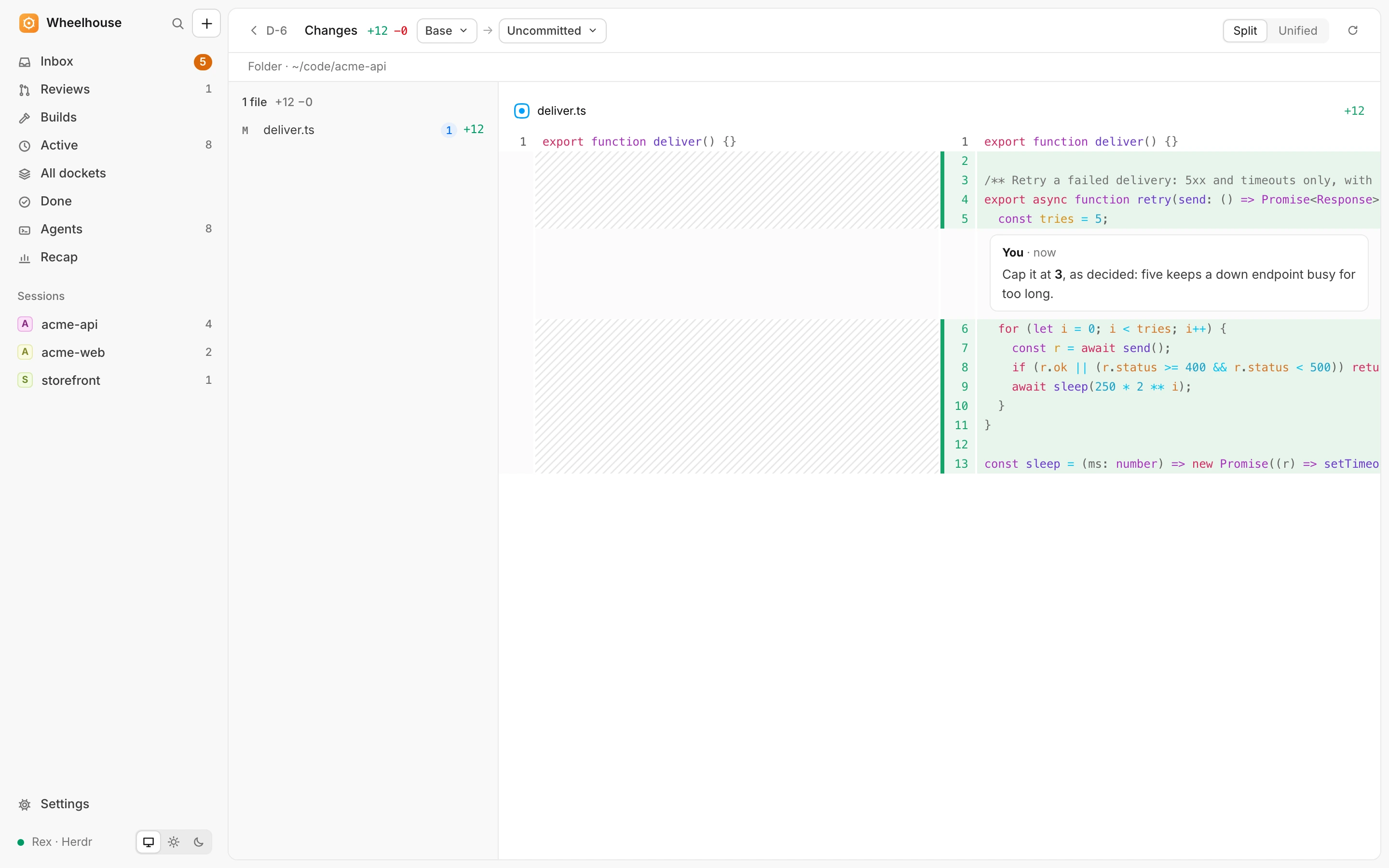
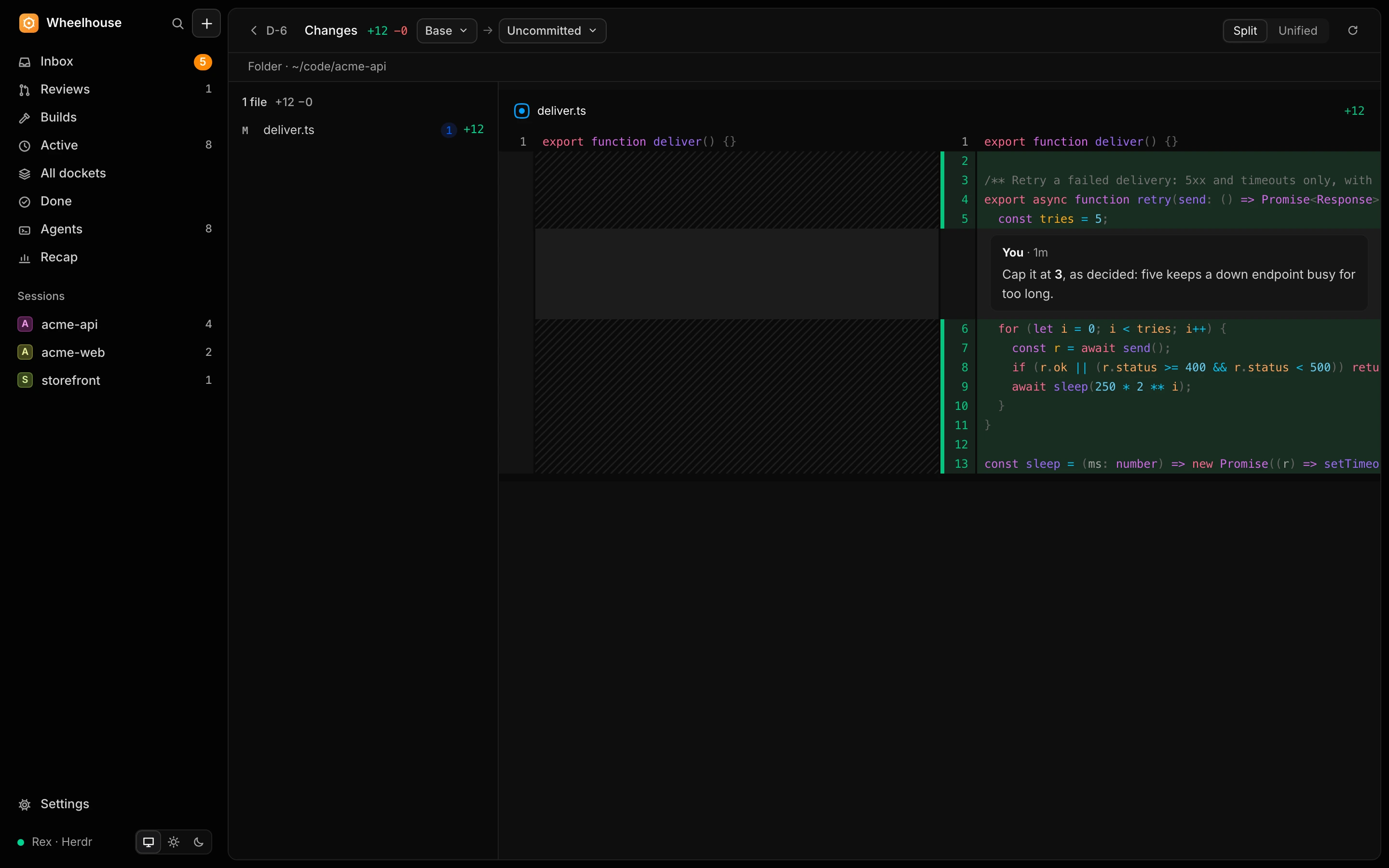
Comments on a line
Section titled “Comments on a line”Hover a line and click the + in its gutter, or drag it across several lines. A box opens under them. Write what should change (Markdown), and Comment (⌘↩).
- It goes on the record as a note of yours, with what it’s on: the file, the side (the new lines or the old), the lines, the commits compared, and the code it was on. It reads on its own after the lines move.
- The agents on the docket are told, unless you untick Tell: a message with the place, the code and your words, between their turns.
- It shows under its lines on the version it was written on. On any other, it’s listed above the diff with Show, which compares what it was written on. One on uncommitted changes says changed since once the agent has changed those lines.
- Each file in the list counts its comments, and the Activity shows each one with its code.
Files a docket keeps
Section titled “Files a docket keeps”An agent keeps a file with wh attach report.md --title "Load test results",
or a link with wh attach https://…. You can do the same from a shell with
--docket D-12, or drop a file on a docket in Wheelhouse.app. A file is kept
once, by its sha256, and the record pins those exact bytes. It stays with the
docket after the scratch folder it came from is gone. A file is at most 25 MB.
Kept files open in the app and on your phone. On the Mac they open in Quick Look, once their bytes match the record’s hash.
Closing a docket
Section titled “Closing a docket”Set the status in the app (S), swipe a row to Done, or run
wh set D-12 --status done. A docket whose intent has acceptance boxes closes
only on evidence: its required checks passed at one commit, its PR merged, its
Linear issue is completed, or its review is on GitHub. Without any, Wheelhouse
refuses and says why.
You can still close it on your word, with a reason. The record keeps the reason, and the docket shows it closed on your word:
wh set D-12 --status done --anyway --reason "Covered by the wiki page"Dockets without acceptance boxes close as before. See Verify.
Holding a docket
Section titled “Holding a docket”wh hold D-12 "Waiting on the DBA" stops Build and Review from taking any step
on it until you resume it with wh hold D-12 --off. The reason is on the
record and on the docket.
Finding dockets
Section titled “Finding dockets”The app’s lists are views of the same dockets:
- Inbox: what needs you, from every agent.
- Active: what’s in flight, grouped by what needs you (or by status, or by session). As a list, or as a board you drag cards across.
- All and Done: everything, and what’s closed.
- Agents: every pane, in Rex and Herdr, under its docket.
From a terminal, wh shows what needs you and what’s in flight,
wh ls --all lists every docket, and wh show D-12 prints one docket’s record.