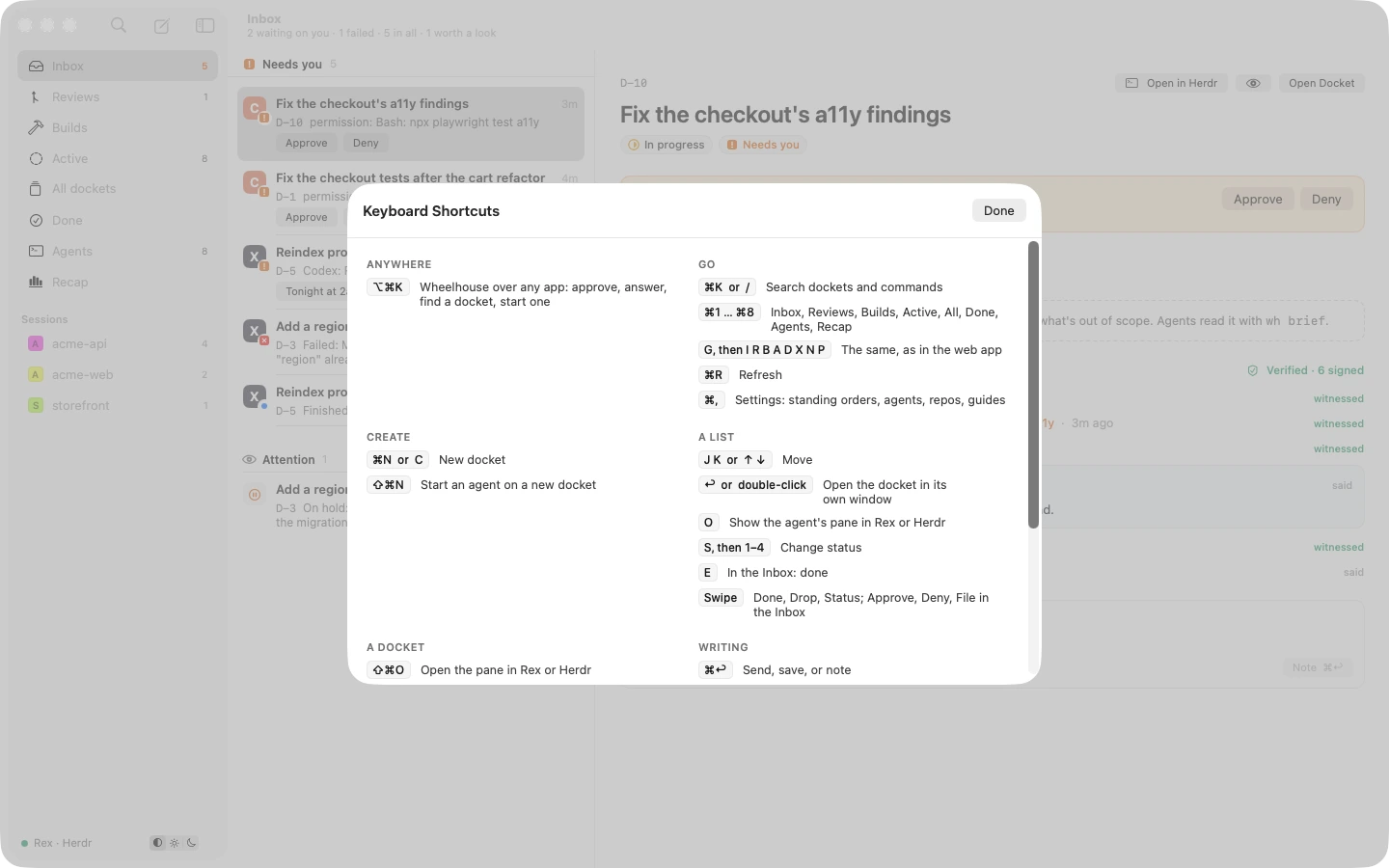
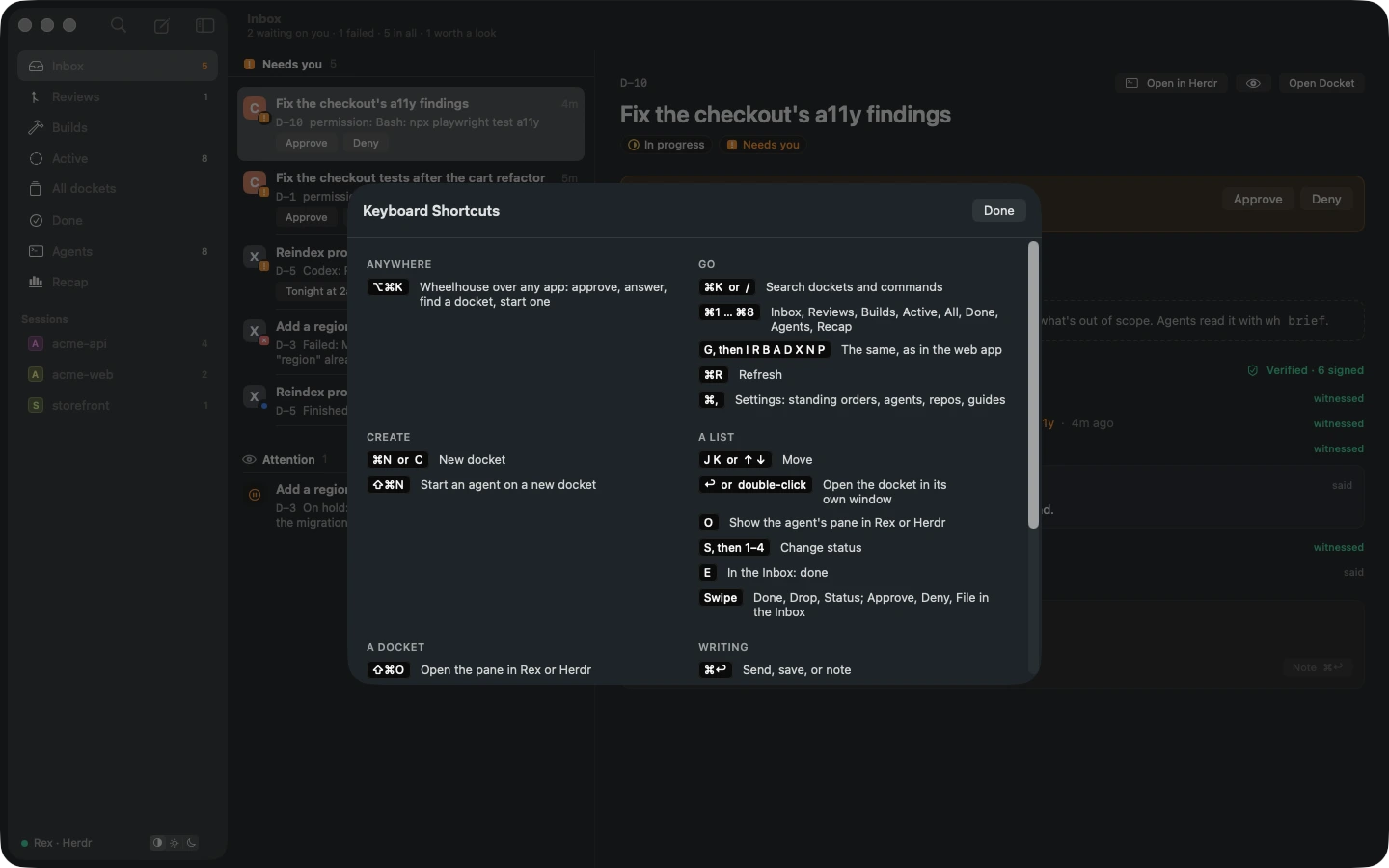
Wheelhouse.app and the web app share most of their keys. On the Mac, the menus have
them too, and ⌘/ lists them all.
| Keys |
|
| ⌥⌘K |
Wheelhouse over any app: approve, answer, find a docket, start one |
| Keys |
|
⌘K or / |
Search dockets and commands |
G then I |
Inbox |
G then A |
Active |
G then D |
All |
G then X |
Done |
G then N |
Agents |
G then R |
Reviews |
G then B |
Builds |
G then P |
Recap |
⌘,, or G then S in the web app |
Settings |
| ⌘1 to ⌘8 |
On the Mac: Inbox, Reviews, Builds, Active, All, Done, Agents, Recap |
| ⌘R |
On the Mac: refresh |
| Keys |
|
C, or ⌘N on the Mac |
New docket |
| ⇧⌘N |
On the Mac: start an agent on a new docket |
| Keys |
|
J and K, or ↑ and ↓ |
Move |
| ↩ |
Open. On the Mac, the docket opens in its own window (double-click does too) |
O |
Show the agent’s pane in Rex or Herdr |
S, then 1 to 4 |
Change status |
| Keys |
|
J and K |
The next or previous docket in its list |
| Esc |
Back to the list |
S |
Change status |
O |
Show the agent’s pane in Rex or Herdr |
R |
Rename |
M |
Into the composer, to write a note or a command |
D |
Its Changes |
On the Mac, the Docket menu has these, with their own keys: see
Wheelhouse.app.
In the web app and in Wheelhouse.app’s Changes window alike.
| Keys |
|
J and K |
The next or previous file |
S |
Split or unified |
R |
Read the changes again |
| Esc |
Back to the docket (in the web app) |
| ⌘↩ |
Send a comment you’re writing on a line |
| Esc, in a comment |
Put it away unsent |
| Keys |
|
A |
Approve a prompt |
D |
Deny a prompt |
1 to 6 |
Pick one of a message’s options |
E |
Mark done |
| Keys |
|
| ⇧⌘O |
Open the pane in Rex or Herdr |
| ⇧⌘P |
Peek at the pane |
| ⇧⌘R |
Read the record |
| ⇧⌘D |
View changes |
| ⌥⌘1 to ⌥⌘4 |
To do, In progress, Done, Dropped |
| ⇧⌘U |
Run its checks |
| ⇧⌘H |
Hold, or resume |
| ⇧⌘A |
Start an agent on it, or add one |
| Double-click the title |
Rename |
| Drop a file |
Keep it with the docket, pinned by its hash |
| Keys |
|
| ⌘↩ |
Send, save, or note |
| ↩ and ⇧↩ |
In Chat: send, and a new line |
| ⌘⇧↩ |
In Chat, while the agent works: Send now. Claude Code or Codex reads it at its next step instead of waiting for the turn to end |
| Esc |
Cancel |
| ⌘B, ⌘I |
Bold, italic (Markdown) |