Protocols
Inbox and Chat
Everything that waits on you, from every agent, in one list, and a conversation with any agent from your Mac or your phone.
Agents ask only what only you can decide. The Inbox is where those asks land, from every agent, in Rex and Herdr alike. Chat is how you talk back: to any agent, from the Mac or your phone, while it works or between turns.
The Inbox
Section titled “The Inbox”The Inbox is your open asks, ordered by the cost of waiting. An agent that has stopped for you comes first.
| What | Why it’s there | You |
|---|---|---|
| A permission prompt | An agent wants to run something and is stopped until you answer. | Approve or Deny |
| A review ready to post | A Review round’s checked review is waiting for you, with its verdict, blocking findings and merge risk. | Post, Preview or Dismiss |
| A message | An agent (or Build) asked a question. Its answers come as buttons, its recommendation first. | Pick one, or answer in your own words |
| A failure | An agent stopped with an error. | Open it, or mark the docket done |
| A finished turn | An agent finished and is waiting for your next word. Its last message is the line you see. | Reply, or mark it done |
On a docket with several agents, each agent that’s asking is its own item, by name.
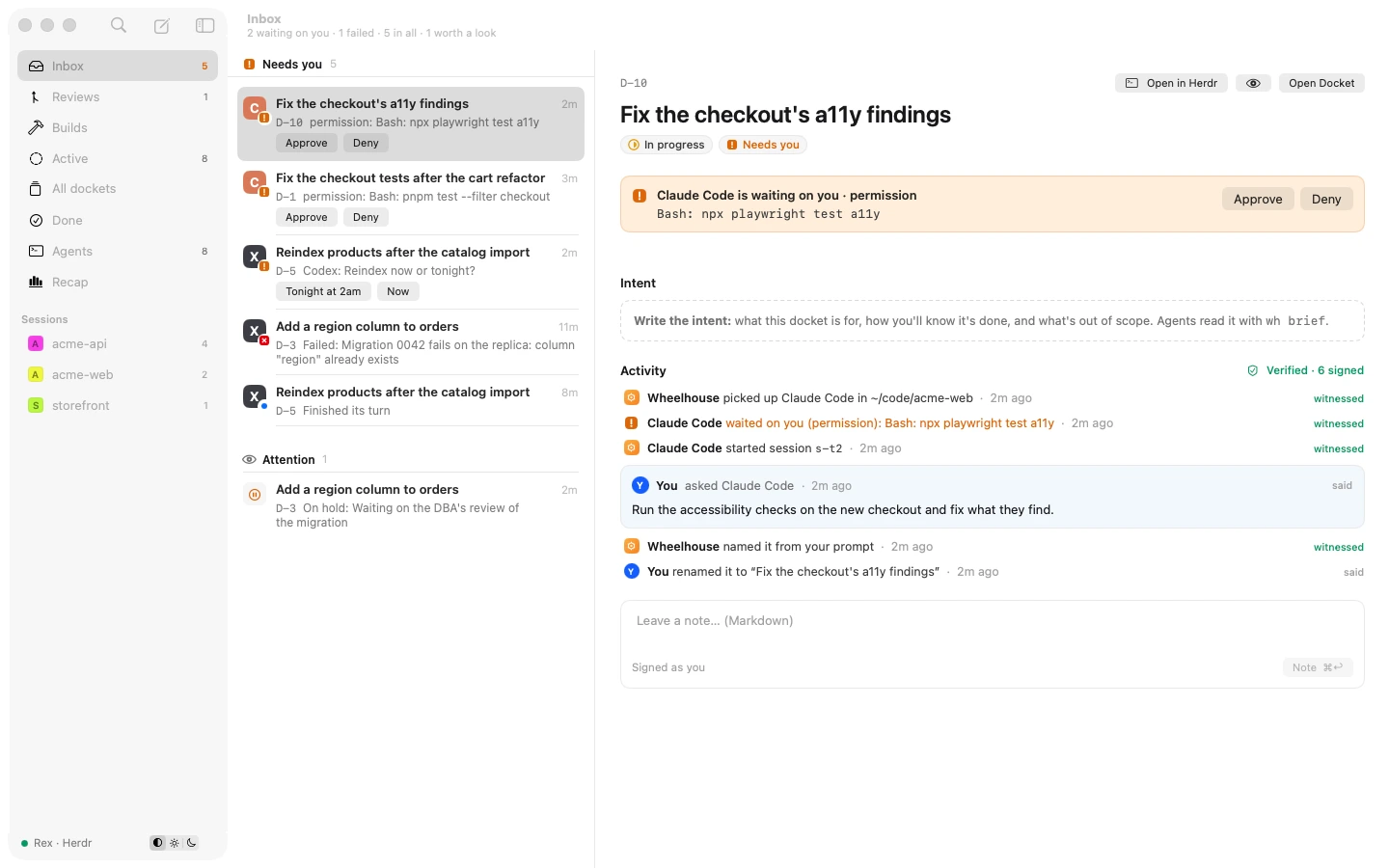
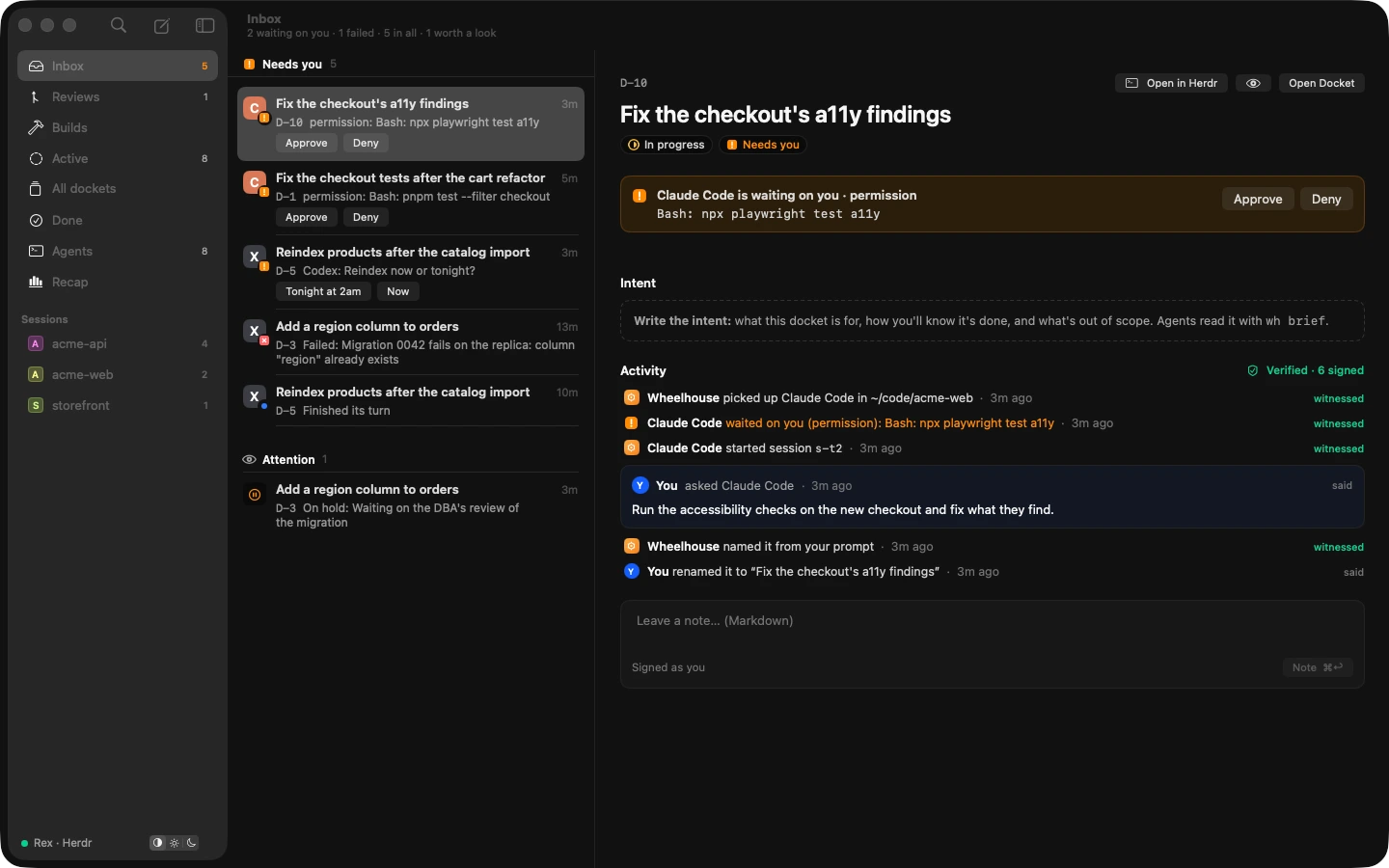
Below your asks, Attention lists what’s worth a look but isn’t an ask: a
protocol that stopped with an error or a stall, a required check failing on an
open docket, a docket on hold, an agent that’s worked over an hour without
finishing a turn, a docket that’s gone quiet for a week, and one you closed on
your word. Verify has the full list.
wh attention prints it in a terminal.
Answer from anywhere
Section titled “Answer from anywhere”The same asks reach you wherever you are, and an answer in one place clears it everywhere:
- The window. The Inbox, or the ask’s card on its docket.
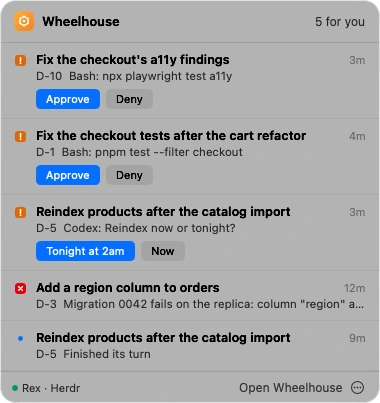
- The menu bar. The wheel turns orange with a count, and its panel answers in place: Approve, Deny, an agent’s options, Post.
- A notification. Approve a prompt, reply to an agent, pick an option or post a review from the banner. It’s withdrawn once it’s answered anywhere.
- ⌥⌘K from any app. What needs you comes first in the floating palette.
- Your phone. The Inbox from your Home Screen, with Web Push. Swipe a prompt to approve or deny it, a message to file it, a finished turn to close its docket.
- The terminal.
whlists what needs you;wh reply 3 --choice "…"answers a message.
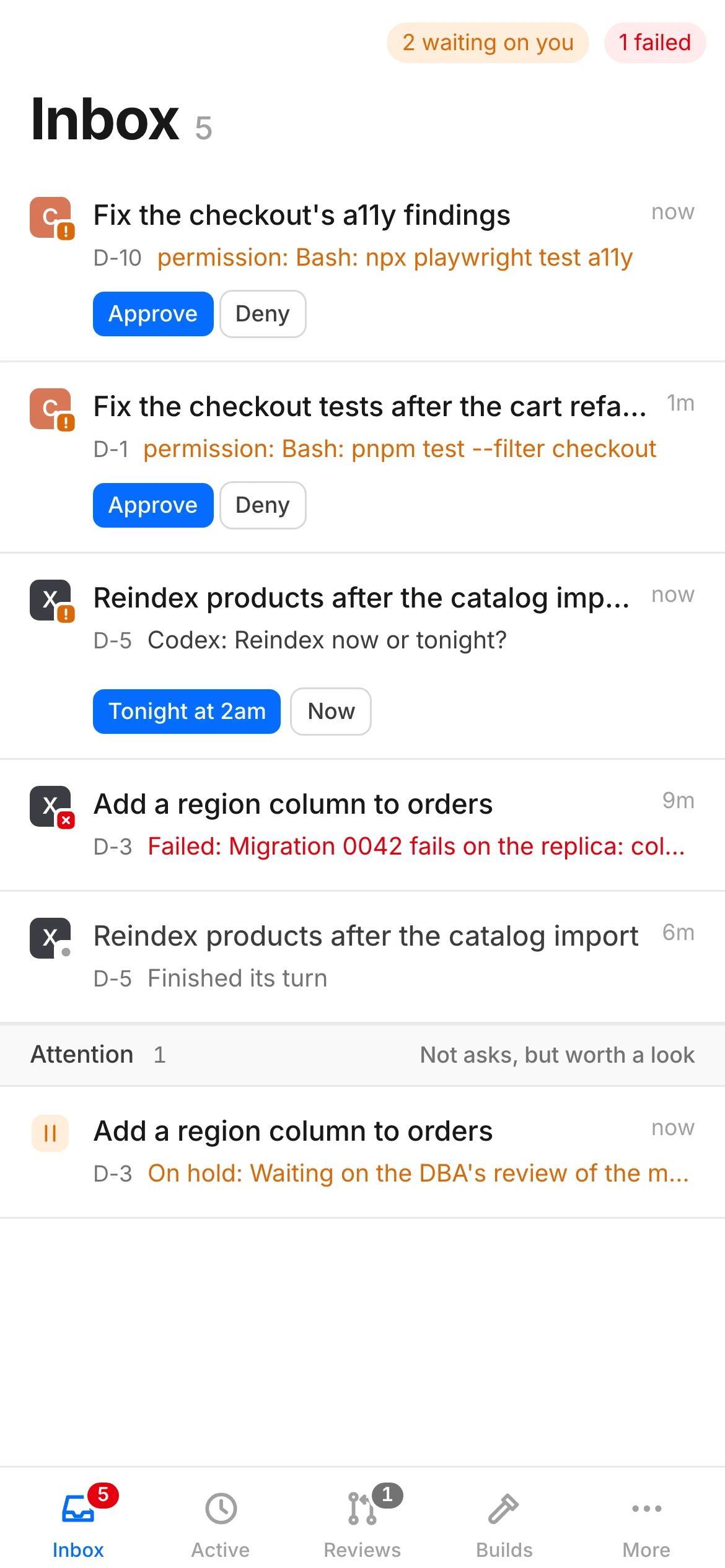
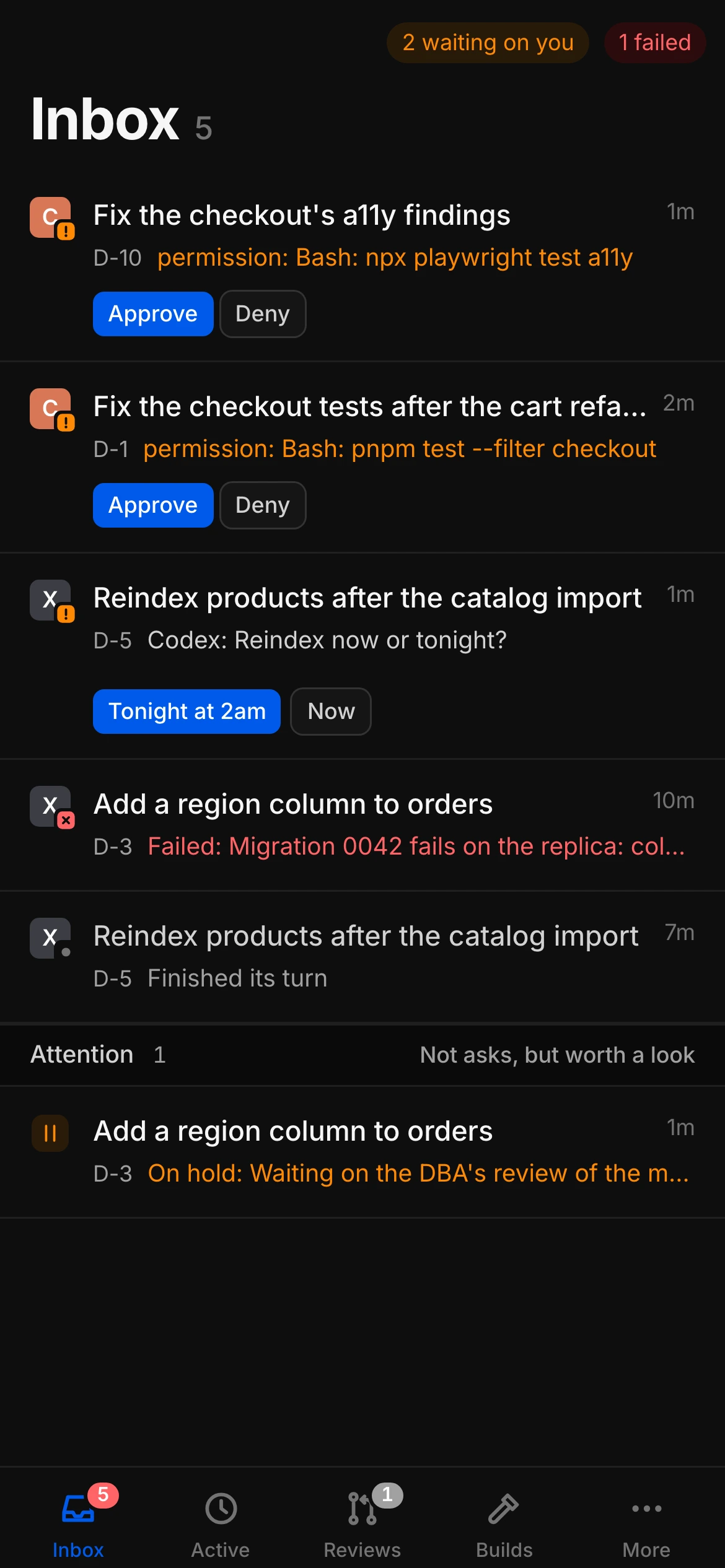
Before a key goes into a pane, the hub reads the prompt again from its own runtime. If the agent has moved on, or it’s now a different prompt, your old answer goes nowhere.
In the Inbox, J and K move, ↩ opens, A and D approve or deny a prompt,
1 to 6 pick a message’s option, and E marks a docket done.
Keyboard shortcuts has the rest.
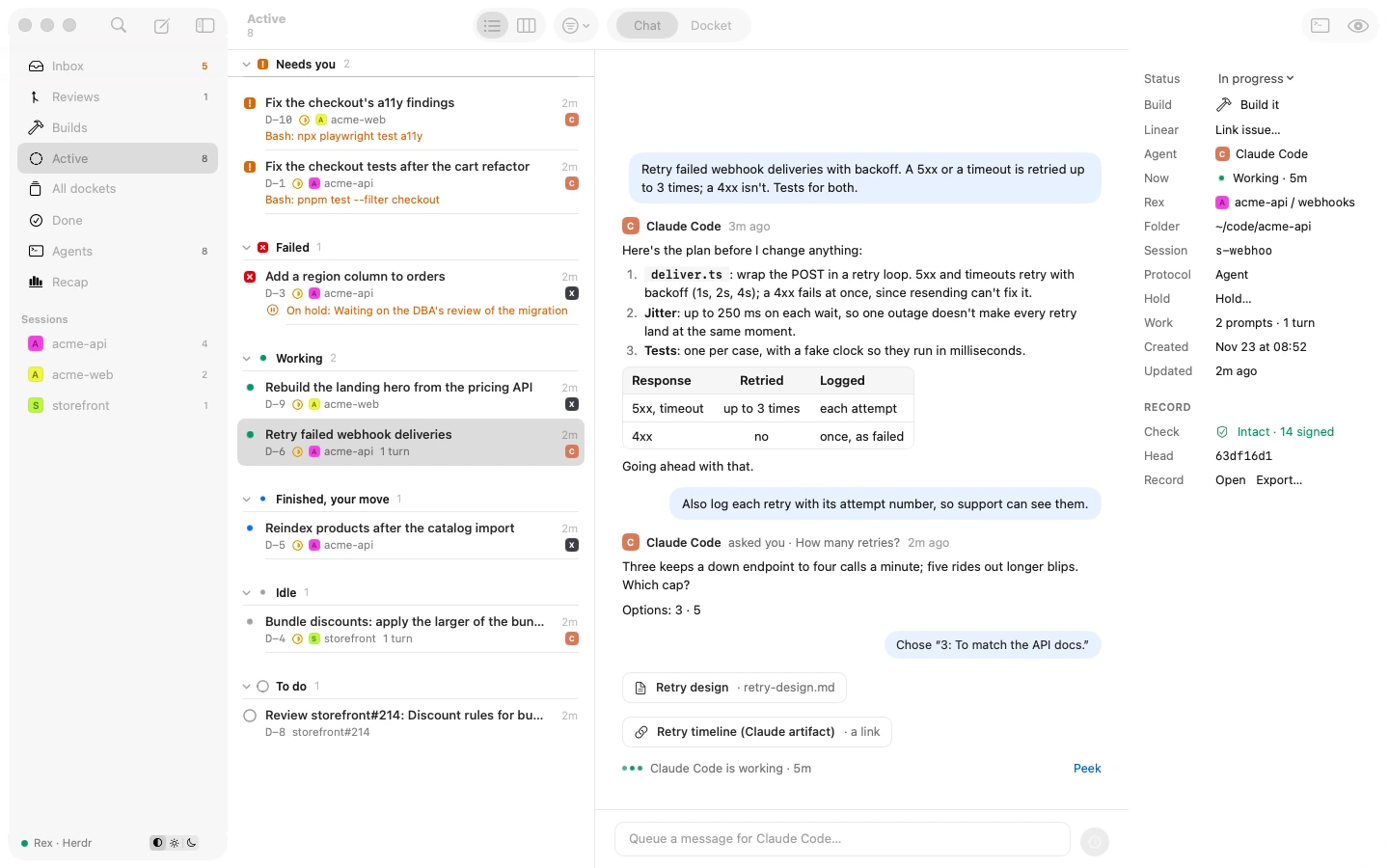
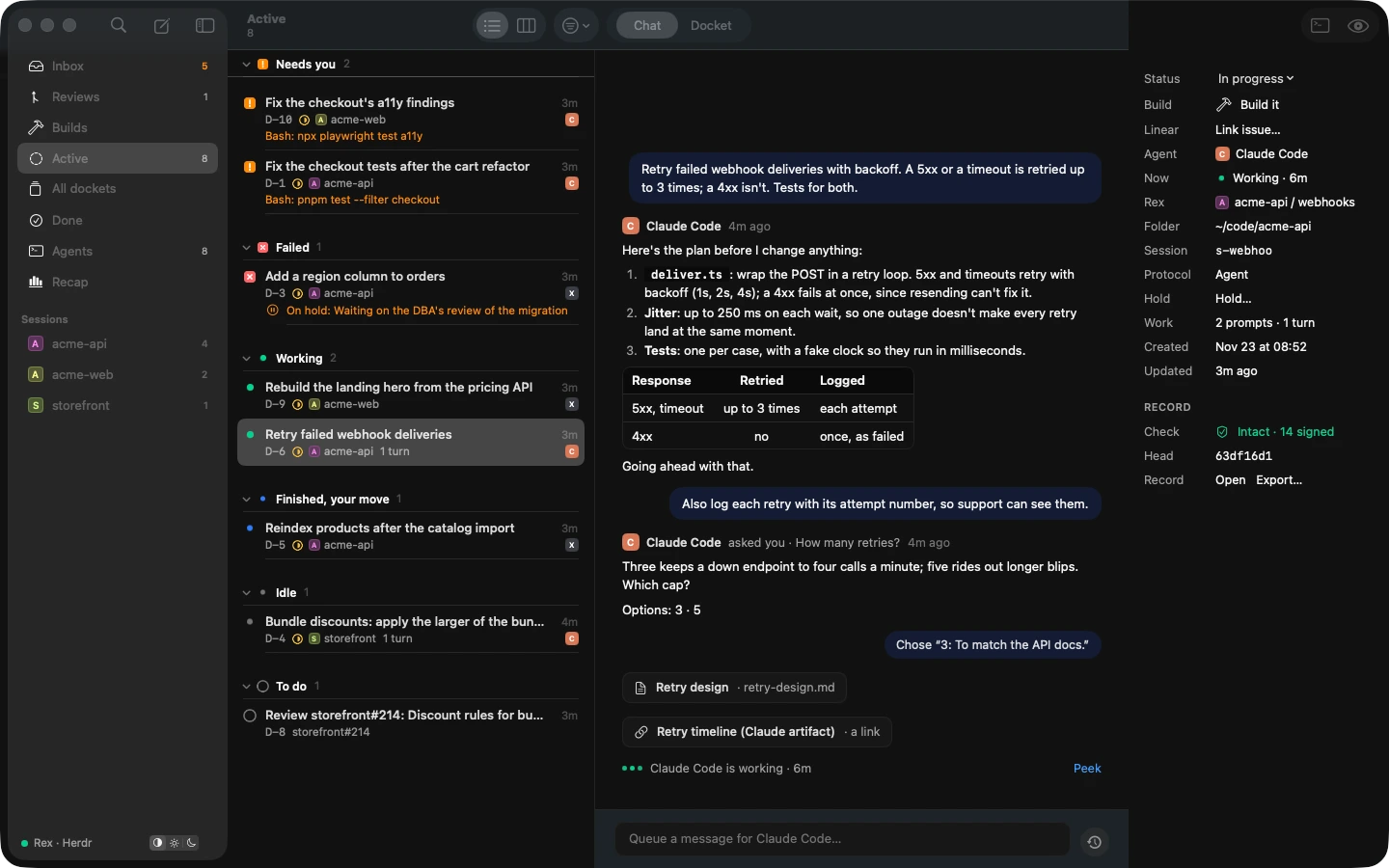
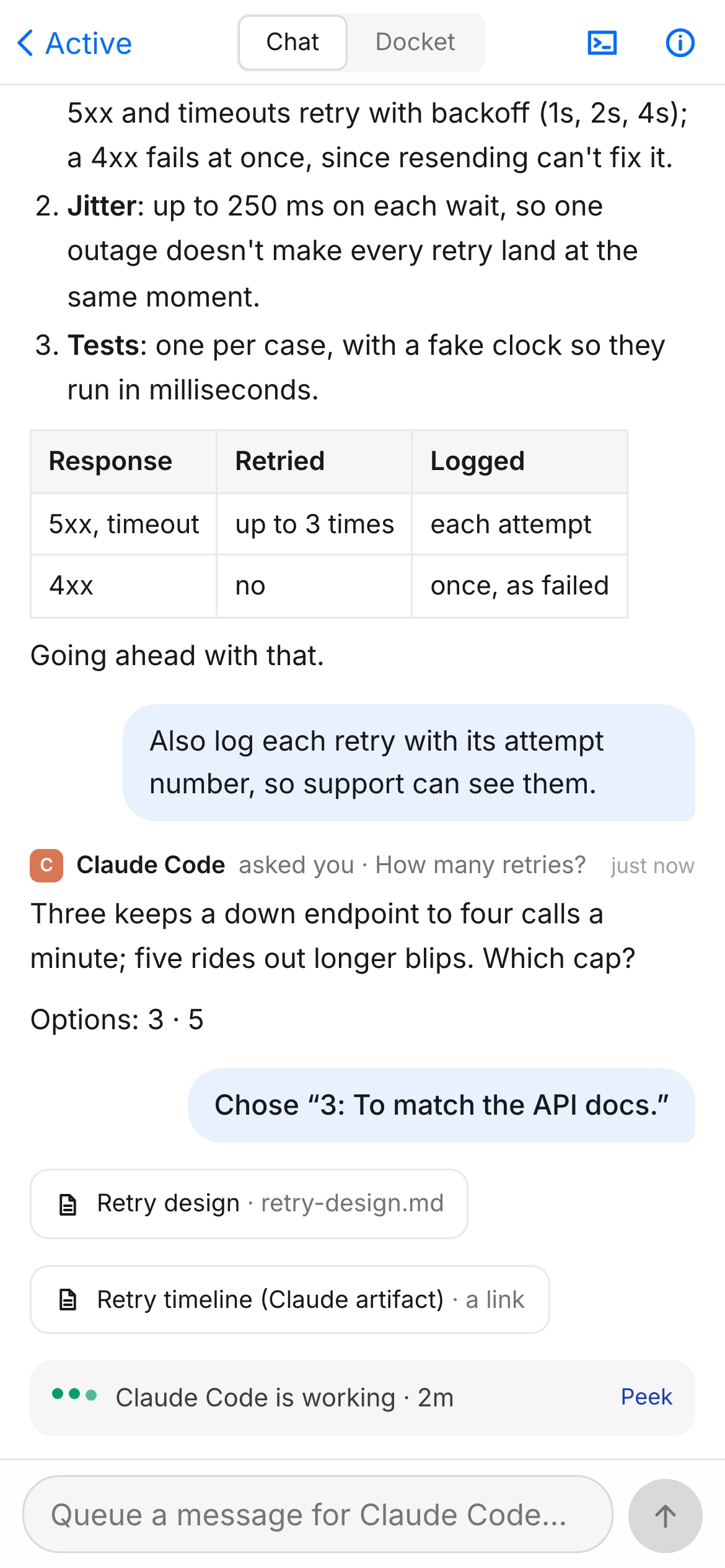
An agent’s docket opens to its conversation: what you asked, what it answered (rendered as it wrote it, tables and all), the questions it asked you and what you chose, the files it kept, and what it’s doing now. At the bottom is a box to send it the next thing.
Sending while it works
Section titled “Sending while it works”- Idle, what you send goes straight into its pane.
- Working, what you send is queued. Everything queued goes in together when its turn ends. Until then, each queued message shows under the conversation with Take back.
- Send now (⌘⇧↩) steers the running turn instead: the agent reads it at its next step, without waiting for the turn to end. Claude Code and Codex take it.
↩ sends (or queues), and ⇧↩ is a new line. On a phone, the buttons send.
When an agent replies to something you sent from Chat, the reply comes to your phone as a push, so you can put it down and walk away.
Several agents on one docket
Section titled “Several agents on one docket”When a docket has more than one agent, Chat says which one wrote each message, and a menu beside the box picks which agent you’re sending to, with its runtime. See Agents on a docket.
From the docket’s Activity
Section titled “From the docket’s Activity”Chat talks to one agent. The composer at the foot of a docket’s Activity talks
to the docket: @tests … or @all … instructs its agents, /ask puts a
question to them with its answers as buttons, /decide records a decision
they’ll all work from, and /task adds another agent. See
the composer.
From an agent
Section titled “From an agent”Agents reach you too. From its pane, an agent can wh send --to me with its
answers as --option buttons, its recommendation first, and say what it will
do meanwhile. That’s a message in your Inbox; your answer lands in its prompt as
[wheelhouse] Message #N, with Chose: when you pressed a button.