Apps
Web and phone
The same Wheelhouse in a browser, and on your phone over Tailscale, from the Home Screen with Web Push.
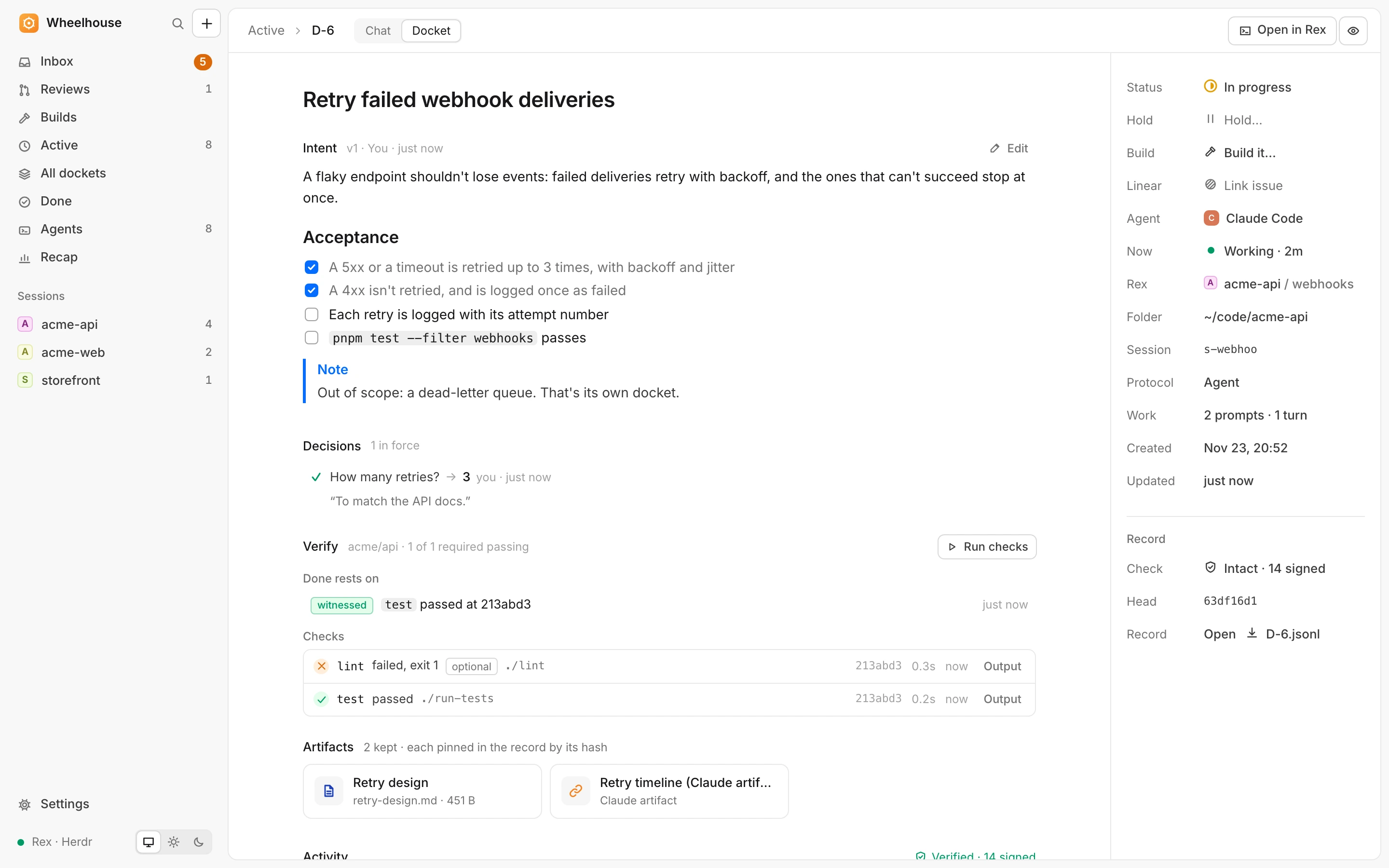
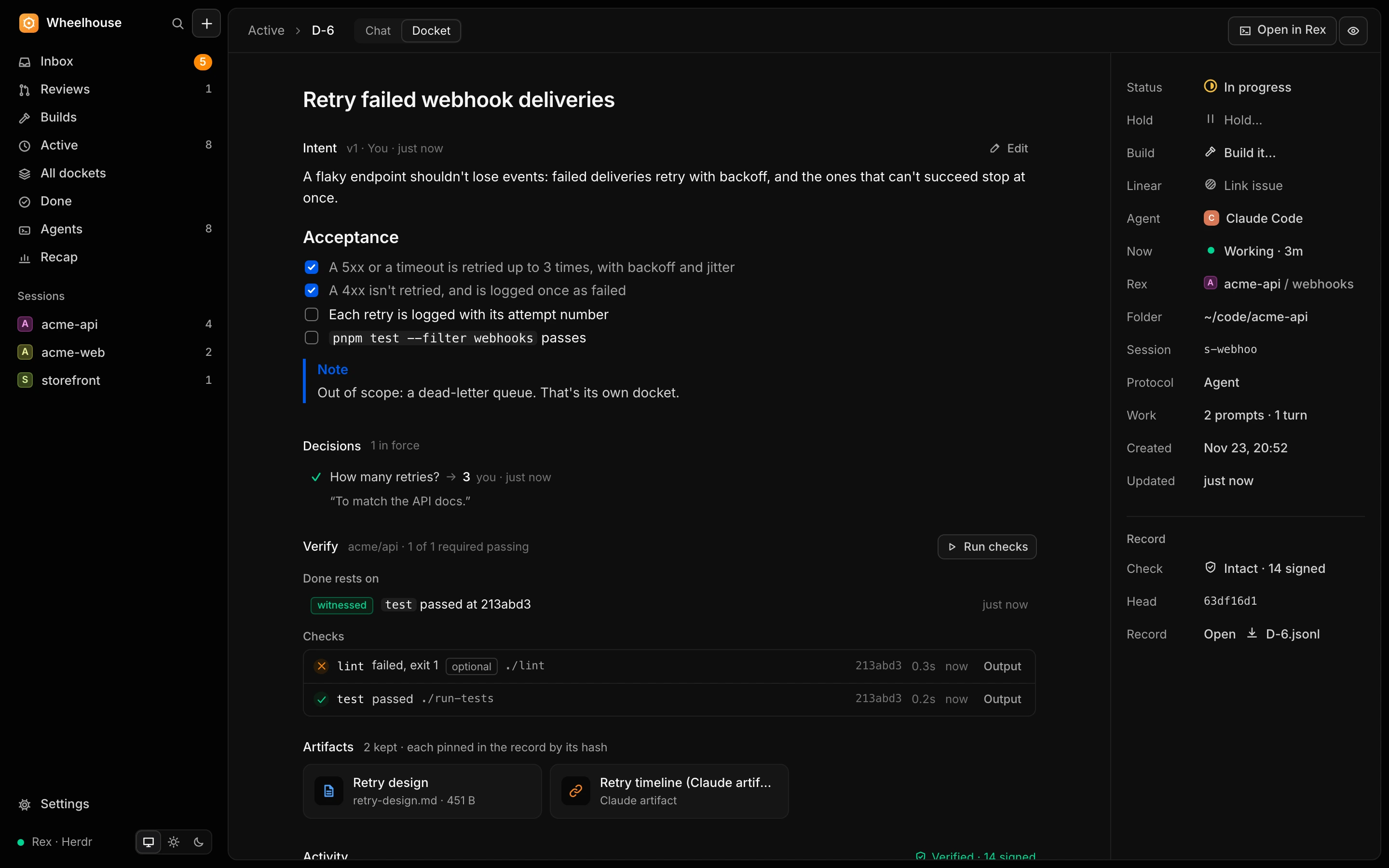
The hub serves the web app itself. It’s the same Wheelhouse as Wheelhouse.app: the same lists, dockets, Chat, Reviews, Builds, Recap and Settings, on the same record.
In a browser
Section titled “In a browser”Open http://127.0.0.1:7500 on the Mac the hub runs
on. wh open opens it there too, or opens Wheelhouse.app when you have it.
It listens on this Mac only (127.0.0.1), and answers only requests that name
one of its own hosts. WH_HTTP moves it, or off turns it off: see
Configuration.
On your phone
Section titled “On your phone”Your phone reaches the app over Tailscale, on your own tailnet, answering only your Tailscale user.
-
Install Tailscale on the Mac and the phone, sign in to both with the same account, and turn on HTTPS for your tailnet in Tailscale’s admin console.
-
On the Mac, publish the app:
Terminal window wh web --publishIt’s served through
tailscale serveathttps://<your-mac>.ts.net:7500.wh webprints the address, and the user it answers. -
Open that address in Safari on the phone, then Share → Add to Home Screen.
-
Open Wheelhouse from the Home Screen and allow its notifications. That’s Web Push: prompts, questions and finished turns reach your phone like any app’s.
Anyone else on your tailnet gets a 403. Every request must carry your Tailscale login.
Laid out for a phone
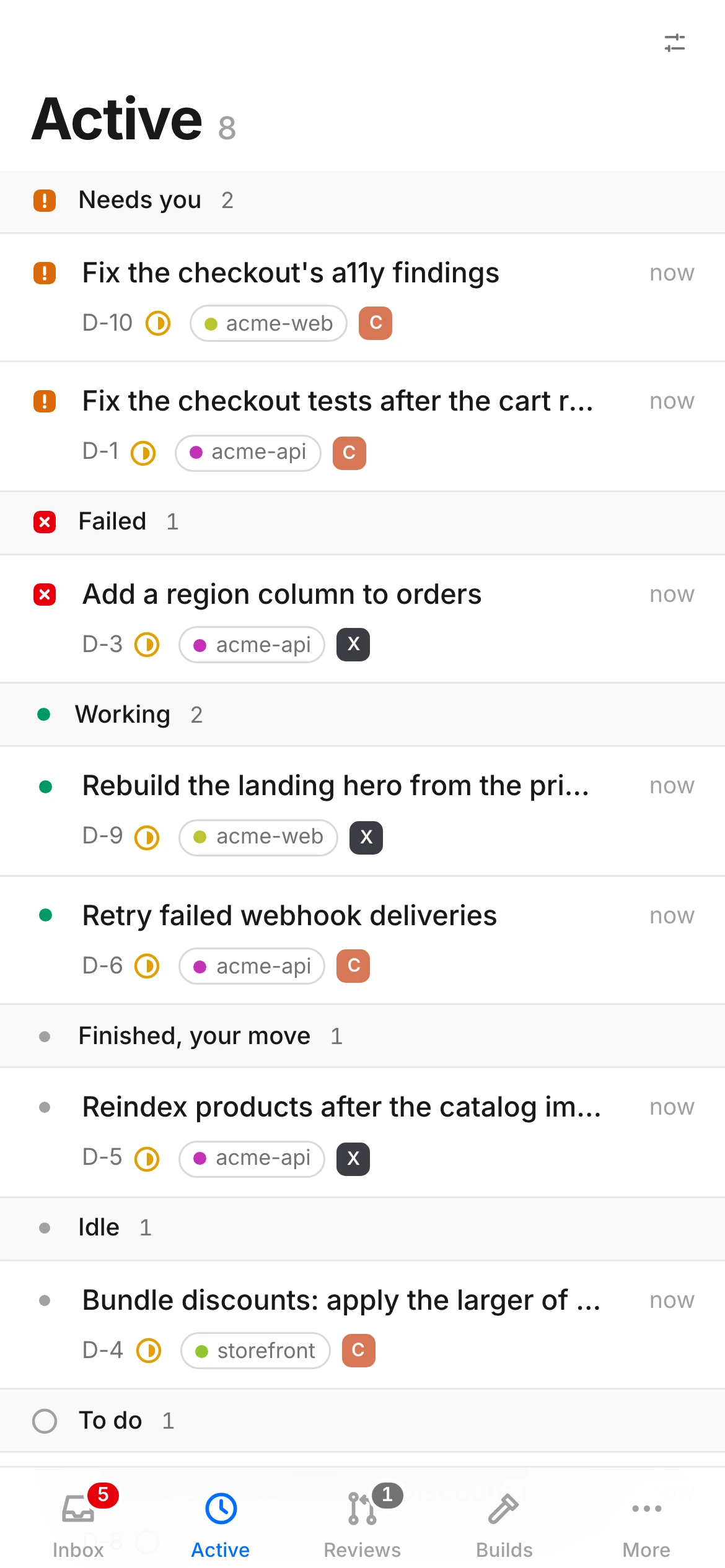
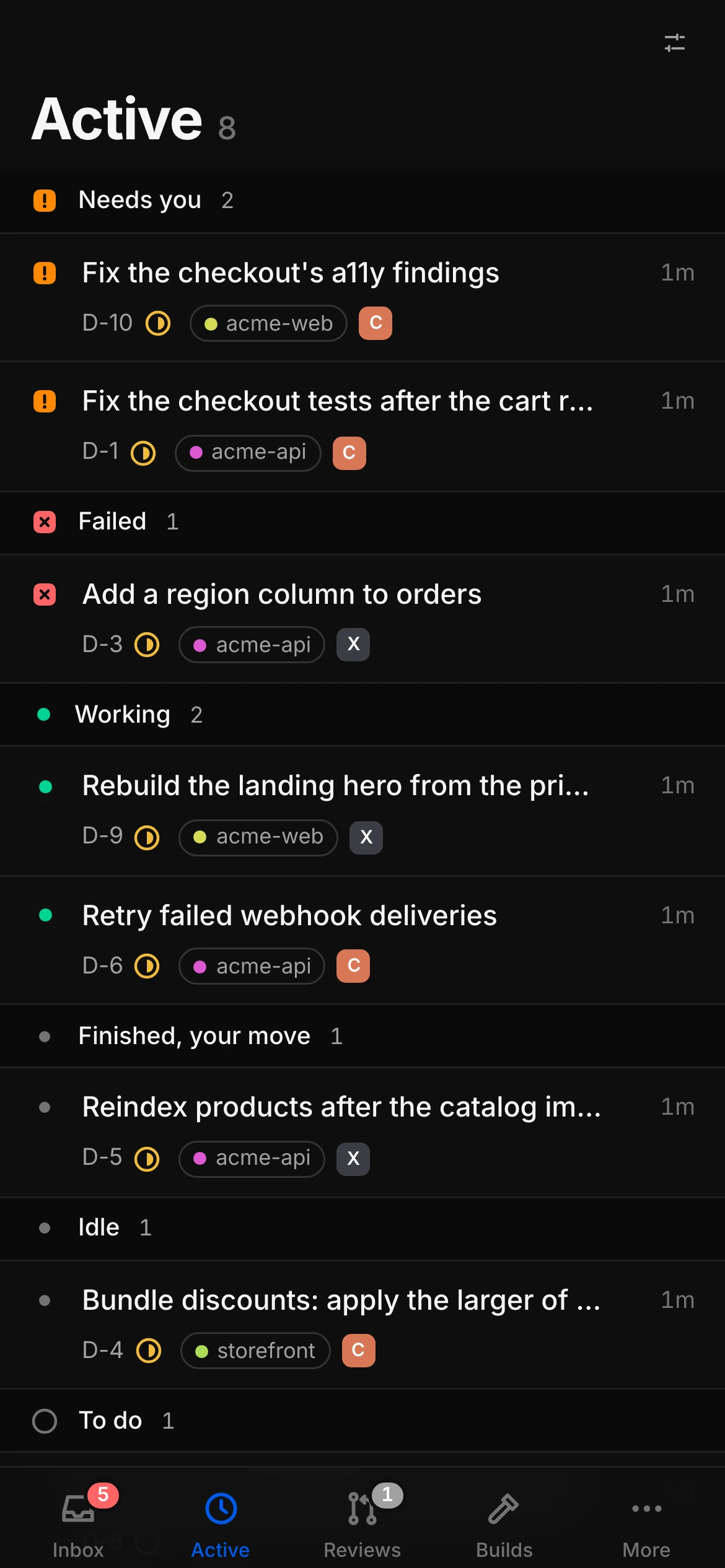
Section titled “Laid out for a phone”On a phone the app is laid out natively, not as a shrunken desktop:
- A tab bar with the Inbox, Active and the rest, and large titles.
- A docket slides onto its list. Swipe right to go back.
- Rows that swipe: Done, Drop and Status, or Approve, Deny and File in the Inbox. Long-press a row for its menu.
- Sheets from the bottom, and pull to refresh.
- Chat first. An agent’s docket opens to its conversation: what you asked, what it answered, what it’s doing now, and a box to send the next thing. What you send while it works is queued; its reply comes back as a push.
- Kept files open here, pinned by their entry’s hash, and so do previews
an agent shares with
wh share.
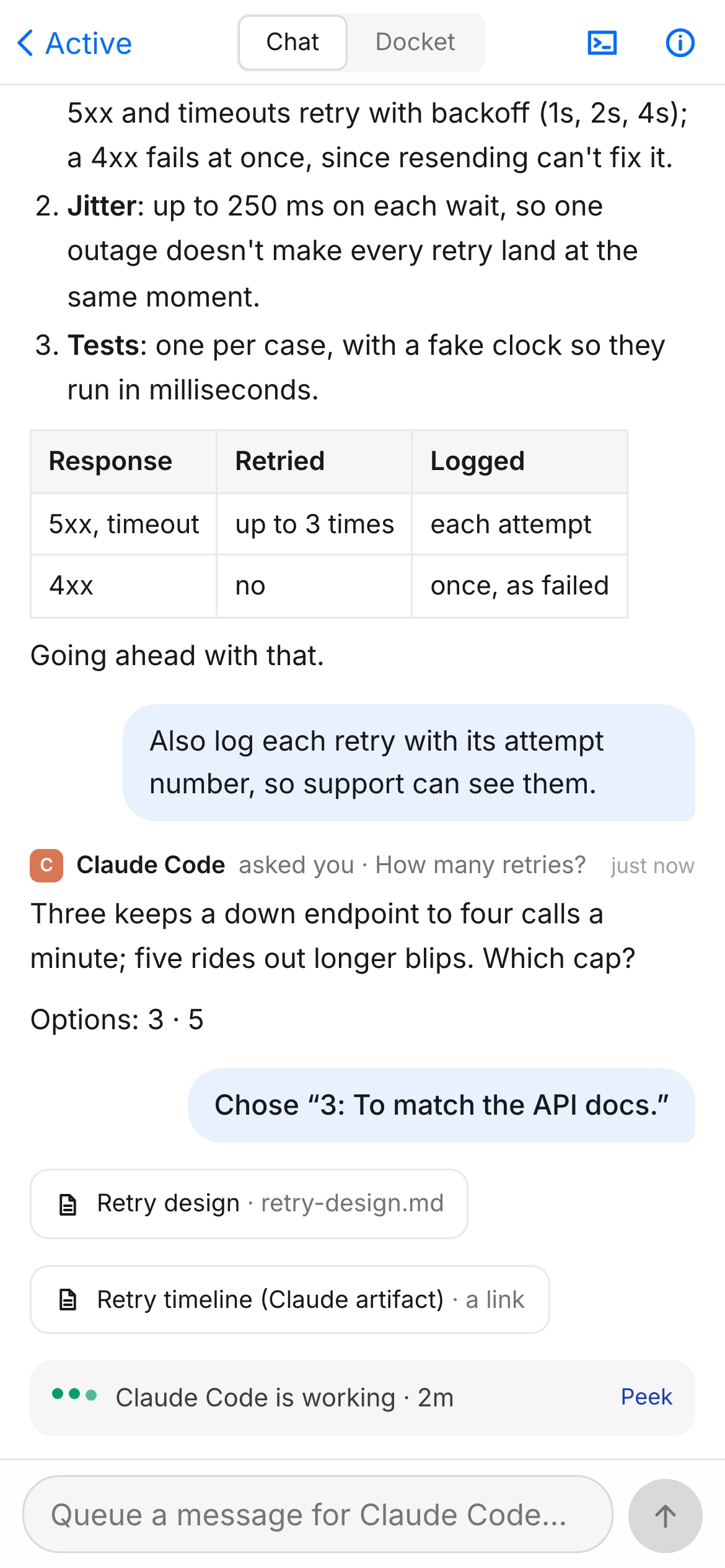
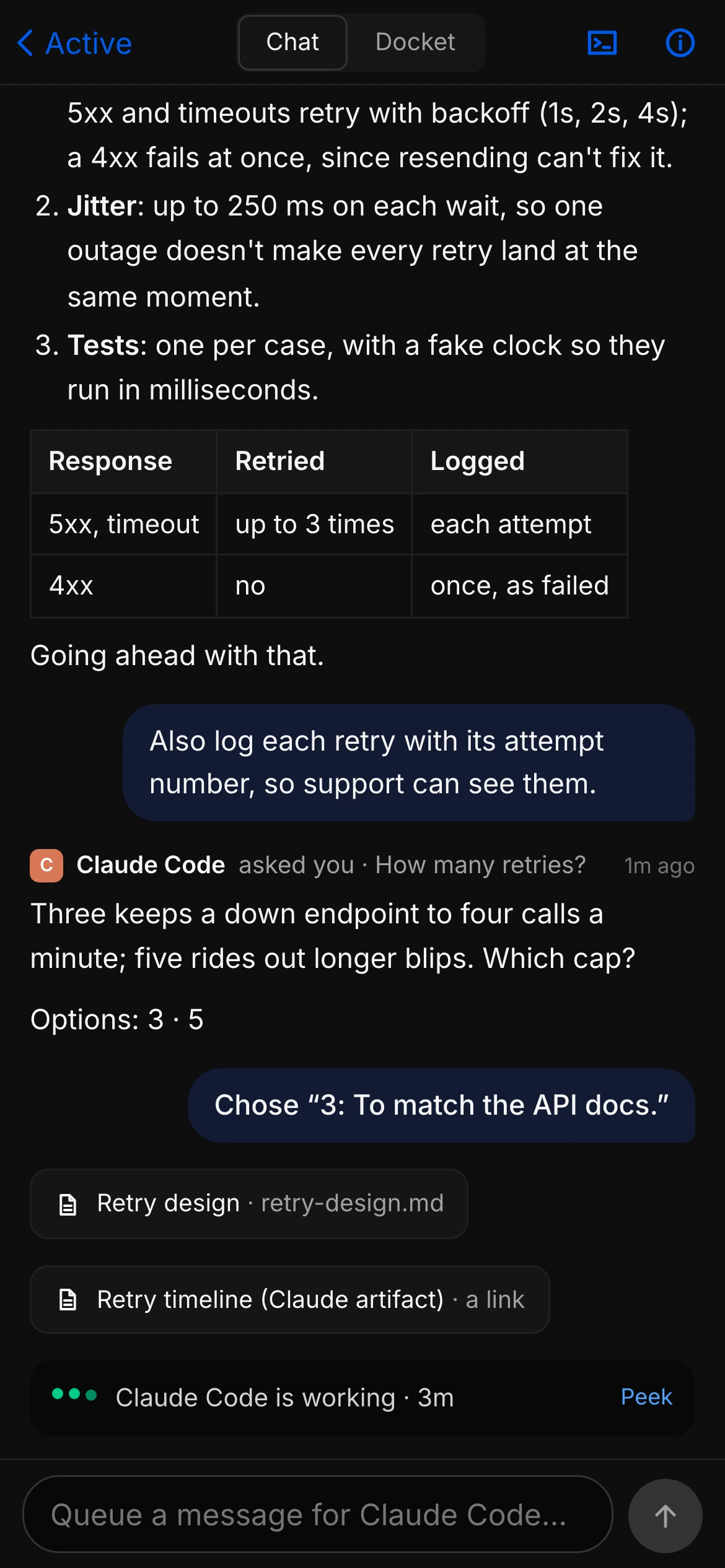
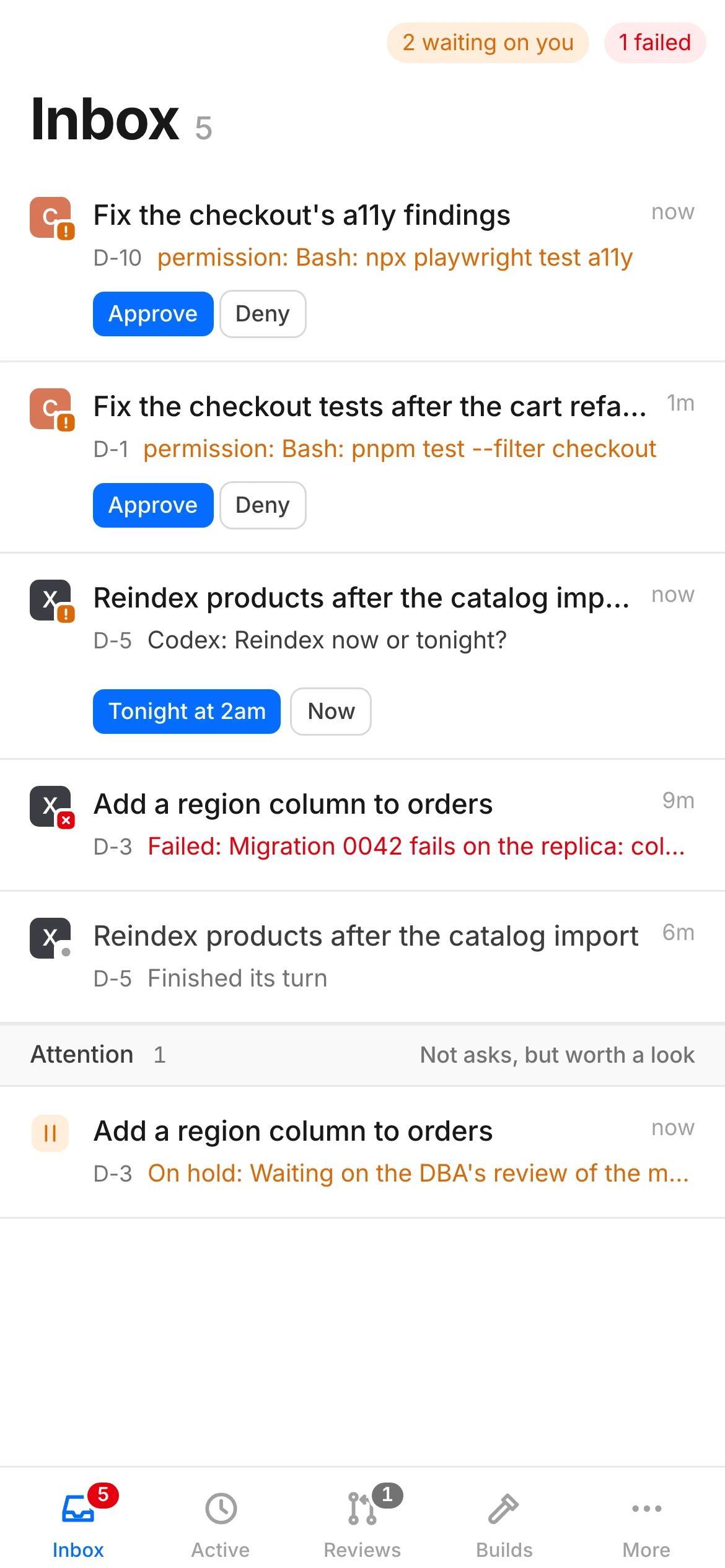
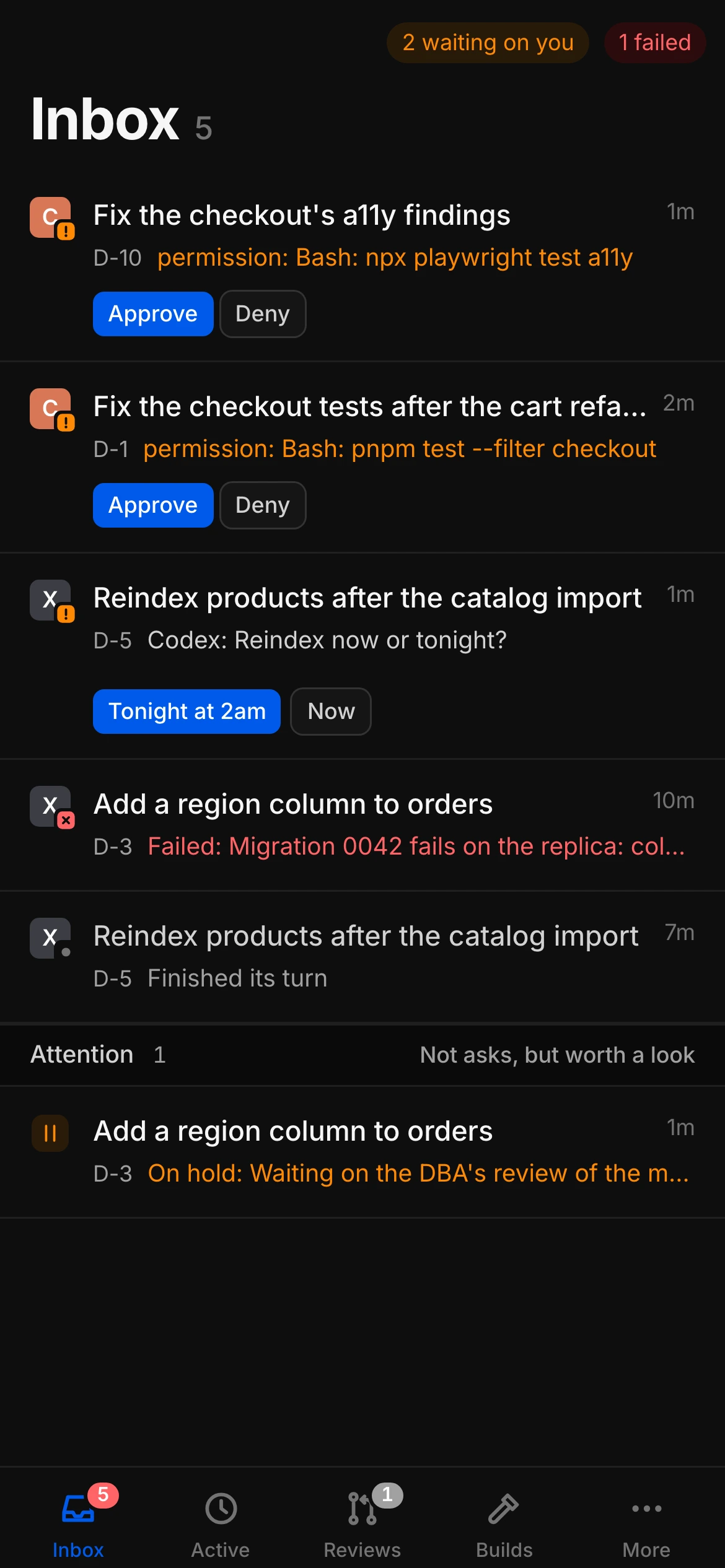
Light, dark, or the system’s
Section titled “Light, dark, or the system’s”The theme follows your system. To pin Light or Dark, use the switch at the bottom of the sidebar. Wheelhouse.app has the same choice in Settings → General.
The web app has the same keys as Wheelhouse.app: ⌘K or / to search, C for
a new docket, G then a letter to go. See
Keyboard shortcuts.