Start here
A day with it
What working with Wheelhouse looks like, from the first prompt on your phone to Friday's recap.
You run agents all day: some you start by hand, some Review and Build start for you. Wheelhouse keeps each on a docket and brings you only what needs you. Here’s a day.
Morning, on the phone
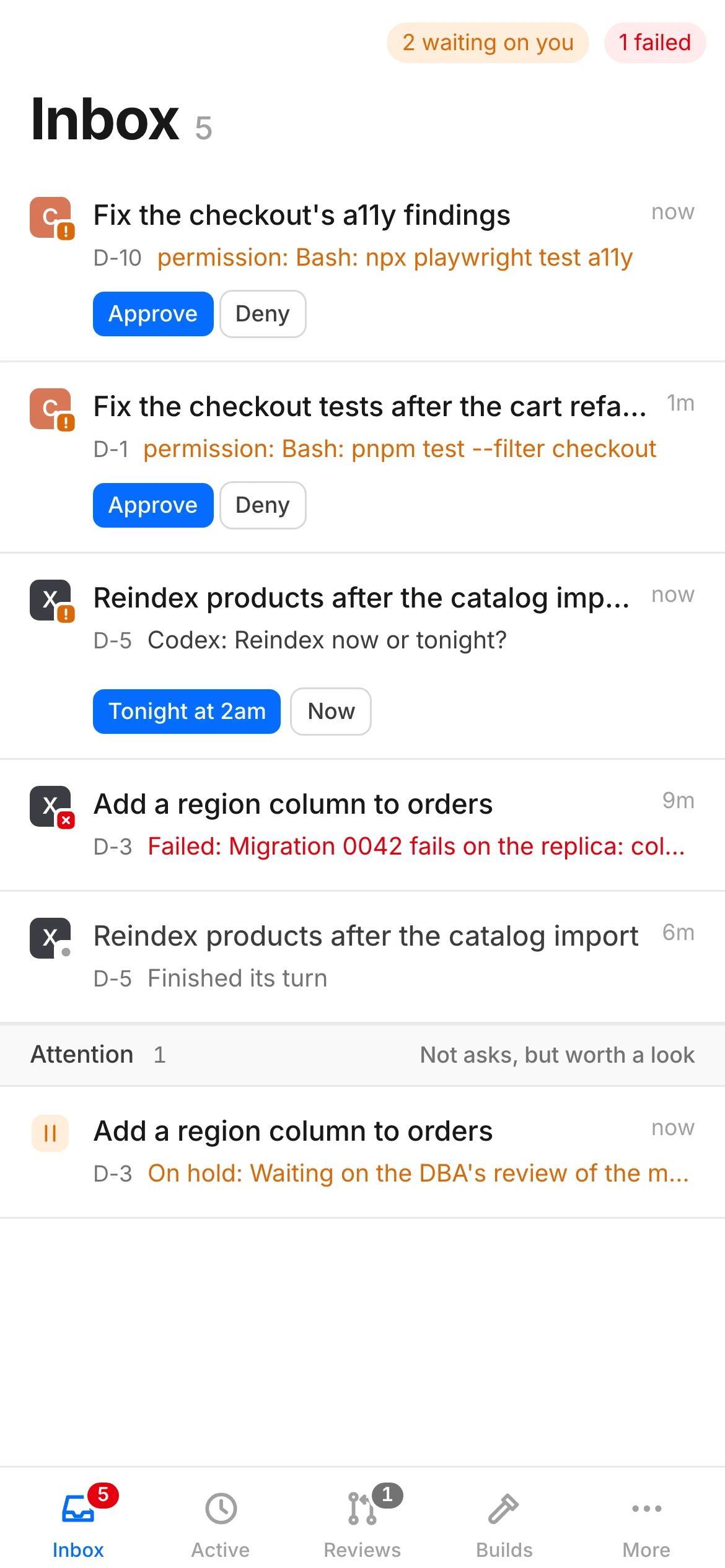
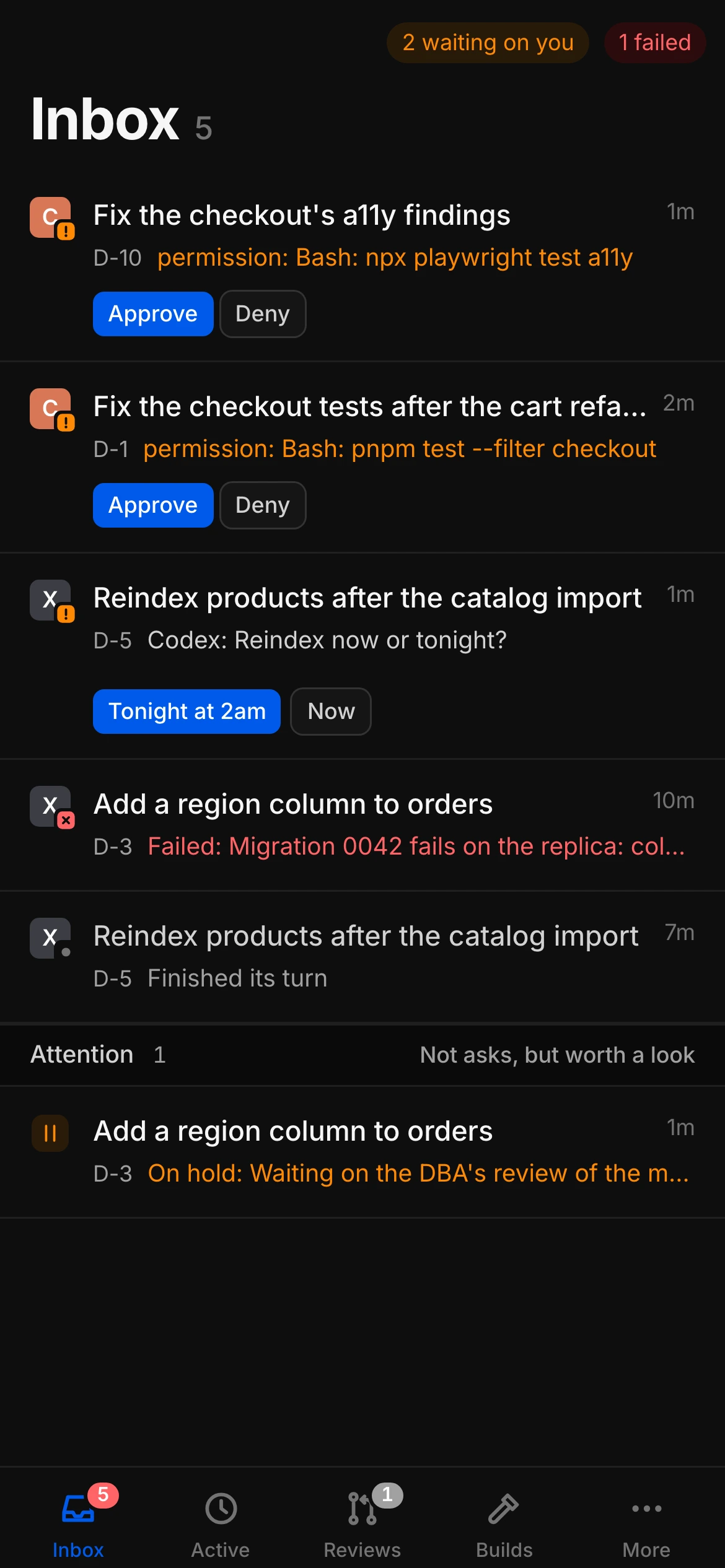
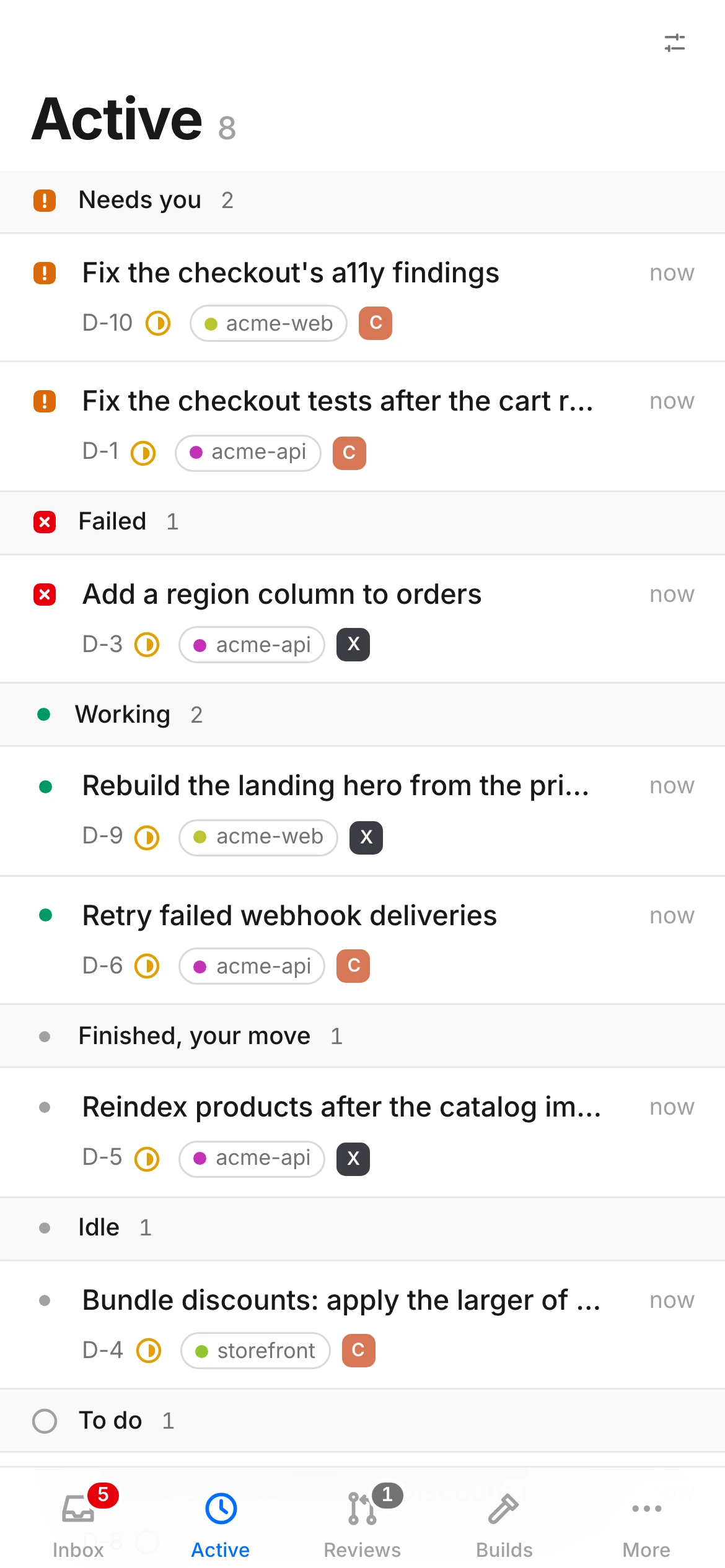
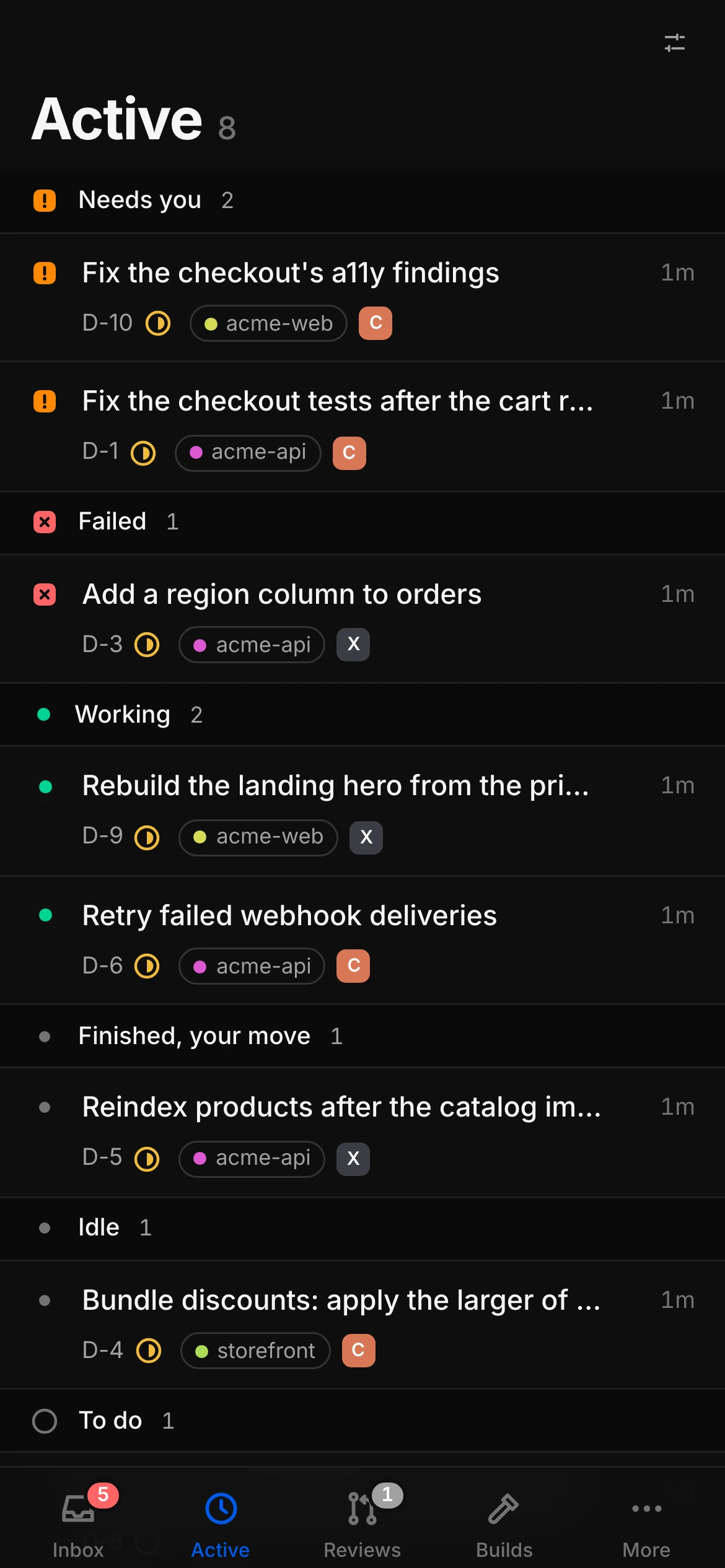
Section titled “Morning, on the phone”There are three asks in the Inbox. You approve ENG-142’s plan, answer an agent’s question with a tap on one of its options, and post the review of api#341. The agents carry on. Nothing reached GitHub that you didn’t approve.
A PR requests your review
Section titled “A PR requests your review”A docket opens for it. Three agents review it in a tab of their own, in Rex or Herdr, without seeing each other’s drafts. A checker merges what they found and rates the merge risk. You get a notification for the checked review, with Post Review and Preview. See Review.
You type claude in a pane
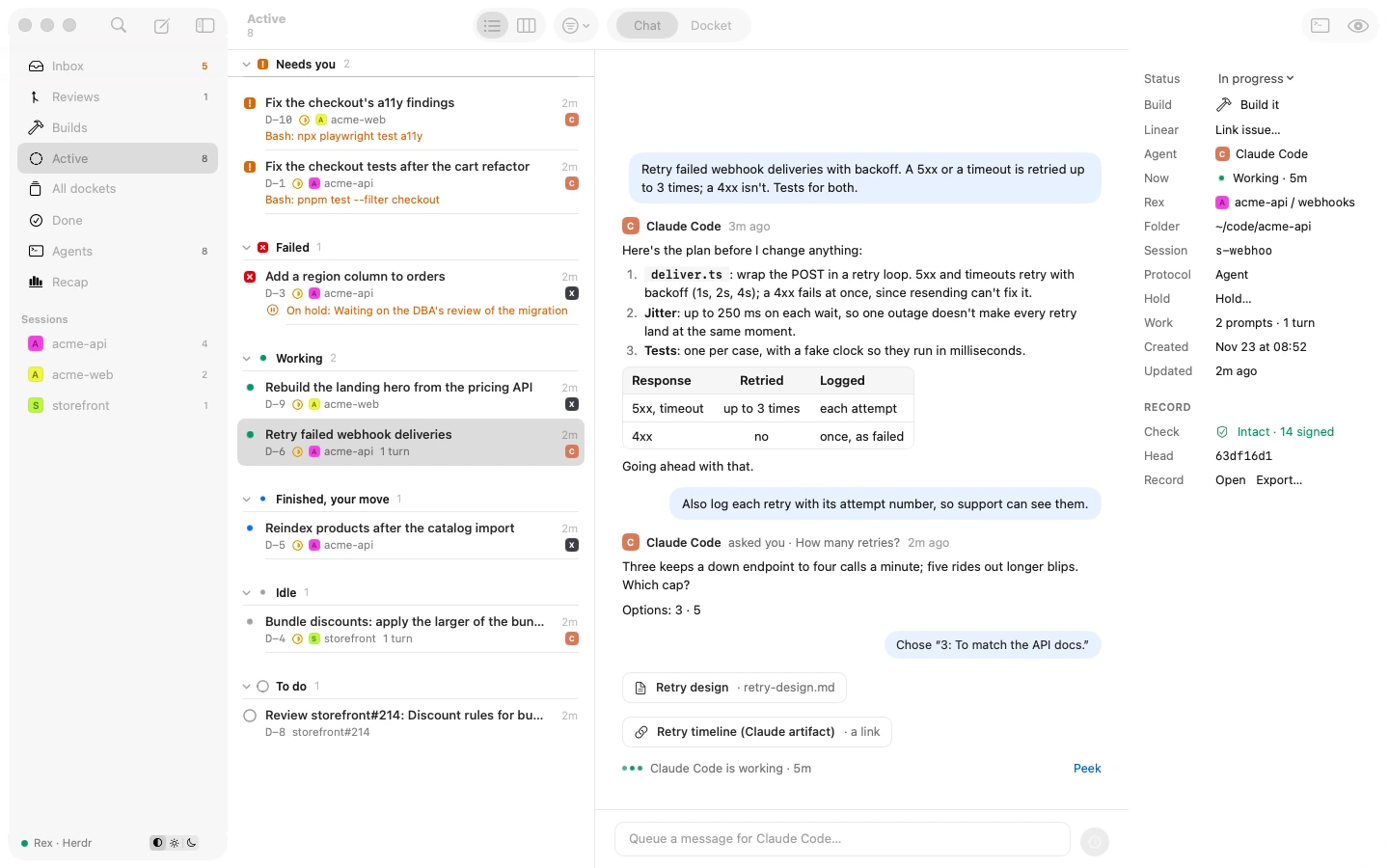
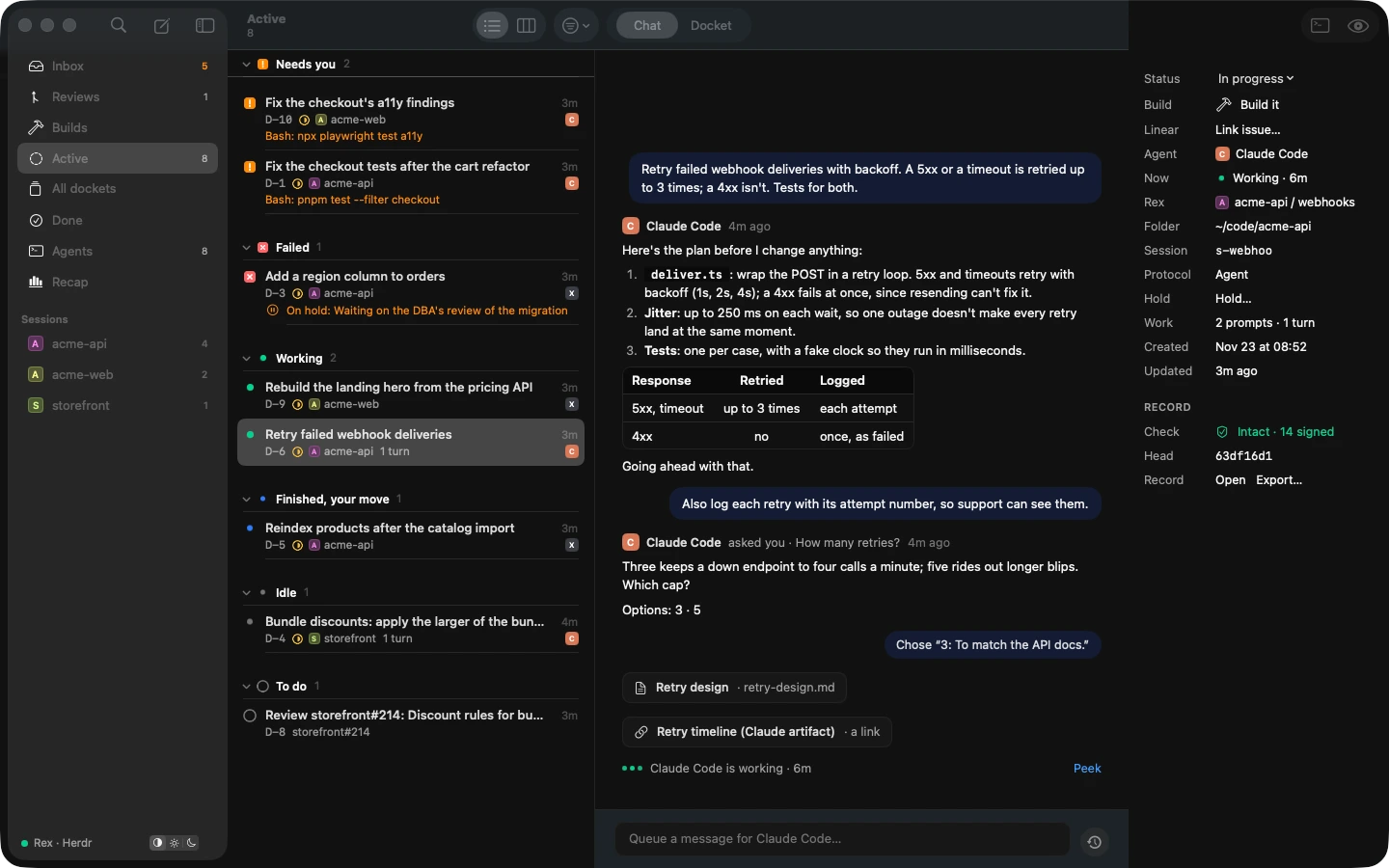
Section titled “You type claude in a pane”A docket appears, named by your prompt. You don’t open it, and you don’t need to. When the agent finishes, its last message is on the docket as its turn. You mark it done, or give it an intent and make it a Build.
An agent hits a prompt
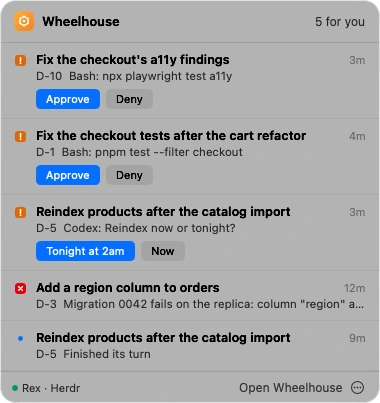
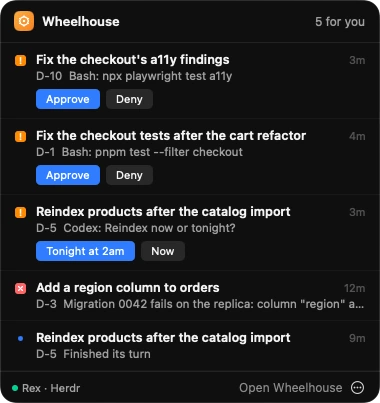
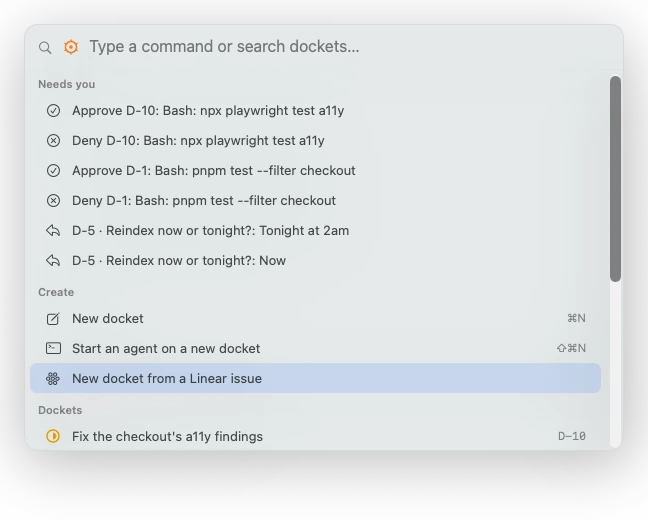
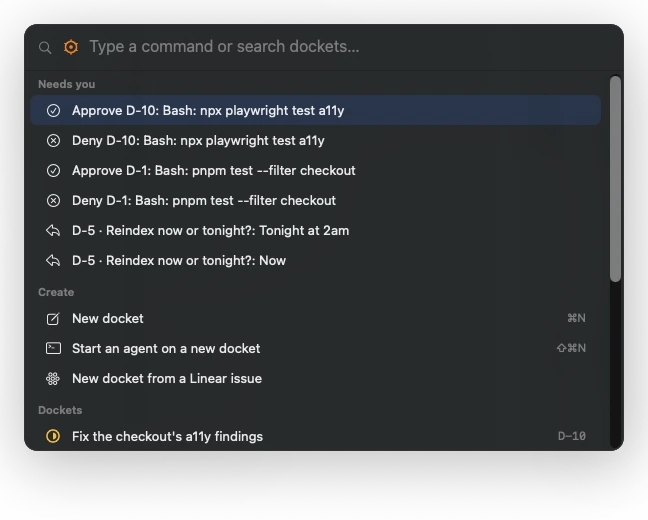
Section titled “An agent hits a prompt”It wants to run the migration tests. You’re in another app, so you approve it from the notification, or the menu bar, or ⌥⌘K. Before a key goes in, the hub reads the prompt again from the pane and checks it’s still the one you saw.
An agent needs a decision
Section titled “An agent needs a decision”It asks with wh send --to me: the question, its options as buttons with its
recommendation first, and what it’s doing meanwhile. It keeps working on the
recommendation. You answer when you get to it, and the answer goes into its
pane between turns.
You’re away from your desk
Section titled “You’re away from your desk”You open the agent’s docket on your phone and tell it to cover the 4xx case too. It’s mid-turn, so the message waits and goes in when the turn ends. Its reply comes back as a push.
Before you close a docket
Section titled “Before you close a docket”The docket’s intent has acceptance boxes. It closes on evidence: its repo’s checks, run by the hub at the commit, or its PR merged. An agent saying “tests pass” isn’t enough. See Verify.
Friday
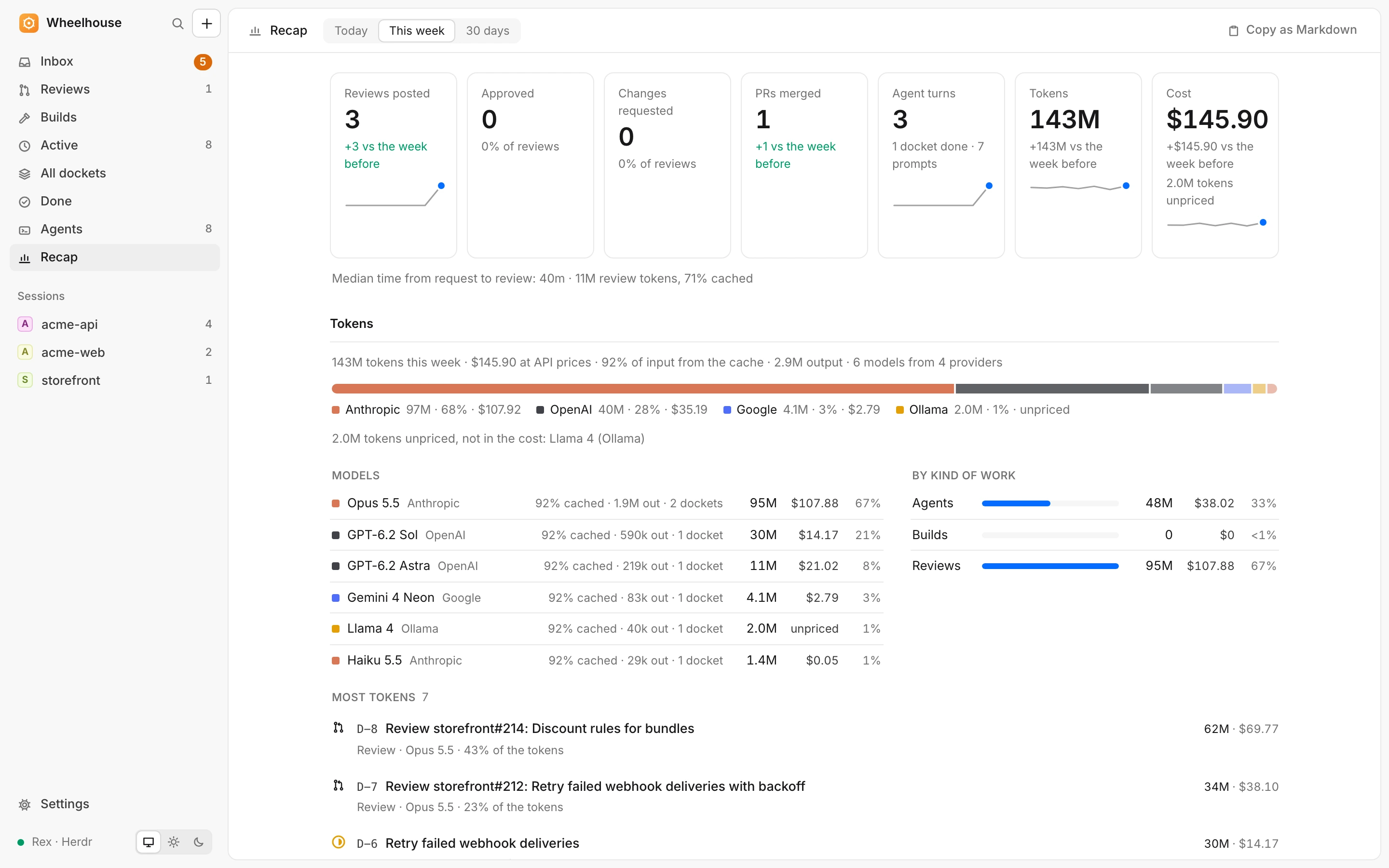
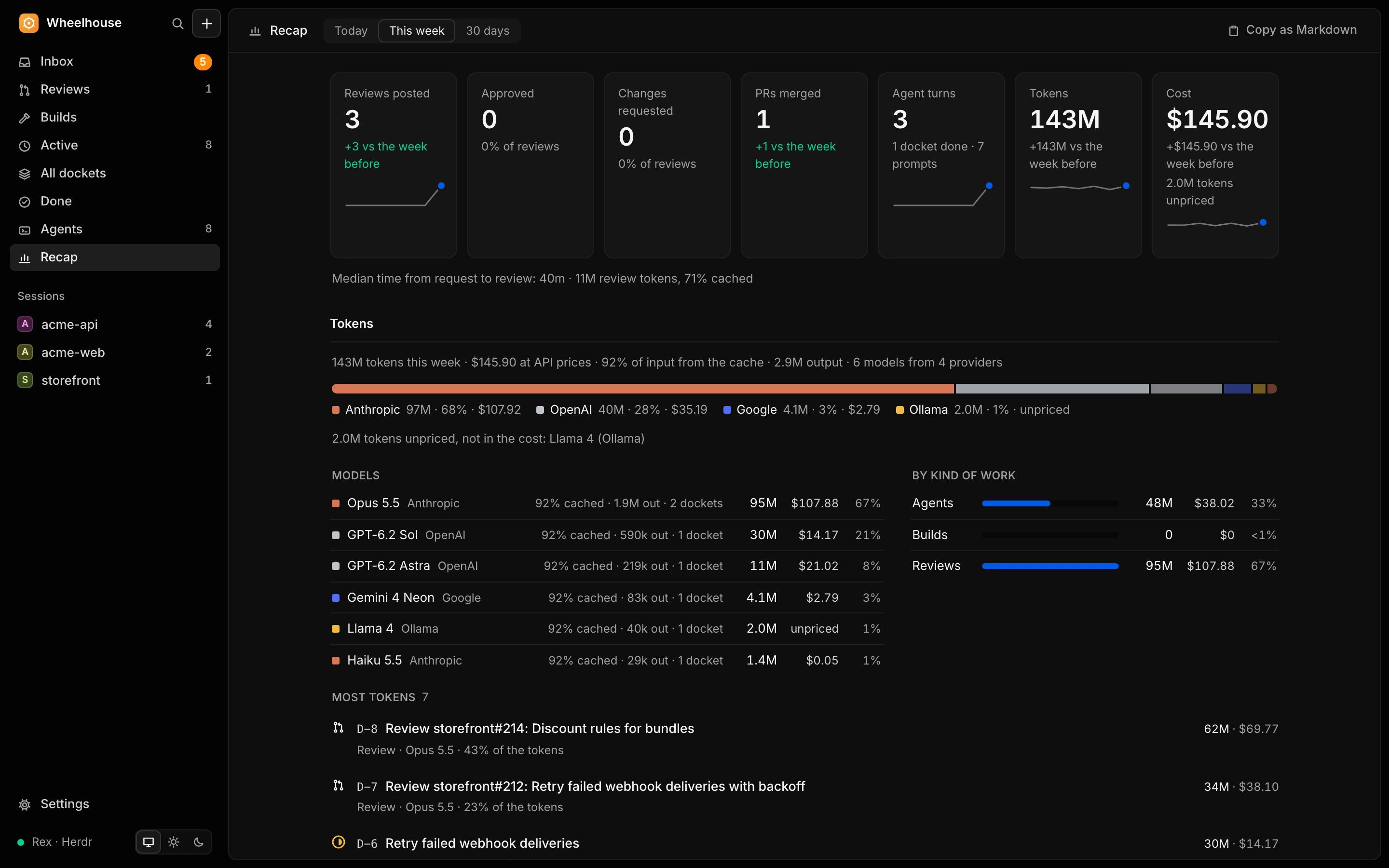
Section titled “Friday”You open Recap for the week: reviews posted and their verdicts, PRs your agents opened and merged, the decisions you made and what you chose, and the tokens it all took and what they cost, by provider and model. Copy as Markdown makes it a standup note.